
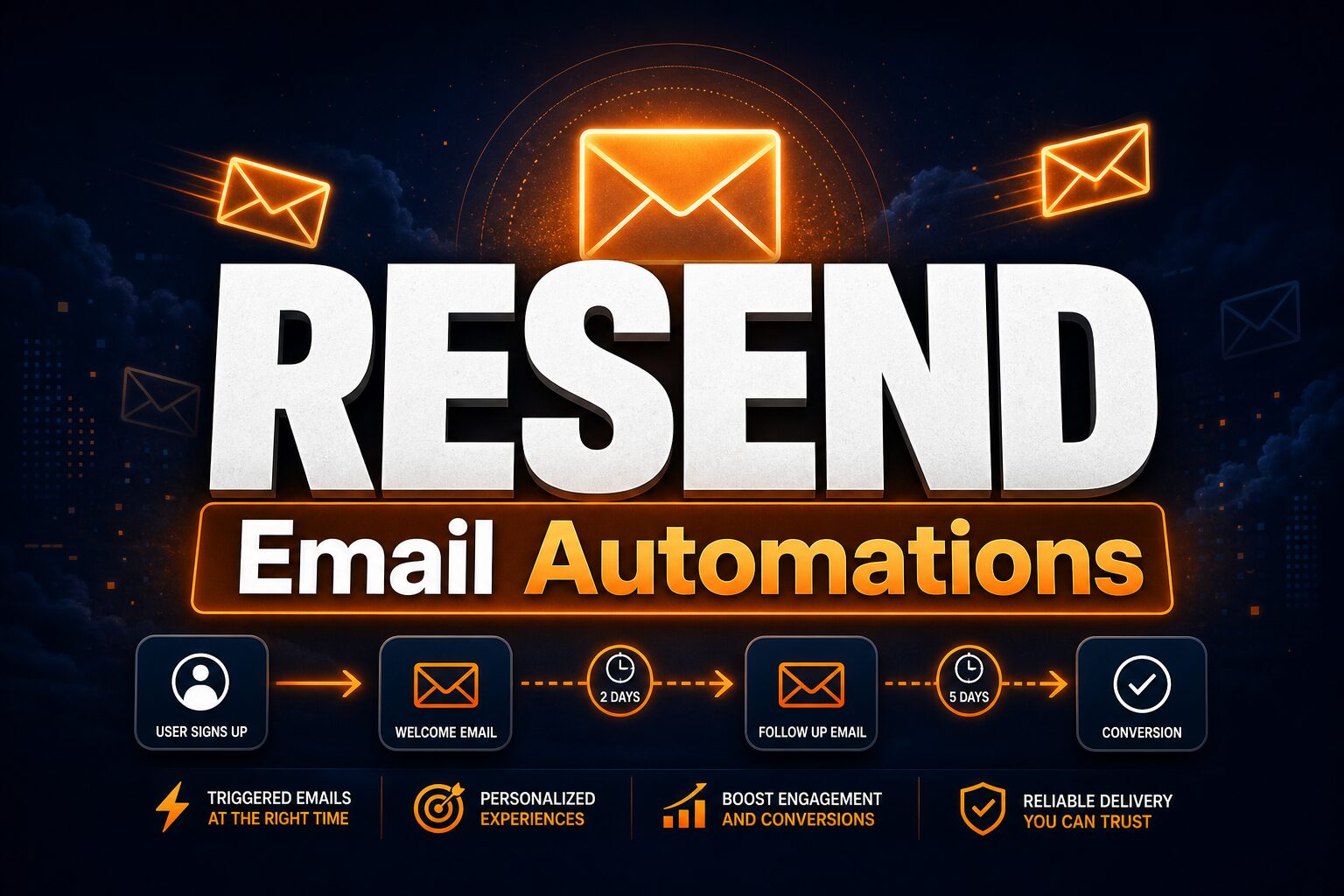

Resend Automations — Build event-driven email flows. #8 Product of the Day.
Email remains the backbone of customer communication, but building reliable email workflows from scratch is taxing. Resend Automations streamlines event-driven email sequences—triggered by user actions, webhooks, or schedules—with a developer-first experience. Small businesses and SaaS teams automating onboarding, billing updates, or re-engagement campaigns find Resend’s React Email templates and clean APIs a refreshing alternative to legacy email platforms.
Key Features
| Event-Driven | Webhook & Action Triggers |
| React Email | Component-Based Templates |
| Visual Builder | No-Code Flow Editor |
Resend Automations combines a visual workflow builder with code-first flexibility. Define automation flows—trigger on signup, payment, or custom events, then send templated emails. Templates use React Email, a component library that lets developers write email as React code instead of wrestling with HTML tables. The platform handles scheduling, retries, deliverability optimization, and analytics. Integrations with your product via webhooks or Resend’s API mean emails flow automatically as customers take actions.
How It Works
Set up a trigger (user signed up, order placed, subscription expired). Define the email(s) to send and delays between them. Write your email template in React Email or use Resend’s visual editor. Publish the workflow. When the trigger fires, Resend sends the email automatically. Track opens, clicks, and bounces in the analytics dashboard. Iterate: A/B test subjects, refine timing, add conditional branches (send different emails based on user behavior).
Who It’s For
SaaS teams automating onboarding and activation funnels benefit immediately—Resend handles the sequence infrastructure so your product team focuses on messaging. Indie developers and small e-commerce operators save engineering hours that would otherwise go to rolling custom email automation. Marketplace platforms sending transactional emails to sellers find Resend’s reliability and API simplicity invaluable. Product teams with in-house developers appreciate the React Email integration; marketing teams prefer the visual builder. Resend works for both.
Competitors and Alternatives
- Customer.io — Event-driven marketing automation for email, SMS, and in-app. More powerful, higher cost, requires setup expertise.
- SendGrid — Industry standard transactional email plus marketing features. Legacy tooling, broader but steeper to implement.
- Postmark — Transactional email focused on reliability. Minimal automation features; better as a pure email delivery service.
Pricing
Resend Automations is metered by email volume. Free tier covers 5,000 emails per month, which suits small products and testing. Paid plans scale: $100-$500/month depending on volume. No seat fees, no per-workflow charges—just emails sent. For teams sending 50K+ emails monthly, custom pricing is available.
The Verdict
Resend Automations is best for product teams and developers who want reliable event-driven email without the bloat of marketing automation platforms. The React Email integration is genuinely innovative—templates become code, versioning and testing work like any component library. Limitations: advanced segmentation and behavioral targeting require custom logic or scripting. For email-only operations (no SMS, push, or in-app), Resend is ideal. Teams needing omnichannel automation should consider Customer.io. For core product email, Resend Automations is powerful, developer-friendly, and cost-effective.
Can I use Resend Automations for marketing campaigns, not just transactional email?
Yes. Automations supports scheduled sends and audience targeting. It’s not a full marketing automation platform (no lead scoring, no attribution), but works for promotional campaigns and newsletters.
Does Resend offer SPF, DKIM, and DMARC setup?
Yes. Resend handles domain verification and authentication. You can use your own domain or Resend’s infrastructure. Deliverability is a priority, with reputation monitoring built-in.
Can I integrate Resend with my CRM or data warehouse?
Resend integrates via webhooks and API. You can trigger automations from any system via HTTP requests. Built-in integrations with Zapier and other platforms also exist.
Check out Resend Automations on Product Hunt or visit the official Resend Automations website to learn more.