
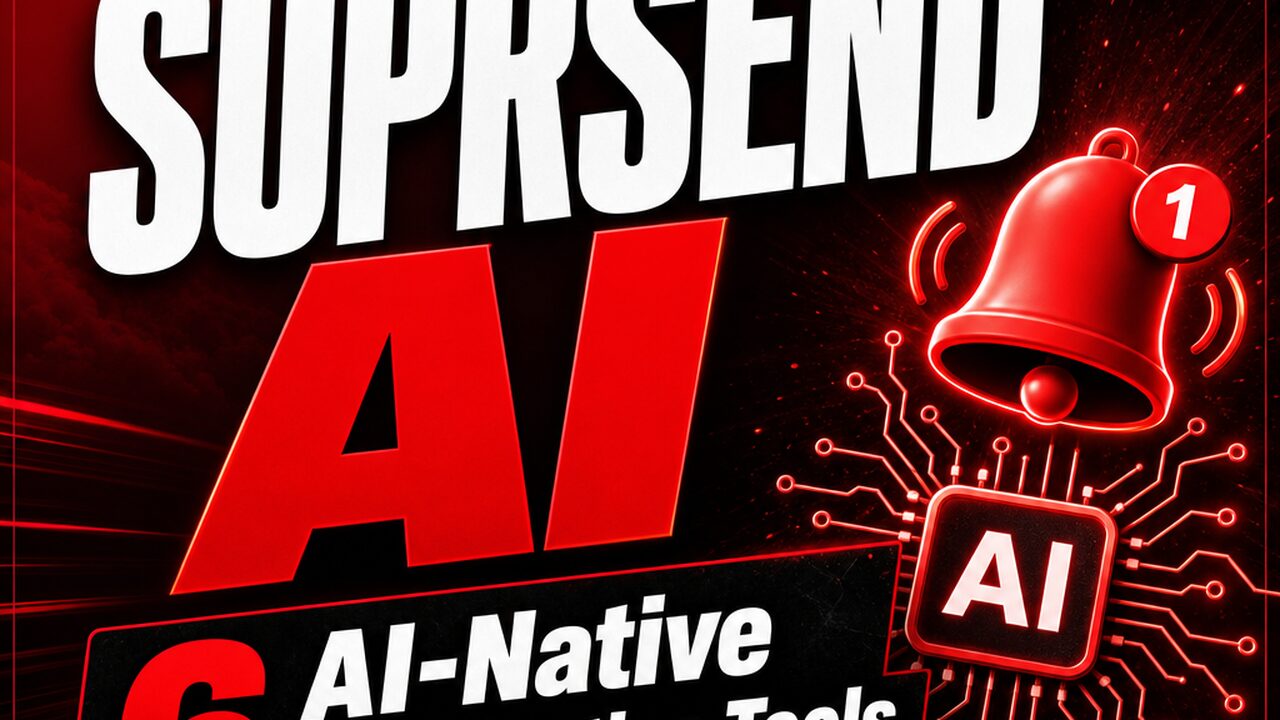


SuprSend AI — AI-first platform for multi-channel notifications
116 upvotes · #10 Product of the Day — View on Product Hunt
SuprSend AI is an AI-first multi-channel notification infrastructure platform used by over 500 companies. This SuprSend AI notification platform ships six AI-native interfaces designed to integrate seamlessly into developer workflows—from IDE plugins to Slack agents to Claude extensions. For SaaS founders and small engineering teams seeking to modernize their notification infrastructure without extensive custom tooling, SuprSend AI represents a meaningful shift toward AI-augmented operations built directly into the tools developers already use daily.
Topics: SaaS, Developer Tools, Artificial Intelligence
SuprSend AI: The 6 AI-Native Interfaces
SuprSend AI’s differentiation lies in its breadth of AI-native touchpoints. Rather than forcing teams into a single web dashboard, the platform meets developers where they work:
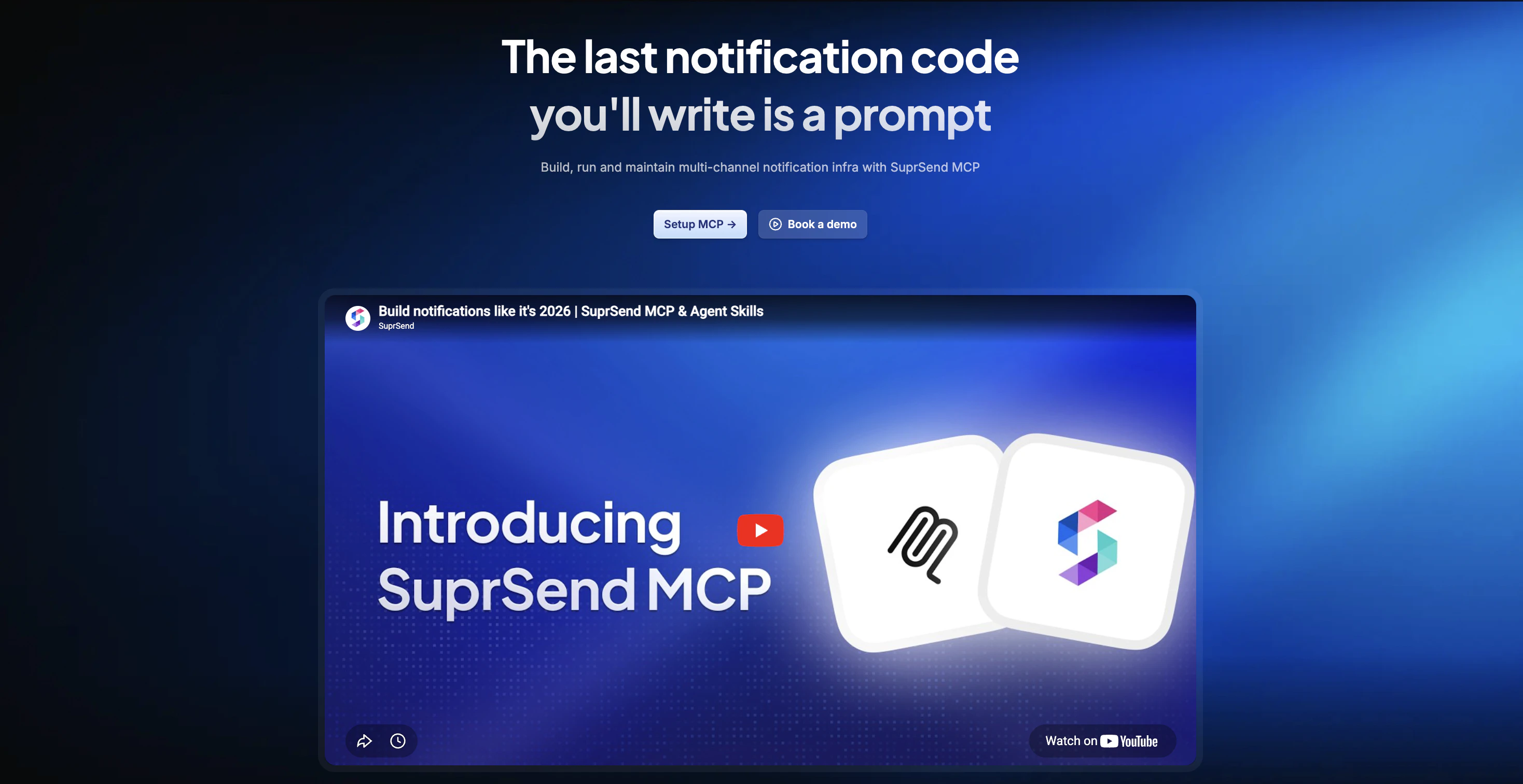
- MCP Server with 24 Tools in IDE: Claude’s Model Context Protocol integration brings 24 AI-aware tools directly into code editors like Cursor and Windsurf. Developers configure notifications, preview templates, and inspect logs without leaving their IDE.
- CLI for Notification Config as Code in Git: Store notification workflows as code in version control. Teams review changes via pull requests and maintain notification logic alongside application code.
- Agent Skills for Schema Awareness: AI agents learn your notification schemas, enabling context-aware suggestions that adapt to your business logic.
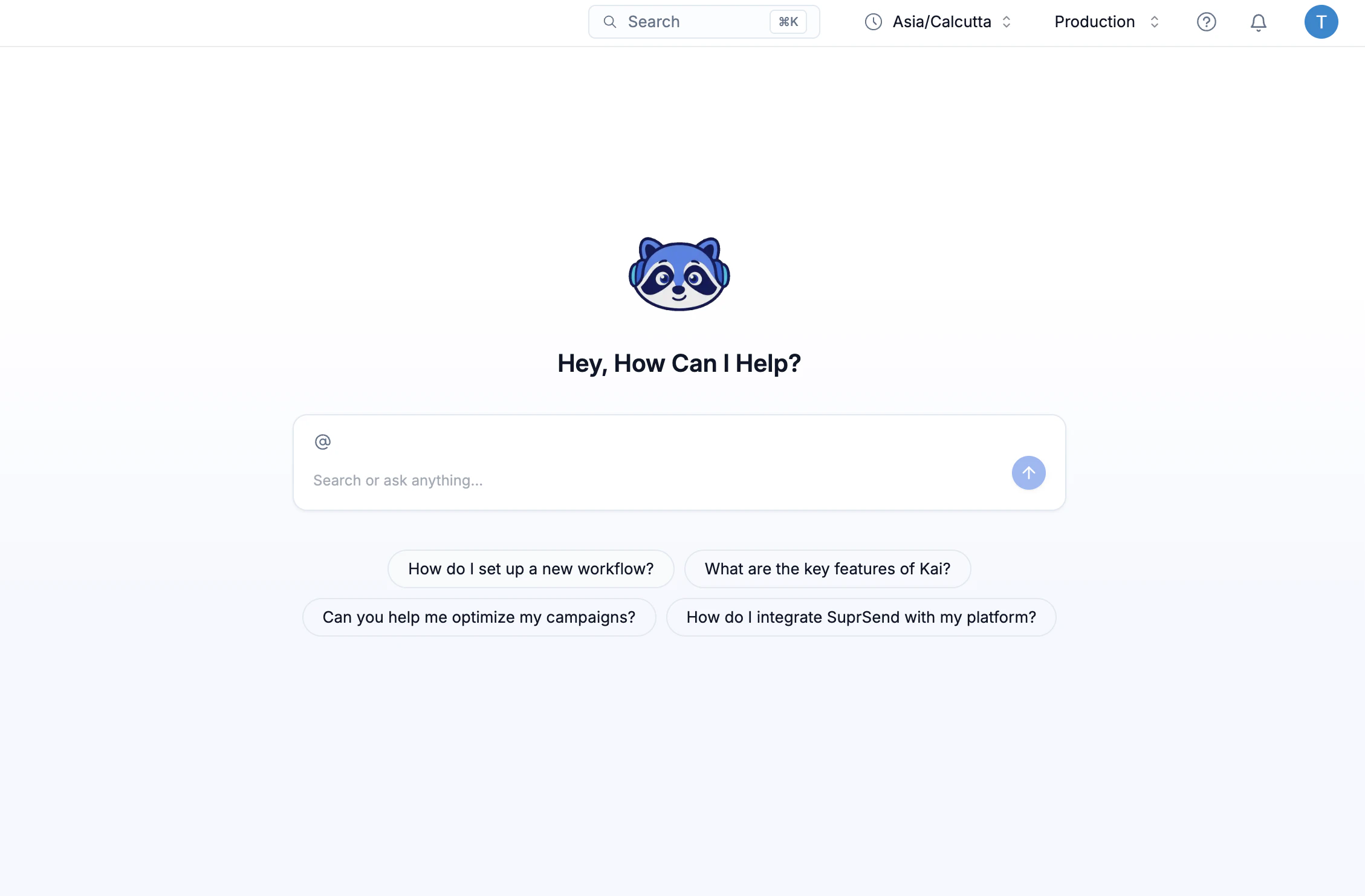
- AI Copilot Inside Dashboard: For teams using the web dashboard, an embedded AI assistant contextualizes settings, suggests optimizations, and answers questions about notification state.
- Slack Agent for Triggering and Debugging: Trigger notifications and inspect delivery logs directly from Slack, enabling engineers to debug failed messages without context-switching.
- Claude Extension: Native integration with Claude.com and Claude Desktop, enabling AI-assisted notification design and troubleshooting within Claude’s interface.
Use Cases for SaaS Teams
For SaaS businesses, notification infrastructure is often a source of operational friction. Common pain points that SuprSend AI addresses directly:
Template versioning: Traditional notification platforms offer limited version control. SuprSend’s config-as-code approach enables Git-based workflows — pull requests, code review, and rollback for notification templates.
Cross-functional collaboration: Product, marketing, and engineering teams iterate on notification copy and timing. SuprSend’s Slack integration brings these conversations into channels where decisions are already made.
Debugging and observability: When a notification fails, diagnosing the issue typically requires digging into separate logs. IDE and Slack integration let engineers inspect delivery status from their primary tools.
For companies investing in marketing automation software, reliable notification infrastructure underpins every triggered campaign and transactional message. SuprSend AI makes that layer observable and version-controlled.
Pricing
the platform offers a free tier, removing barriers for bootstrapped startups and small teams. Paid tiers scale by message volume with no feature lockout for core capabilities including multi-channel routing, templates, and logs.
Comparison to Alternatives
| Feature | SuprSend AI | Courier | Novu | Knock |
|---|---|---|---|---|
| AI-Native Interfaces | 6 (MCP, CLI, Skills, Copilot, Slack, Claude) | Dashboard-driven | 1 (dashboard); open source | Dashboard-focused |
| IDE Integration | Yes (MCP Server, 24 tools) | No | No | No |
| Config as Code (Git) | Yes (CLI) | API-driven | Via open-source customization | API-driven |
| Slack Agent | Yes | No | No | No |
| Free Tier | Yes | Limited | Yes (self-hosted) | 14-day trial |
| Claude Integration | Yes (Extension + MCP) | No | No | No |
Courier is mature and enterprise-focused with strong delivery guarantees, but primarily dashboard-driven — less aligned with modern AI-native development practices. Novu is the open-source alternative, ideal for full infrastructure control but requiring DevOps investment. Knock offers a polished dashboard experience for non-technical stakeholders but lacks native IDE or AI integration.
Limitations and Considerations
the service is decidedly developer-first. Non-technical team members may struggle with CLI-based configuration and Git workflows. Setup complexity is higher than dashboard-only competitors; teams must be comfortable with schema definition, tool composition, and agent configuration concepts.
For CRM tools and customer communication systems with complex compliance requirements (HIPAA, SOC 2), implementation may require additional planning around data residency and encryption.
The MCP Server and Claude extensions introduce a learning curve around AI-native paradigms that many developers will encounter for the first time, requiring investment in tooling familiarity before productivity gains materialize.
Pros and Cons
Pros:
- 6 AI-native interfaces reduce context-switching and accelerate notification workflows
- Config-as-code enables version control, collaboration, and auditability
- Free tier removes friction for startups and small teams
- Slack and IDE integration embed notifications into existing developer workflows
- Multi-channel support with unified delivery infrastructure
- Used by 500+ companies — not an unproven experiment
Cons:
- Developer-first design excludes non-technical stakeholders from direct engagement
- Setup requires engineering expertise and familiarity with AI-native tools
- Smaller ecosystem compared to established competitors like Courier
- MCP and Claude integrations are still maturing across the broader developer tooling ecosystem
Verdict
the tool is a purpose-built notification platform for engineering-focused teams that view developer experience as a strategic advantage. For SaaS companies looking to modernize notification infrastructure while maintaining tight integration with development workflows, this platform delivers genuine value.
Teams at early stage—or those actively seeking to reduce operational friction in notification management—should evaluate it seriously. The free tier makes this low-risk. For larger enterprises with non-technical stakeholders managing notifications, or organizations requiring extensive compliance tooling out of the box, traditional platforms like Courier may remain more practical for now.
To learn more about modern tools powering SaaS operations, visit Automated Sales Machine for a broader view of sales and marketing automation that complements notification infrastructure.
Check out the tool on Product Hunt or visit the official the service website to learn more.