
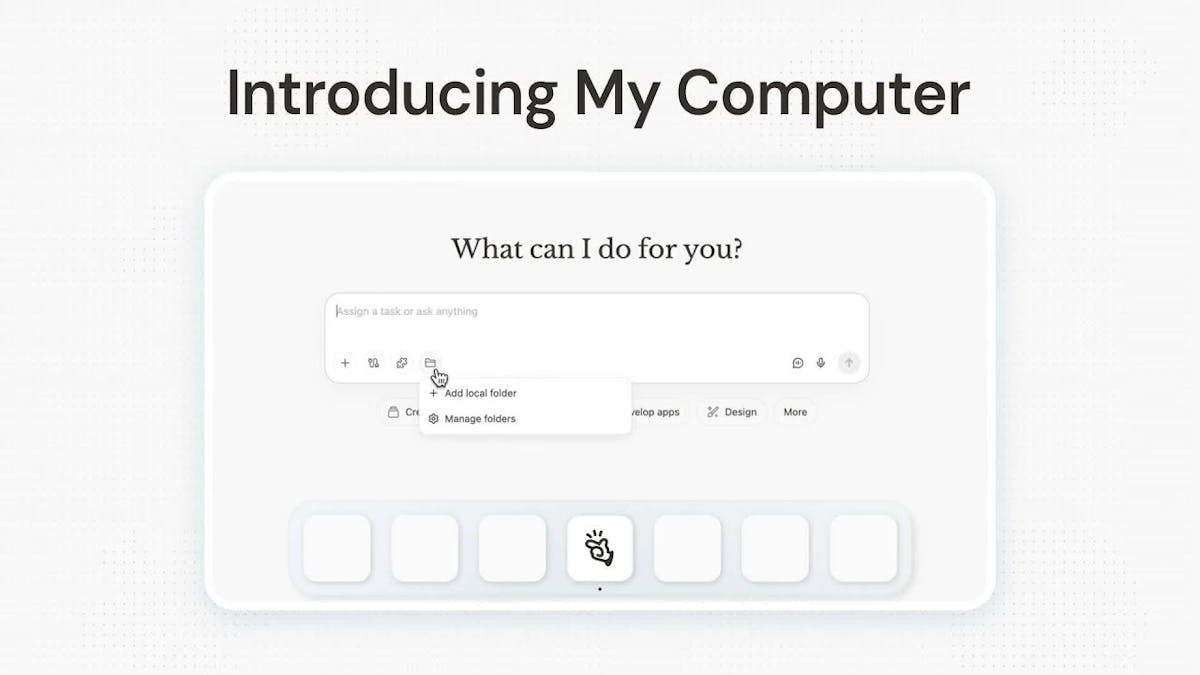

TL;DR: My Computer by Manus AI is a desktop AI agent that automates local files, apps, and workflows directly on macOS and Windows. Built by Manus — now part of Meta following a ~$2 billion acquisition — it executes terminal commands with your explicit approval and connects to cloud services like Gmail, Drive, Notion, and Slack. Available free via the Manus Desktop app, it earned 515 upvotes on its March 17, 2026 Product Hunt debut and a 7.6/10 from independent reviewers.
| ⚡ Quick Verdict: My Computer by Manus AI | |
| What it is: | A local desktop AI agent that automates files, apps, and workflows on macOS and Windows |
| Best for: | Developers and technical users with complex local file management or build automation needs |
| Skip if: | You need a business platform handling CRM, leads, appointment booking, and marketing in one place |
| Our rating: | ★★★★☆ (4/5) |
| Bottom line: | Impressive local automation capability built for technical users — most service-based SMBs need a different kind of automation. |
What Is My Computer by Manus AI?
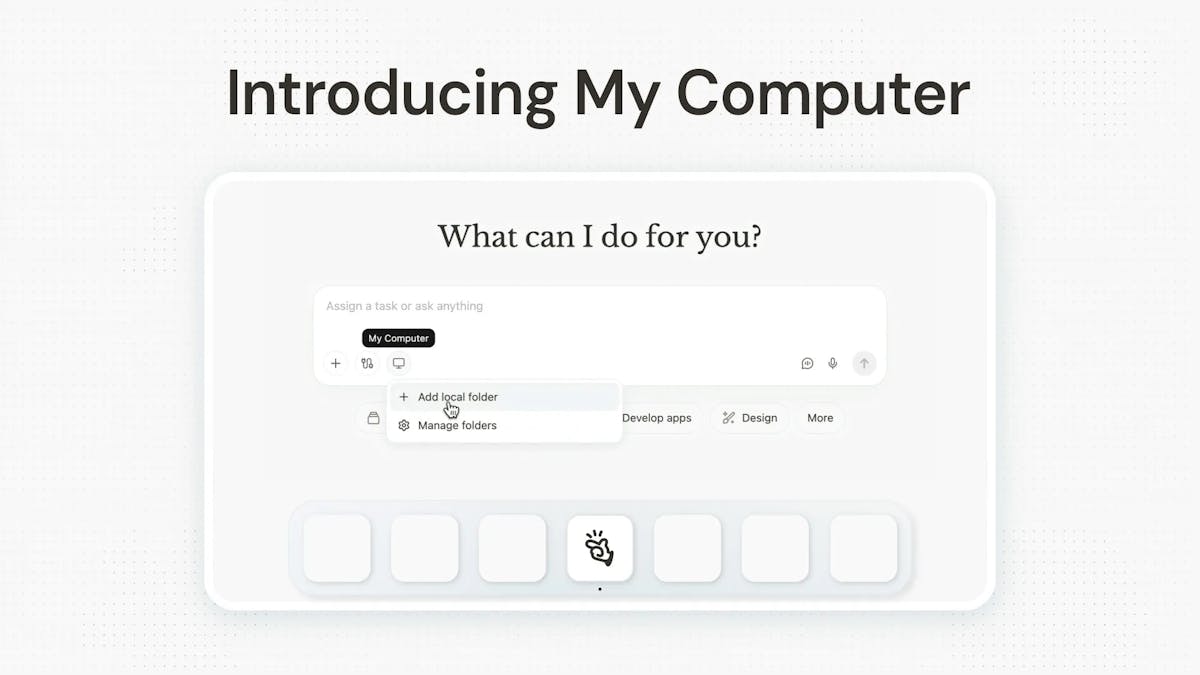
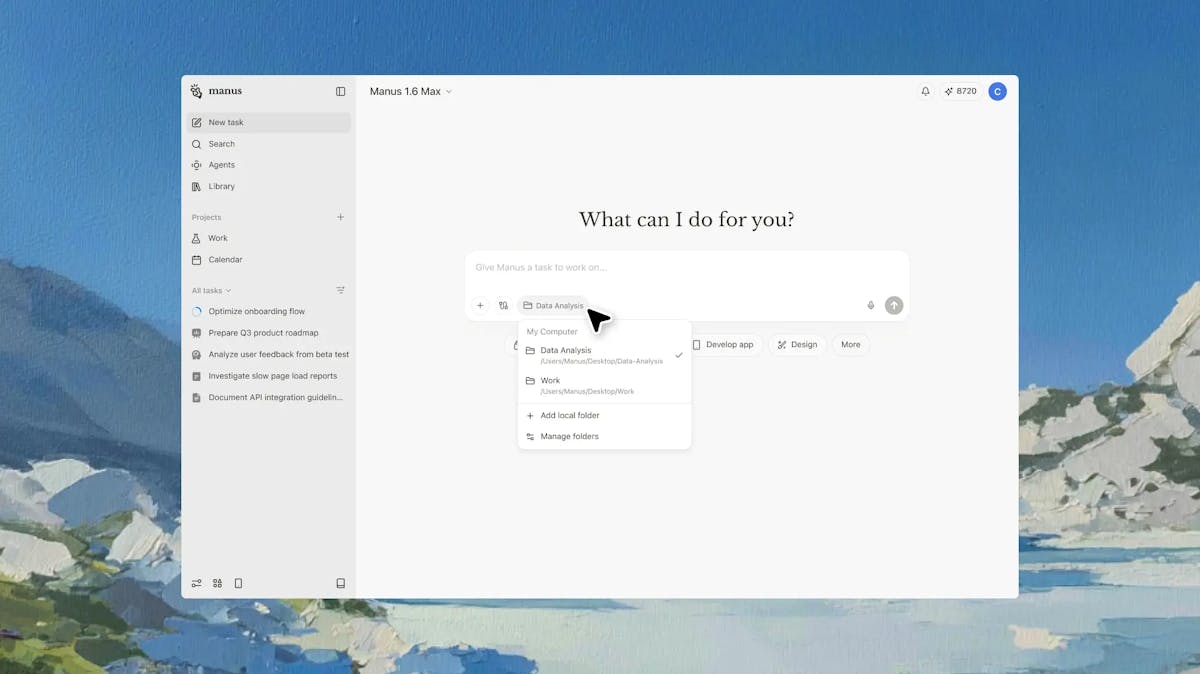
My Computer is the flagship feature of the Manus Desktop app — available for both macOS and Windows since March 17, 2026. It pulls Manus out of the cloud and onto your actual machine. The agent reads, organizes, and edits local files, runs terminal commands (with your approval required for each one), and controls installed applications. Meta acquired Manus in late 2025 for roughly $2 billion — giving the product rare institutional credibility for a desktop AI agent launch.
On Product Hunt, My Computer by Manus AI review coverage was immediate: 515 upvotes and a 4.4/5 rating. Third-party MakerStack rated it 7.6/10, calling it “genuinely useful for repetitive file tasks and light automation.”
Key Features of My Computer by Manus AI
From the official Manus feature documentation:
- Advanced File Organization — Rename hundreds of invoices or sort thousands of photos using plain language
- Local App Development — Build native apps via CLI tools like Python, Node.js, or Swift; one user built a Mac app in 20 minutes without writing code
- Approval-Based Command Execution — Every terminal command requires your go-ahead before it runs
- Remote Workflow Orchestration — Trigger tasks on your home computer from anywhere while Manus Desktop runs in the background
- Cloud Connectors — Integrates with Gmail, Google Drive, Notion, Slack, and GitHub
My Computer by Manus AI Pricing
The product runs on a credit-based pricing model:
- Free: 1,000 starter credits + 300 daily refresh — good for initial testing
- Standard ($20/month): 4,000 credits + 300 daily
- Customizable ($40/month): 8,000 credits
- Extended ($200/month): 40,000 credits for heavy automation workloads
The free tier works for evaluation. Most business owners running real workflows will exhaust it quickly.
Who My Computer by Manus AI Is For
Developers, builders, and technical freelancers managing large local file systems, CLI-based projects, or repetitive batch file tasks — this is built for you. If you spend hours organizing project folders or renaming client deliverables in bulk, the time savings are real.
Service business owners — dental practices, fitness studios, real estate teams — your automation bottleneck isn’t your file system. It’s your lead pipeline, follow-up sequences, and appointment flow. Desktop file automation doesn’t move that needle.
How My Computer by Manus AI Compares
| Product | Best For | Key Differentiator | Starting Price |
|---|---|---|---|
| My Computer by Manus AI | Developers, technical users | Local file and app automation via CLI | Free |
| Perplexity Computer | Research-heavy users | Research and browser automation | $20/month |
| Automated Sales Machine | Service businesses and agencies | All-in-one CRM + AI automation — replaces 100+ tools | Watch demo |
For small service businesses evaluating AI automation tools, the comparison above matters. My Computer automates what’s on your desktop. Automated Sales Machine automates your business itself — lead capture, follow-up, appointment booking, reputation management, and client communication from one platform.
Our My Computer by Manus AI Review Verdict
Four out of five stars. Giving a cloud AI agent direct, approval-gated access to your local machine is exactly the right design approach. The engineering is solid and the use cases for technical users are real.
The limitation is scope. At $200/month for Extended, it makes sense for a developer operation. For most service business owners, the ROI points elsewhere. Start with the free tier and validate it fits before committing.
Frequently Asked Questions About My Computer by Manus AI
What is My Computer by Manus AI?
My Computer by Manus AI is the core feature of the Manus Desktop app, available on macOS and Windows. It’s a desktop AI agent that automates local files, apps, and workflows by executing terminal commands — with your explicit approval required before each action. It launched on Product Hunt March 17, 2026, built by Manus, now part of Meta.
Is My Computer by Manus AI free?
Yes. The free plan includes 1,000 starter credits plus 300 daily refresh credits. Paid plans start at $20/month (Standard) and go up to $200/month (Extended) for power automation users.
Is My Computer by Manus AI safe to use?
Yes — every terminal command requires your explicit approval before it runs. The agent cannot execute actions on your machine without your go-ahead. This approval-gated model is one of the product’s most important safety design choices.
Who is My Computer by Manus AI best for?
Developers, technical freelancers, and builders who manage large local file systems or run CLI-based workflows. Less suited for service business owners whose automation needs center on CRM, lead follow-up, and marketing — not desktop file management.
Where can I download My Computer by Manus AI?
Download the Manus Desktop app from manus.im or through the Product Hunt listing. The free plan gives you 1,000 starter credits to run your first automations and evaluate the product before committing to a paid plan.
View My Computer by Manus AI on Product Hunt →
Need automation that works across your entire business — not just your desktop? See how Automated Sales Machine works for service businesses that want CRM, lead follow-up, and AI automation in one platform.