


Choosing the right email marketing software in 2026 is harder than it should be. Every platform claims to be “all-in-one,” but most are billing you per contact, locking automation behind enterprise tiers, or forcing you to bolt on a CRM, a landing-page tool, and an SMS app to actually run a campaign. After comparing eleven of the most popular platforms — and tracking what each one really costs once your contact list grows — here are the picks that actually deliver.
Quick answer: If you want one tool that handles email plus everything around it (CRM, SMS, funnels, automations, AI), Automated Sales Machine consolidates the stack at $150/month flat. If you only need email, MailerLite and Brevo are the strongest standalone picks at the budget end; ActiveCampaign and Klaviyo are the strongest at the high end.
What email marketing software actually does in 2026
Email marketing software is the platform you use to capture contacts, send broadcast or automated emails, and measure what happens next. The category has expanded past “send a newsletter” — modern platforms now include list segmentation, behavior-triggered automations, landing pages, A/B testing, and increasingly, AI-driven send-time optimization and copy assistance.
The market has also bifurcated. On one side: lightweight email-only tools (MailerLite, AWeber, Constant Contact) priced for businesses that just want to send a Tuesday newsletter. On the other: marketing platforms with embedded CRMs and SMS (HubSpot, Klaviyo, ActiveCampaign) priced for teams that treat email as one channel inside a broader operation. The right pick depends on which side of that line your business sits.
How we evaluated email marketing software for this list
We weighted five criteria, in this order:
- Total monthly cost at 5,000 and 25,000 contacts. Most platforms tier their pricing by contact count. The one-line price you see on a homepage is rarely what you’ll pay six months in.
- Automation depth. Can you build behavior-triggered sequences without engineering, or are you stuck with linear drip campaigns?
- Deliverability and sender reputation. A cheaper tool that lands in spam is worse than a more expensive tool that lands in the inbox.
- What’s bundled. Some tools include landing pages, forms, SMS, a CRM, or a funnel builder. Bundling matters for total cost of ownership.
- Setup time and learning curve. A platform that takes a month to launch has a real cost in delayed revenue.
Every tool below was scored against those five criteria. Pricing reflects current US plans as of writing.
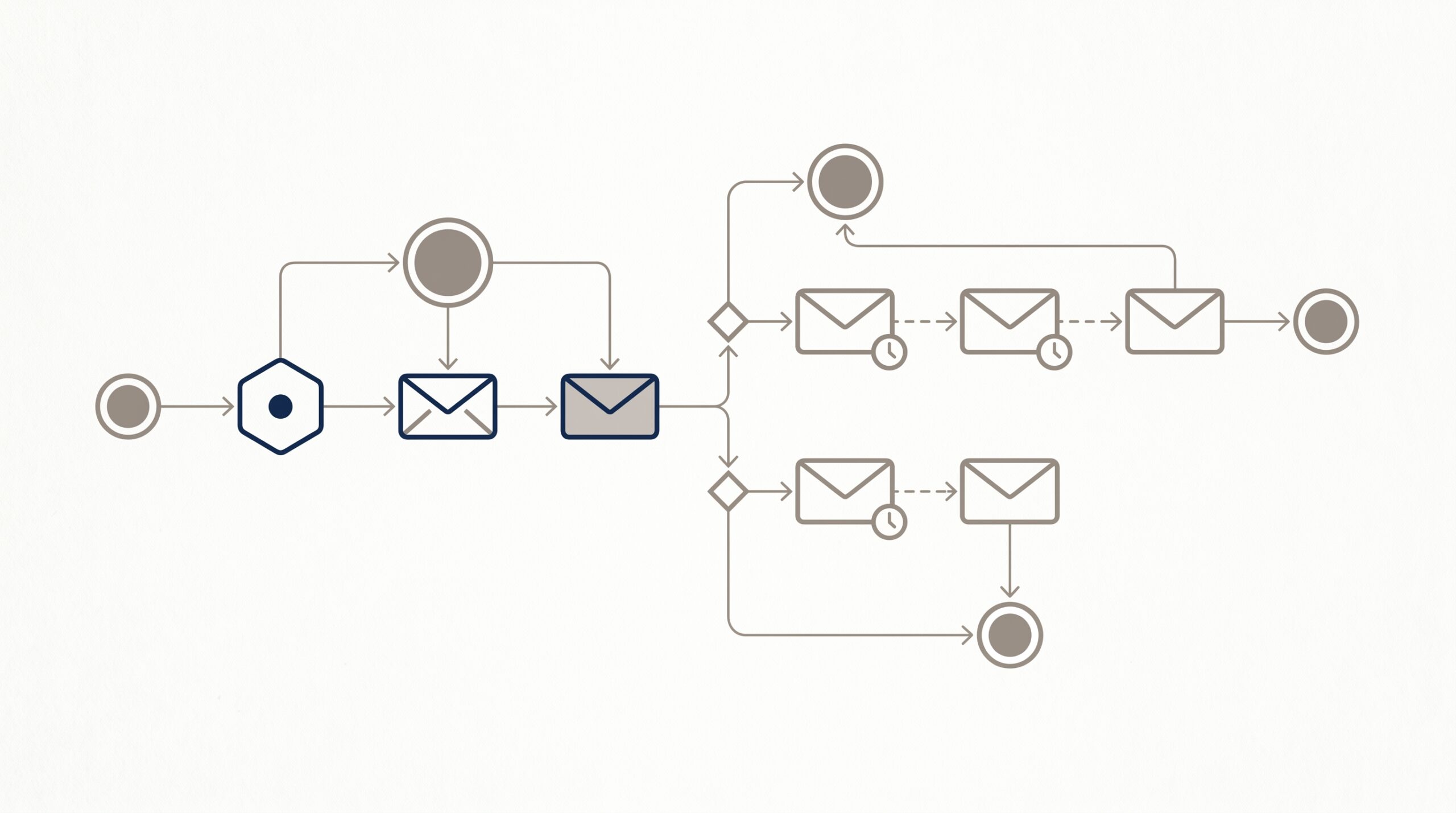
The 11 best email marketing software tools for 2026
1. Automated Sales Machine — Best all-in-one consolidation pick
Best for: Small businesses, coaches, consultants, and service operators who want email plus CRM, funnels, SMS, calendars, courses, and AI bots in one platform without per-contact pricing.
What’s included: Unlimited contacts, unlimited emails, unlimited SMS, unlimited automations, sales pipelines, calendar booking, funnel and website builder, course and membership hosting, online review management, AI Studio with conversation and voice bots, and an API. Everything is bundled at a flat $150/month with no per-contact tiers and a 14-day free trial.
Pros: True consolidation — most operators replace 5–10 separate subscriptions. Flat pricing means costs don’t grow with your contact list. AI bots and voice agents are built in, not bolted on.
Cons: Not the right fit for a 50-person enterprise marketing team that needs deep account-based marketing analytics — that’s HubSpot territory. The breadth means a slightly steeper learning curve than a single-purpose tool like MailerLite.
Pricing: $150/month flat, unlimited everything, no setup fee, cancel anytime. See pricing details.
2. Mailchimp — Best-known brand, contact-tier pricing
Best for: Operators who want a household-name email tool and don’t mind paying more as their list grows.
Key features: Drag-and-drop email builder, customer journey automation, landing pages, basic CRM, AI-assisted subject lines, integrations with hundreds of apps.
Pros: Mature feature set. Friendly UI. Strong template library. Generous free tier for getting started.
Cons: Pricing scales aggressively with contact count — at 25,000 contacts you’re paying $300+/month for the Standard plan. Automation depth lags ActiveCampaign. Mailchimp counts unsubscribed contacts toward your tier unless you delete them. See how Mailchimp stacks up against ASM, or read See our full Mailchimp comparison.
Pricing: Free tier (500 contacts); Essentials starts at $13/month; Standard starts at $20/month; tiers scale by contact count.
3. Klaviyo — Best for ecommerce stores
Best for: Shopify stores and DTC brands that want deep purchase-behavior segmentation and post-purchase email flows.
Key features: Predictive analytics, ecommerce-native segmentation, abandoned cart and post-purchase flows, SMS bundled, native Shopify integration.
Pros: Probably the deepest ecommerce email automation on the market. Strong reporting. SMS plus email under one roof.
Cons: Pricing climbs steeply with contact count and SMS sends — small DTC brands routinely cite Klaviyo as their largest tooling line item past 10K contacts. Overkill for non-ecommerce service businesses. See ASM as a Klaviyo alternative for non-ecommerce operators.
Pricing: Free for up to 250 contacts; paid plans start around $20/month and scale by contacts plus SMS volume.
4. ActiveCampaign — Best automation depth
Best for: Teams that need conditional, behavior-triggered automations and don’t mind a steeper learning curve.
Key features: Visual automation builder with conditional branching, lead scoring, embedded CRM, SMS add-on, 1,000+ integrations, AI-assisted campaign creation.
Pros: The automation builder is genuinely powerful — you can model real customer journeys, not just linear drips. Strong reporting and split-testing.
Cons: The Lite plan caps you at three users and lacks the CRM. Pricing climbs fast at higher contact counts. The interface, while feature-rich, is not the most beginner-friendly. Compare ActiveCampaign vs. ASM directly.
Pricing: Lite starts at $15/month for 1,000 contacts; Plus and Professional plans needed for advanced features.
5. Brevo (formerly Sendinblue) — Best value at the entry tier
Best for: Small businesses that want email plus SMS plus a basic CRM at a budget price.
Key features: Unlimited contacts on most paid plans (you pay by send volume, not contact count), transactional email, SMS, basic CRM, marketing automation, signup forms.
Pros: Send-based pricing is friendlier for businesses with large but inactive lists. Reasonable free tier (300 emails/day). Includes SMS and CRM.
Cons: Automation depth is shallower than ActiveCampaign or Klaviyo. UI feels a bit dated. Deliverability has historically been variable depending on shared-IP pools.
Pricing: Free up to 300 emails/day; Starter at $9/month; Business at $18/month and up by send volume.
6. Constant Contact — Best for non-technical small business owners
Best for: Restaurants, retail shops, nonprofits, and other small businesses where simplicity beats feature depth.
Key features: Drag-and-drop builder, event marketing, social posting, basic automation, surveys.
Pros: Genuinely beginner-friendly. Excellent phone support. Reliable deliverability. Event-marketing tooling is unusually strong.
Cons: Automation is basic compared to ActiveCampaign or Klaviyo. Pricing tiers by contact count and gets pricey at scale. Few advanced segmentation options.
Pricing: Lite starts at $12/month; Standard at $35/month; Premium at $80/month, all scaling by contacts.
7. MailerLite — Best free tier and clean UX
Best for: Solo creators, bloggers, and very small teams that want a clean modern UI and don’t need a CRM.
Key features: Drag-and-drop and AI email builder, automations, landing pages, websites, sign-up forms, basic ecommerce.
Pros: One of the most generous free tiers in the category (1,000 contacts and 12,000 emails/month free). Clean, fast UI. Affordable paid tiers.
Cons: No built-in CRM or sales pipeline. Automation builder is good but not as deep as ActiveCampaign. Smaller integration directory.
Pricing: Free up to 1,000 contacts; Growing Business at $9/month; Advanced at $18/month.
8. ConvertKit (now Kit) — Best for creators and course sellers
Best for: Newsletter writers, course creators, and creator-economy operators selling digital products to a personal audience.
Key features: Tag-based subscriber management, visual automations, landing pages, paid newsletter monetization, creator network.
Pros: Built specifically for creators — tagging, segmentation, and monetization features fit that workflow. Strong author community. Decent free tier.
Cons: Email design is more text-forward than visually rich, by design. Limited reporting compared to Klaviyo. Not ideal for ecommerce or B2B.
Pricing: Free up to 10,000 subscribers (broadcast only); Creator and Creator Pro plans scale by subscribers.
9. HubSpot Marketing Hub — Best for mid-market and enterprise teams
Best for: Teams of 10+ that need email integrated with a deep CRM, account-based marketing, and a content hub.
Key features: Smart CRM, marketing automation, ABM tooling, content hub, AI assistants, full attribution reporting, 2,000+ integrations.
Pros: The most polished platform in this category for teams running a real RevOps function. Excellent reporting. Free CRM is genuinely usable.
Cons: Pricing escalates dramatically — Marketing Hub Pro starts around $890/month. Onboarding fees can run into thousands. Overkill for solo operators or sub-$1M-revenue businesses. See ASM as a HubSpot alternative or read See how a stack-replacement audit works.
Pricing: Free CRM tier; Marketing Hub Starter at $20/month; Pro at $890/month; Enterprise at $3,600/month.
10. AWeber — Best old-school reliable choice
Best for: Long-time email marketers who value reliability and don’t need the latest AI features.
Key features: Drag-and-drop builder, basic automation, landing pages, web push notifications, AI subject-line writer.
Pros: Twenty-plus years of deliverability track record. Simple to use. Decent free tier.
Cons: Feels dated next to MailerLite or Brevo. Automation is basic. Pricing scales by subscriber count.
Pricing: Free up to 500 subscribers; Plus at $20/month and up.
11. GetResponse — Best email-plus-webinar combo
Best for: Operators who run webinars and want email and webinar hosting in one platform.
Key features: Email marketing, automations, landing pages, conversion funnels, native webinar hosting (rare in this category), AI email generator.
Pros: Bundling webinars with email is genuinely useful for course launches and B2B demand gen. Reasonably priced for what’s included.
Cons: Webinar feature is solid but less polished than dedicated webinar tools. UI is busier than competitors. Some advanced features locked behind higher tiers.
Pricing: Email Marketing at $19/month; Marketing Automation at $59/month; Ecommerce Marketing at $119/month.
Email marketing software comparison table
| Tool | Starting price | Pricing model | CRM included | SMS included | Best for |
|---|---|---|---|---|---|
| Automated Sales Machine | $150/mo flat | Flat unlimited | Yes | Yes | All-in-one consolidation |
| Mailchimp | $13/mo | Per contact | Basic | Add-on | Brand recognition |
| Klaviyo | $20/mo | Per contact + SMS | Yes (B2C) | Yes | Ecommerce |
| ActiveCampaign | $15/mo | Per contact | Yes (Plus+) | Add-on | Automation depth |
| Brevo | $9/mo | Per send volume | Basic | Yes | Budget value |
| Constant Contact | $12/mo | Per contact | No | Add-on | Beginners |
| MailerLite | $9/mo | Per contact | No | No | Solo creators |
| ConvertKit (Kit) | $15/mo | Per subscriber | Tag-based | No | Creators |
| HubSpot Marketing | $20/mo Starter | Tiered + features | Yes | Add-on | Mid-market teams |
| AWeber | $20/mo | Per subscriber | No | No | Reliability |
| GetResponse | $19/mo | Per contact + features | No | Add-on | Webinars + email |
Who each email marketing software is actually best for
If you operate a service business, coach, consult, or run a course-based business and find yourself paying for three or four tools that should be one — Automated Sales Machine is built for you. The flat pricing and unlimited contacts mean costs don’t compound as the list grows. Explore ASM’s email and marketing features in detail.
If you sell physical products through Shopify or WooCommerce and live or die by abandoned-cart and post-purchase flows — Klaviyo. The ecommerce-native segmentation is hard to match.
If you have a marketing team of 10+ with a real RevOps function and email is one channel inside a larger account-based motion — HubSpot. Just budget realistically.
If you want the cleanest free tier to get started without committing — MailerLite. The 1,000-contact free tier is genuinely usable.
If automation depth is the single biggest factor and you’re willing to invest in learning the platform — ActiveCampaign.

How to choose the right email marketing software
Three questions to answer before you commit:
- What will my list size be in 12 months? Per-contact pricing platforms can quintuple your monthly bill as you grow. Flat-rate platforms don’t.
- Am I just sending email, or am I orchestrating customer journeys? If it’s the latter, you need a CRM and an automation builder, not just a sender.
- What other tools am I already paying for? If you’re stacking a CRM + email + funnel + calendar + reputation tool, consolidating those into one platform — like Automated Sales Machine — usually cuts the bill in half.
Run the math at 5,000 and 25,000 contacts before you sign up for any platform. Most teams overpay because they pick the cheapest entry tier and discover the real cost six months in.
Frequently Asked Questions
What is the cheapest email marketing software in 2026?
Brevo (Sendinblue) and MailerLite are the most consistently cheap entry tiers — Brevo’s free plan offers 300 emails/day with unlimited contacts, and MailerLite’s free plan covers 1,000 contacts with 12,000 emails per month. For teams that need email plus a CRM and automations bundled, Automated Sales Machine’s $150 flat-rate plan is often cheaper at scale than stacking three or four budget tools.
Do I really need email marketing software, or can I just use Gmail?
Gmail (and Outlook) cap you at around 500 sends per day, can’t track open rates, can’t run automations, and trigger spam filters when you blast even modestly sized lists. Email marketing software exists because consumer mail providers aren’t built for marketing — you need authenticated sending domains, list hygiene, and analytics if you want messages to land.
What’s the difference between email marketing software and marketing automation?
Email marketing software is the broader category — any tool you use to send emails to a list. Marketing automation is a feature inside that category: the ability to trigger emails based on user behavior (opened a previous email, visited a product page, abandoned a cart). Most modern platforms include automation, but depth varies — ActiveCampaign and Automated Sales Machine offer the most flexible automation builders, while Constant Contact and AWeber stay closer to traditional broadcast email.
How many contacts should I pay for?
Pay for the tier that covers your active contacts plus six months of growth — not your peak-historic list size. Most operators overpay because they let inactive contacts accumulate and get charged for them. Run a list-cleaning pass quarterly. Or pick a flat-rate platform like Automated Sales Machine where contact count doesn’t determine price.
Can I switch email marketing software without losing my list?
Yes — every platform on this list lets you export contacts as a CSV. Importing is straightforward. The harder part is reconstructing automations and segments, which often requires manual rebuilding because each platform’s automation logic is proprietary. Plan a 1–2 week migration window if you’re moving from a complex setup.
Where to go from here
If you’re stacking three or more tools to run email, contacts, automations, and a website — running the consolidation math is worth an afternoon. Start a 14-day free trial of Automated Sales Machine or watch a quick product demo to see whether one flat-rate platform replaces what you’re paying for now. If you need pure email-only at the budget end, MailerLite is the sane place to start.