
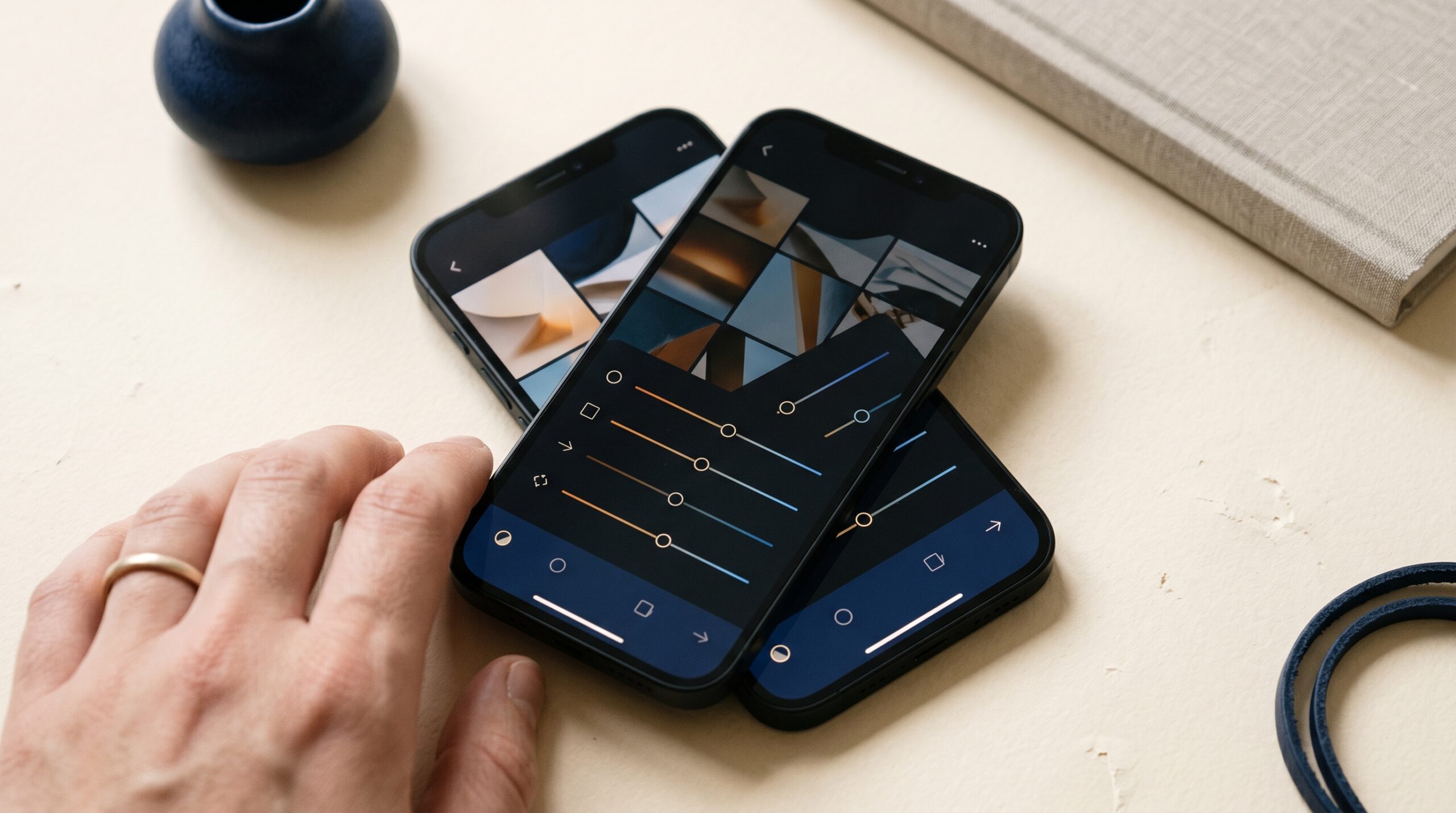

Snapseed 4.0 — Google’s best photo editor just got seriously better. #9 Product of the Day. 157 upvotes. View on Product Hunt.
Snapseed 4.0 has redefined what a free mobile photo editor should be. Google just released a massive overhaul to its beloved photo-editing app, bringing professional-grade tools to Android and iOS without subscriptions, watermarks, or ads. After a two-year gap on Android, Snapseed is back with a redesigned interface, an integrated camera with real-time film effects, non-destructive workflows, and 30+ pro tools that rival paid competitors. The app debuted at #9 on Product Hunt’s leaderboard for May 11, 2026, with 157 upvotes and strong enthusiasm from photographers and content creators alike.
| 157 | Product Hunt Upvotes |
| #9 | Product of the Day Rank |
| 30+ | Pro Tools & Filters |
What Snapseed 4.0 Actually Does
the platform is a professional photo editor built into your pocket. Unlike quick-filter apps, it gives photographers and social media creators precise control over every aspect of an image. The 4.0 release transforms the editing experience with a cleaner interface, smarter workflows, and features that used to require desktop software. Whether you’re fixing exposure on a portrait or applying vintage film looks to a landscape, the tool meets you where you are in your creative journey.
- Snapseed Camera: Capture photos directly with real-time film simulations and custom looks, skipping the editing step entirely with effects that can be adjusted or reset later.
- Non-destructive Editing: Make unlimited changes to your photos without permanently altering the original—revert to your base image at any editing stage.
- Smart Masking & Selective Adjustments: Isolate subjects or backgrounds with one tap, then adjust brightness, contrast, saturation, and color only where you want it.
The redesigned interface organizes tools into Looks, Tools, and Export tabs, with Tools further grouped into Refine, Fix, Style, and All categories. This structure makes this tool accessible to beginners while preserving the depth professionals expect. Batch editing capabilities let creators apply their favorite looks across an entire photo library in seconds.


What Makes Snapseed Different
the service stands out in a crowded market because Google built it with no compromises on the free tier. Most competitors either watermark free exports, limit your edits to their preset filters, or aggressively push subscriptions. the app doesn’t. You get 30+ professional tools, RAW file support, and an ad-free experience from day one. The app respects your time and your wallet, which resonates strongly with photographers tired of nickel-and-diming from Adobe and other subscription-focused platforms.
The 4.0 update also solved a critical frustration: feature parity across devices. Android users waited two years for the iOS the extension 3.0 refresh, creating a sense of abandonment. Google’s decision to bring the platform 4.0 to both platforms simultaneously signals a commitment to the app’s future. The new interface is thoughtfully designed for mobile, using swipe gestures and intuitive controls rather than cluttered menu systems. Tools like One-Touch Masking and Bloom effects leverage machine learning running on-device, so you don’t sacrifice privacy or spend time uploading to the cloud.
How It Works Under the Hood
the tool’s technical architecture relies on Google’s image processing algorithms and on-device machine learning. When you use the Healing tool to remove an unwanted person from a photo, the app analyzes surrounding pixels and synthesizes a seamless replacement. Similarly, One-Touch Masking uses semantic segmentation—a computer vision technique—to instantly recognize and isolate subjects like people, skies, or backgrounds. These computations happen on your phone, not on Google’s servers, which preserves privacy and enables offline editing.
The non-destructive workflow is powered by adjustment layer technology. Every edit (exposure, color, filter, etc.) is stored as a separate instruction rather than baked into the image data. This means you can adjust or undo changes weeks later without quality loss. RAW support extends this philosophy to professional photographers who capture in RAW format, allowing pixel-level control over color grading and dynamic range before converting to JPG. The this tool Camera’s real-time film emulations are inspired by iconic film stocks—Kodak Portra, Fuji Superia, Agfa Optima, Polaroid 600—and apply the same color science as shooting on actual film.
Who Built It
Built by Google, Alphabet / Google Photos Team.
the service began as an independent app by Nik Software, acquired by Google in 2012. For years, it remained a beloved but neglected tool—the last significant update arrived in 2016. Google’s recent revival of the app reflects a broader commitment to making sophisticated creative tools accessible to everyone. The Google Photos and Pixel teams have invested heavily in on-device AI and computational photography, and Snapseed is where that expertise reaches beyond Pixel phones.
The 4.0 update was coordinated across iOS and Android engineering teams, with product leadership from the extension’s Giles Ochs. This level of cross-platform focus is rare at Google and signals that the platform is now positioned as a flagship product rather than a legacy acquisition. The team has publicly committed to continuing development, which is reassuring for users who’ve been burned by Google’s history of sunsetting apps.
5 Alternatives Worth Knowing
The Verdict
Who It’s For
the tool 4.0 is built for anyone who takes photography seriously but doesn’t want to pay for software. Casual phone photographers will appreciate the intuitive interface and beautiful filters. Aspiring creators building a portfolio on Instagram or TikTok will love the batch editing and film looks. Mobile journalists and content producers using tools like Automated Sales Machine’s social planner to manage multi-channel posting will find this tool essential for maintaining consistent visual quality across platforms without vendor lock-in.
The ASM Take
From a business perspective, the service 4.0 represents what free software should be: powerful, respectful of user data, and generous with features. Teams managing social media calendars often spend hours perfecting image treatments; the app’s batch editing and non-destructive workflows save time at scale. For organizations developing marketing strategies that rely on custom visual content, eliminating subscription costs while maintaining quality is a competitive advantage. The no-watermark promise is particularly valuable for professional content destined for client deliverables.
Final Assessment
the extension 4.0 is genuinely impressive. Google didn’t just refresh the interface; it added meaningful features (the platform Camera, smart masking, non-destructive editing) that justify the major version bump. The comparison to competitors is telling: Adobe Lightroom dominates the professional color-grading space but demands a subscription; VSCO excels at preset-driven aesthetics; Canva focuses on graphic design, not photo correction. Snapseed owns the middle ground—powerful enough for semi-pros, accessible enough for amateurs, free enough to feel fair. The only friction is Google’s track record with long-term app support, but the 4.0 rollout and cross-platform commitment suggest this is a revived, not sunset, product.
Frequently Asked Questions
Is Snapseed really free with no hidden costs?
Yes. the tool includes all 30+ tools, filters, and editing capabilities at no cost. There are no subscriptions, in-app purchases, ads, or watermarks on your exported photos. Google monetizes through Google Photos cloud storage and the Pixel ecosystem, not Snapseed itself.
Does Snapseed work offline?
Yes. Snapseed operates entirely offline. You don’t need an internet connection to edit photos, apply filters, or export files. Edits sync to Google Drive if you enable that feature, but it’s optional.
Can I edit RAW files in Snapseed?
Yes. Snapseed 4.0 supports RAW file editing, giving you the same color depth and dynamic range control as professional software. RAW files from most modern phones and cameras (JPEG, DNG, CR2, NEF formats) are compatible.
How does Snapseed Camera differ from my phone’s native camera?
Snapseed Camera applies real-time film looks and custom editing presets while you shoot. Your phone’s native camera doesn’t offer this. The catch: Snapseed Camera’s presets are applied to the JPG capture, not as non-destructive edits, so you can adjust but not completely reset them after capture—unlike regular Snapseed editing.
Is Snapseed available on iPhone and Android?
Yes. Both iPhone and Android versions are now on version 4.0 as of May 2026, achieving feature parity for the first time. The Android version was released May 8, 2026, ending a two-year gap.
Check out Snapseed on Product Hunt or visit the official Snapseed website to learn more.