
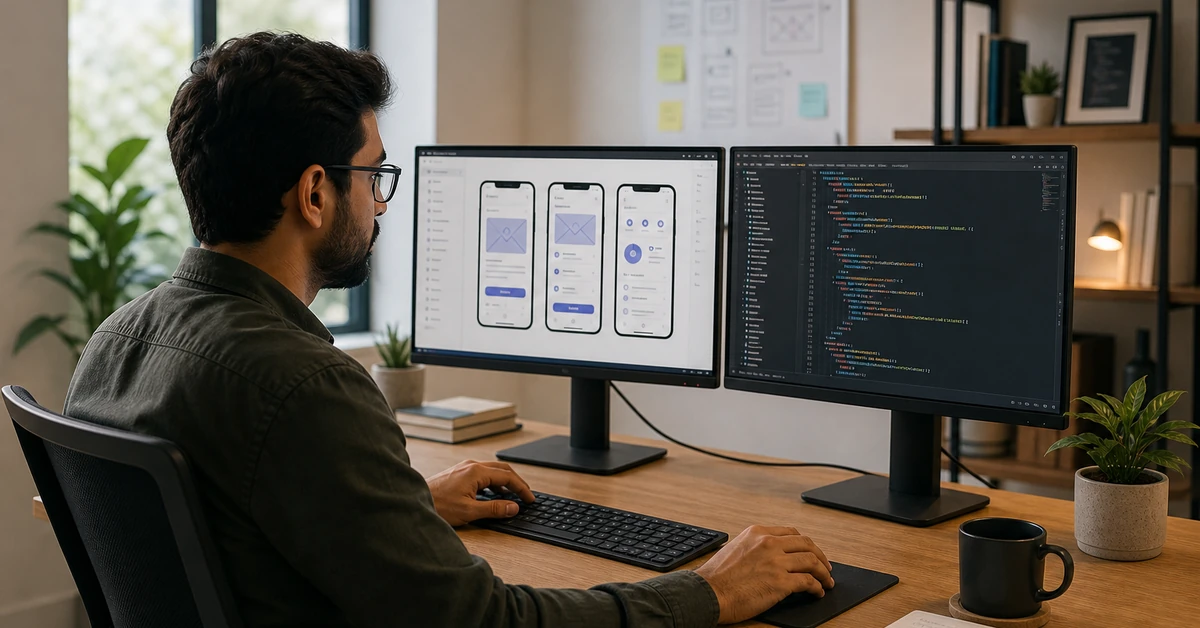

The Complete Guide to Mobile Application Development for Small Business Automation
Mobile application development gives small businesses a direct automation layer between their team and their customers — combining CRM access, two-way messaging, appointment booking, and sales pipeline management inside a single device. According to Gartner, by 2026 more than 70% of new business applications will be built using low-code or no-code development platforms, cutting development time from months to days. Ready to put your sales and marketing on autopilot? Book a free demo of Automated Sales Machine →
What Is Mobile Application Development for Small Business?
Mobile application development is the process of designing, building, and deploying software applications that run on smartphones and tablets. For small businesses, this is no longer a luxury reserved for enterprise IT departments. The cost of custom app development has plummeted, no-code platforms have democratized the process, and consumer expectations have shifted permanently toward mobile-first interactions.
When a dental practice lets patients book and reschedule via a branded app, when a real estate agent updates a CRM pipeline from a parking lot, or when a fitness studio sends automated follow-up messages to leads who ghosted — that is mobile application development at work. The underlying mechanics vary, but the business outcome is consistent: faster response times, higher close rates, and lower operational overhead.
Native vs. Cross-Platform Development
The first architectural decision in any mobile application development project is whether to build a native app (one version for iOS, one for Android) or a cross-platform app that runs on both from a single codebase. Native apps deliver the highest performance and best device integration, but they cost roughly twice as much to build and maintain. Cross-platform frameworks like React Native and Flutter have closed the performance gap significantly, making them the default choice for resource-constrained small businesses.
For most SMBs, the practical answer is: neither. Off-the-shelf platforms with mobile app wrappers and white-label experiences — like the mobile CRM access embedded in all-in-one automation platforms — provide 90% of the value at a fraction of the cost and timeline of custom mobile application development.
No-Code and Low-Code Mobile App Platforms
The no-code revolution has fundamentally changed what is accessible in mobile application development. Platforms like Glide, Bubble, and Adalo allow business owners with zero programming experience to build functional mobile apps using drag-and-drop interfaces. Low-code platforms (which require some scripting knowledge) extend this further with custom logic and API integrations.
The critical distinction for small businesses: a no-code mobile app is not the same as a mobile-enabled CRM platform. If your goal is to automate sales and marketing — not just build a novelty app — you need a platform purpose-built for that workflow, with mobile application development baked into the product architecture, not bolted on afterward.
Why Mobile Application Development Matters for Sales Automation
The data is unambiguous. According to Statista, mobile devices now account for over 60% of all internet traffic globally — and that number climbs every year. More critically, 78% of B2B buyers conduct more than half of their research on mobile devices before making a purchase decision. If your sales team cannot access pipeline data, send follow-ups, or book appointments from their phones, they are operating at a structural disadvantage.
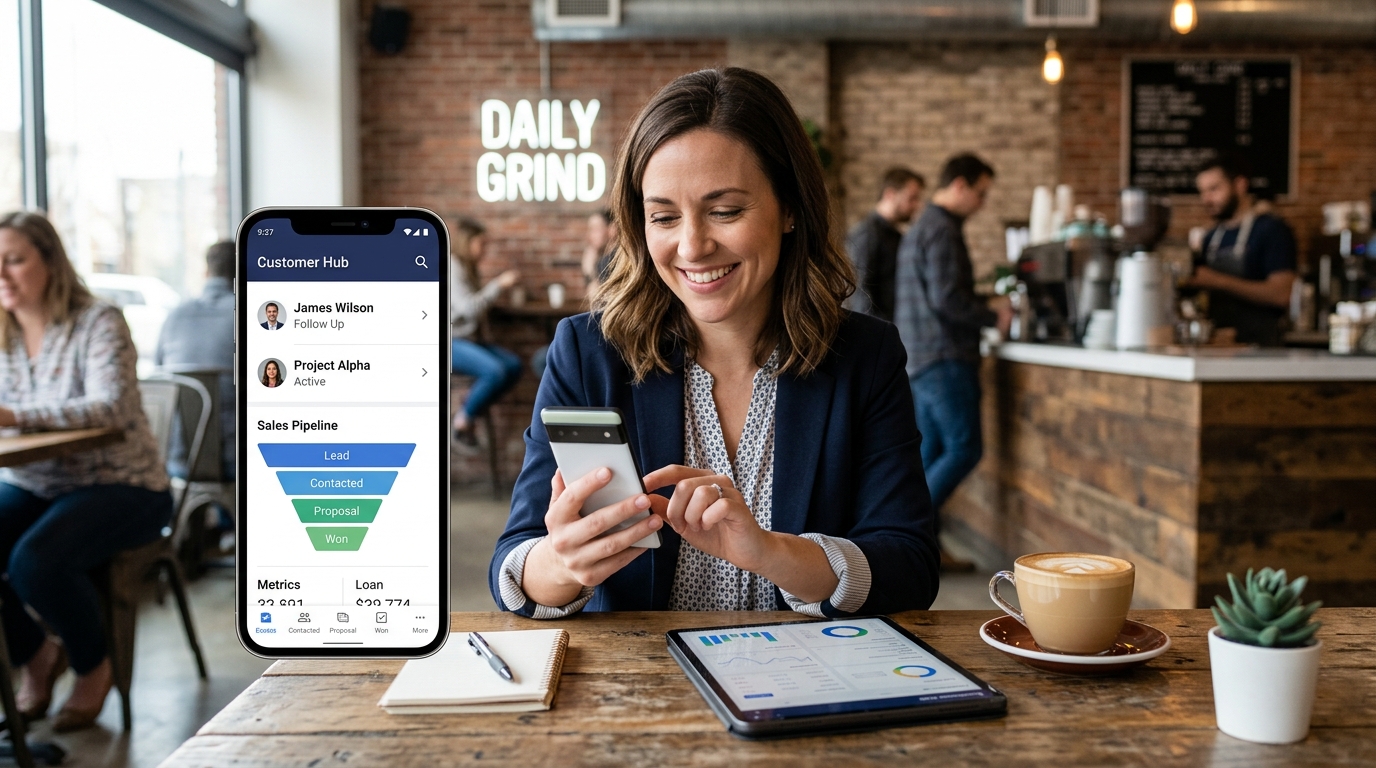
Mobile application development addresses this gap by putting your entire sales infrastructure in your pocket. The following three automation categories have the clearest ROI for small businesses.
CRM Integration and Lead Management on Mobile
A mobile-enabled CRM is the foundation of any small business sales automation strategy. When your team can add leads, update deal stages, log call notes, and trigger follow-up sequences directly from a mobile app, your data stays current in real time — not hours later when someone finally gets back to a desktop. Pipeline visibility improves, leads stop falling through cracks, and managers get accurate forecasts without running Friday status meetings.
The mobile application development requirement here is not just “can I view my CRM on my phone?” It is whether the mobile interface supports full action parity — creating contacts, firing automations, sending SMS, updating deal stages — with zero delay or sync issues. This is a non-trivial technical standard, and it rules out most standalone CRM apps with mobile bolted on as an afterthought.
Appointment Booking and Scheduling Apps
Service businesses — dental practices, med spas, fitness studios, home service contractors — live and die by their appointment calendar. Mobile application development in this category means customers can book, reschedule, or cancel from their phone in under 60 seconds, and the business receives an instant notification while automated confirmation and reminder sequences fire without manual intervention.
The ROI here is straightforward. Per McKinsey’s analysis of service business digitization, companies that implement automated customer communication workflows — including appointment reminders — reduce operational friction by an average of 25%, which in appointment-dependent businesses translates directly to fewer no-shows and higher revenue-per-day-on-calendar. That is revenue that would otherwise be lost, recovered entirely through well-executed mobile application development and automation logic.
Automated Follow-Up Workflows via Mobile
The average lead requires 5-8 touchpoints before converting. Most small business sales teams stop at 2. The gap is not motivation — it is infrastructure. Mobile application development closes this gap by enabling multi-channel follow-up sequences (SMS, email, voicemail drop) that fire automatically based on lead behavior, triggered from a mobile-native workflow builder. Your sales rep is on the phone with one prospect while the platform is nurturing fifty others.
Key Features Every Small Business Mobile App Should Have
Whether you are evaluating a no-code mobile application development platform or a purpose-built CRM with a mobile interface, these are the capabilities that actually move the needle for small business sales and marketing automation.
Push Notification Automation
Push notifications are the highest-engagement mobile channel available — open rates average 90%, compared to 20-25% for email. A well-architected mobile application development stack lets you trigger push notifications based on customer actions: a lead views your pricing page, a prospect opens your proposal, a customer’s appointment is 24 hours away. These micro-moments are conversion opportunities, and they require real-time mobile infrastructure to capture.
Mobile CRM Access and Pipeline Management
Full-featured mobile CRM access means more than reading contact records. It means your team can update pipeline stages, log call notes via voice-to-text, set tasks, and trigger automated sequences — all from a native mobile experience without needing to open a browser. This is the difference between a team that updates the CRM religiously (because it’s easy on mobile) and one that treats it as a chore reserved for end-of-day desktop sessions.
If your current CRM does not offer this level of mobile application development quality, start your free trial of Automated Sales Machine — the platform is built mobile-first across all workflows, from lead capture to deal close.
Two-Way SMS and Messaging Integrations
Two-way SMS is consistently the highest-converting follow-up channel for small business sales. Response rates run 5-8x higher than email. A mobile application development implementation worth its cost must support two-way SMS natively — not through a third-party integration that creates sync delays or conversation blind spots. When a prospect texts back at 9 PM, your platform should capture it, log it to the CRM, and trigger the next step in the nurture sequence automatically, without anyone touching a keyboard.

Steps to Build a Mobile App for Your Business (Without a Developer)
For small businesses that do need a true custom mobile application — client portals, branded customer-facing tools, or industry-specific workflows — here is the pragmatic development path that avoids six-figure agency retainers.
Step 1 — Define the Single Core Problem
The most common mobile application development failure mode is scope creep at the specification stage. Businesses attempt to build the everything-app and end up with a bloated, half-finished product that solves nothing well. Define the one friction point that costs you the most money or time — lead capture, appointment booking, customer check-ins, field service dispatch — and build exclusively for that. You can expand in version 2.
Step 2 — Choose Your Development Approach
Map your core problem to the right development approach:
- No-code (Glide, Bubble, Adalo): Simple databases, forms, and display logic. Best for internal tools, client portals, and basic customer-facing apps. Zero developer required.
- Low-code + automation platform (Automated Sales Machine): Sales automation, CRM, multi-channel messaging, and appointment booking — pre-built as a mobile-ready platform. Best ROI for most small businesses.
- Cross-platform custom (React Native / Flutter): Complex UX requirements, device hardware access, or brand-critical design. Requires a developer. Budget $15,000-$80,000 depending on scope.
- Native iOS/Android: Performance-critical applications with deep device integration. Highest cost and longest timeline. Reserve for businesses with validated product-market fit and established revenue.
Step 3 — Map Your Core Customer Journey
Before writing a line of code or configuring a single automation, document the end-to-end journey your mobile app must support: how does a new prospect enter the system, what actions does the app guide them through, and what is the conversion event you are optimizing for? This journey map is your functional specification — and it will surface every integration dependency and data flow requirement before they become expensive surprises mid-development.
Mobile Application Development Costs: What Small Businesses Actually Pay
The cost of mobile application development varies by several orders of magnitude depending on approach. Here is an honest breakdown.
Custom Development vs. Platform-Based Solutions
A fully custom native mobile app (iOS + Android) built by a US-based agency typically costs between $75,000 and $250,000 for an initial version, with ongoing maintenance running $20,000-$60,000 per year. Offshore development teams can cut this by 40-60%, but project management complexity and communication overhead increase substantially.
Platform-based mobile application development — whether no-code tools or purpose-built CRM/automation platforms — costs $29 to $500 per month depending on feature set and team size. For the vast majority of small business use cases, this is not a compromise. It is the smarter allocation of capital, particularly when you factor in the speed advantage: a platform-based solution can be live in days, not months.
The Hidden Costs of a Fragmented Tech Stack
Per research published by Harvard Business Review, the average small business runs 6-10 disconnected software tools — and pays a compounding cost in subscription fees, integration maintenance, training overhead, and data inconsistency. When mobile application development is approached as “build an app to connect our existing tools,” you are often adding complexity to a stack that already needs consolidation, not expansion.
The better question is not “how do we build a mobile app?” It is “what platform gives us mobile-native CRM, automation, messaging, and booking in a single product — without requiring a software development project?” The answer to that question is what drives businesses to all-in-one platforms rather than custom mobile application development.
How Automated Sales Machine Powers Your Mobile-First Strategy
Automated Sales Machine is built for exactly this problem. It replaces the fragmented stack — your CRM, email platform, SMS tool, appointment scheduler, and landing page builder — with a single mobile-ready platform that your team can run from their phones and your customers can interact with from theirs.
The platform’s mobile application development architecture means your pipeline is always live, your follow-up sequences run without anyone monitoring a dashboard, and every customer touchpoint — from the first web form fill to the post-service review request — is automated and logged. No development project required. No API integrations to maintain. No “we need to sync the data” conversations.
McKinsey research on small business automation found that companies consolidating their tech stack onto integrated platforms saw operational efficiency gains of 20-30% within the first six months, with sales team productivity improving by a compounding 15% annually as automation depth increased.
Automated Sales Machine delivers this consolidation out of the box — with iOS and Android apps for your team, mobile-optimized landing pages and booking tools for your customers, and an automation engine that runs every workflow from lead capture to closed deal without requiring mobile application development expertise.
Ready to Go Mobile-First? Start Automating Today
Mobile application development has crossed from competitive advantage to competitive necessity. Your customers are mobile-first. Your competitors are automating. The question is not whether to go mobile — it is which approach gets you there fastest, most reliably, and at a cost that makes business sense.
For most small businesses, the answer is not a custom development project. It is a platform that handles the mobile application development, automation infrastructure, and customer communication layer — so your team can focus on closing deals, not managing software.
See how Automated Sales Machine transforms your sales and marketing with a mobile-first automation platform built for service businesses — book your free demo today.