
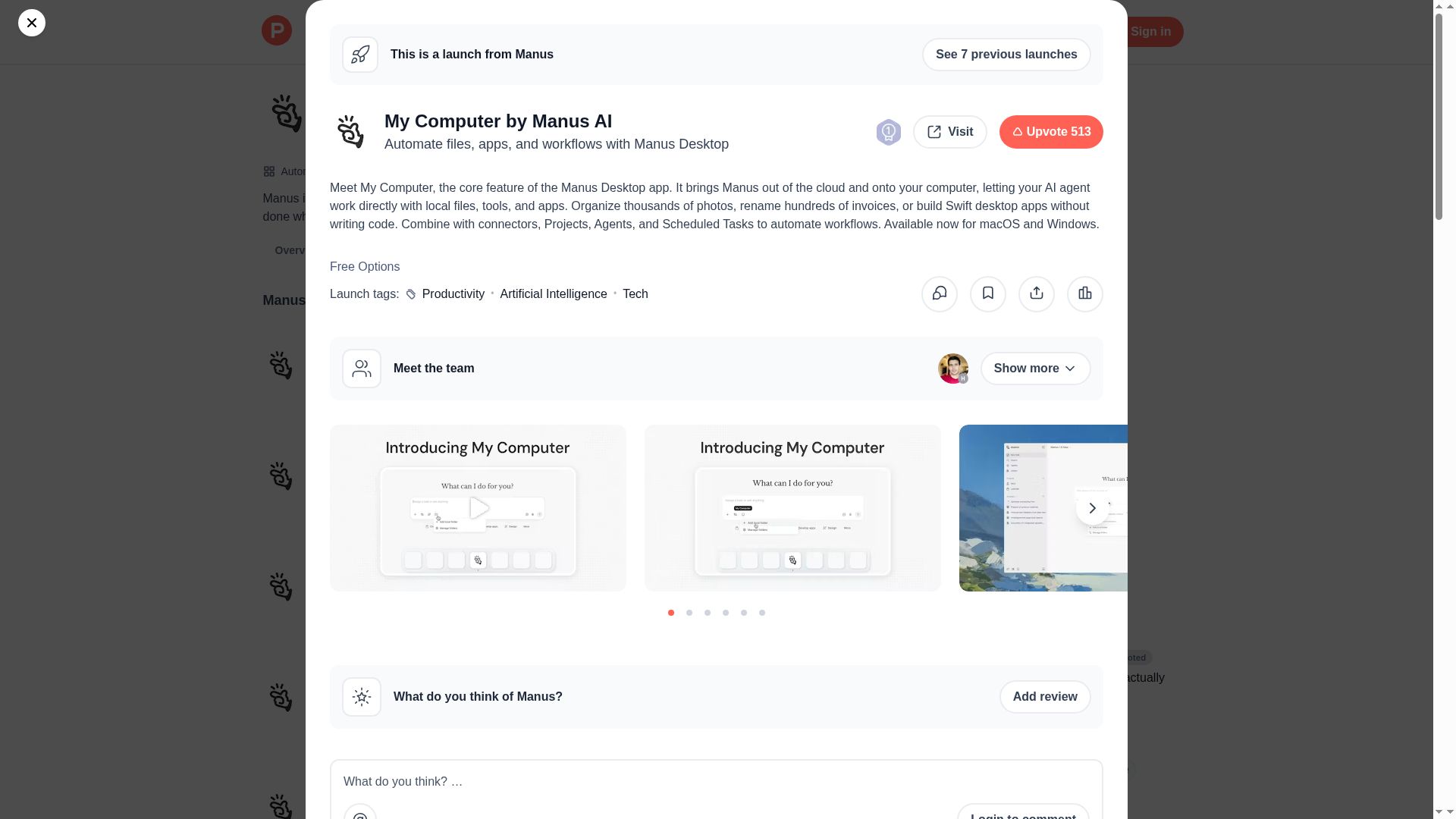

TL;DR: My Computer by Manus AI is a desktop feature that brings an autonomous AI agent directly onto your macOS or Windows machine — reading local files, launching apps, and executing workflows without cloud dependency. It launched #1 on Product Hunt on March 17, 2026, earning 513 upvotes, and is available free via Manus Desktop.
| ⚡ Quick Verdict | |
|---|---|
| What it is | A local AI desktop agent that automates file management, apps, and workflows on your Mac or PC |
| Best for | Developers, power users, and creators dealing with high-volume local file tasks |
| Skip if | You need CRM, lead follow-up, or team-wide sales and marketing automation |
| Our rating | ★★★★☆ (4/5) |
| Bottom line | An impressive local AI agent — but not a replacement for business process automation platforms |
What Is My Computer by Manus AI?
My Computer by Manus AI review: this product hit #1 on Product Hunt in March 2026 for good reason. My Computer is the flagship desktop feature of the Manus Desktop app — downloadable free from manus.im/desktop for macOS and Windows.
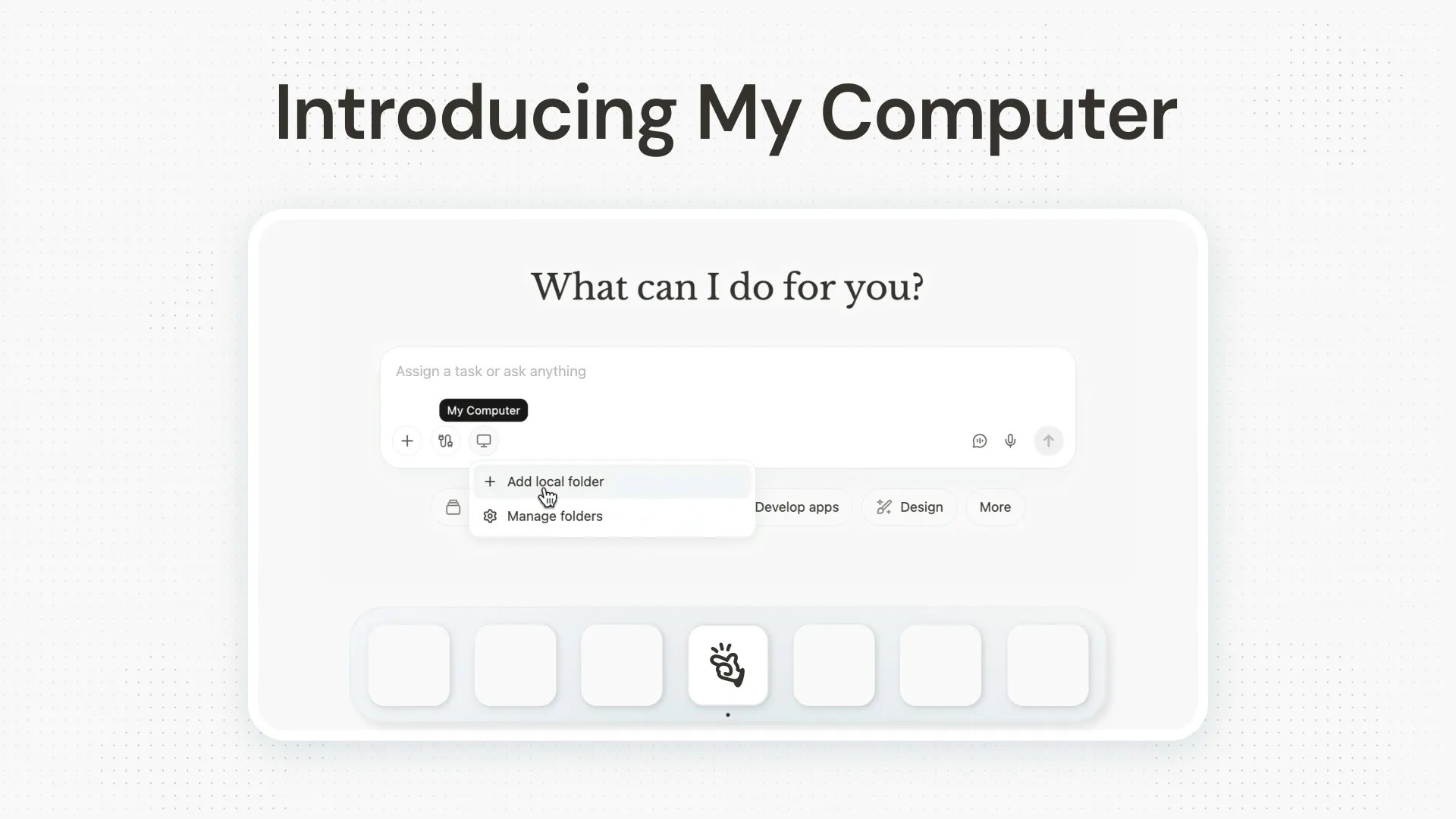
Instead of routing tasks through cloud servers, My Computer lets the Manus AI agent work directly with files and apps on your machine. Connect a local folder, assign a task in plain language, and Manus handles execution — reading files, running CLI commands, launching apps — with your explicit approval at each step.
Manus AI surpassed OpenAI on the GAIA benchmark, and Meta acquired the company in December 2025. My Computer brings that autonomous agent capability onto local hardware, not just cloud infrastructure.
Key Features of My Computer by Manus AI
- Local file automation — Organize thousands of photos, batch-rename invoice files, or sort documents by type with a single natural-language instruction. No scripting required.
- App control via CLI — Manus executes terminal commands to open, control, and automate applications already installed on your machine, including Xcode, Node.js, Python, and more.
- Scheduled Tasks integration — Combine My Computer with Manus Scheduled Tasks for recurring automations: weekly folder cleanups, automatic report generation, or batch processing on a timer.
- Granular permissions — Every terminal command requires your approval (Allow Once or Always Allow). You stay in full control of what the agent touches. Setup walkthrough and permission best practices are covered here.
My Computer by Manus AI Pricing
My Computer is included in Manus Desktop at no upfront cost. Manus uses a credit-based model: new users receive free credits on signup, with daily credits replenished. Paid plans unlock faster processing and additional credits. Visit manus.im for current tier details.
Who My Computer by Manus AI Is For
My Computer fits developers, content creators, and researchers who manage high volumes of local files. It’s not designed for teams running sales pipelines or customer follow-up. 82% of small business employers now use at least one automation tool, but the tools delivering real ROI connect directly to revenue workflows — not just file management.
How My Computer by Manus AI Compares
Here’s how My Computer by Manus AI stacks up against two alternatives small business owners often evaluate alongside it:
| Product | Best For | Key Differentiator | Pricing |
|---|---|---|---|
| My Computer by Manus AI | Local file and app automation | Autonomous local AI agent on your own hardware | Freemium, credit-based |
| OpenClaw | Privacy-first, fully offline AI | Open source (MIT license), zero cloud dependency | Free |
| Automated Sales Machine | SMB sales and marketing automation | All-in-one AI platform — CRM, missed-call text-back, appointment booking, and 100+ integrations | Subscription-based |
If automating local desktop tasks is the goal, My Computer delivers. If your priority is automating revenue-generating processes — lead capture, follow-up, appointment booking — then Automated Sales Machine is the sharper tool. Businesses earn an average $5.44 for every $1 spent on marketing automation — but only when that automation connects to customer-facing workflows.
Our My Computer by Manus AI Review Verdict
My Computer by Manus AI earns 4 out of 5 stars. The core premise works exactly as described — a capable, cloud-backed AI agent that operates on your local machine. Batch file operations, CLI-driven app control, and Scheduled Task integration give it real utility that previous desktop automation tools couldn’t deliver.
The honest limitation: it’s a personal productivity tool, not a business automation platform. For technical power users, this My Computer by Manus AI review gives a clear recommendation: download Manus Desktop and try it. For small business owners focused on revenue, Automated Sales Machine’s all-in-one platform will return more measurable business impact per dollar spent.
Frequently Asked Questions About My Computer by Manus AI
What is My Computer by Manus AI?
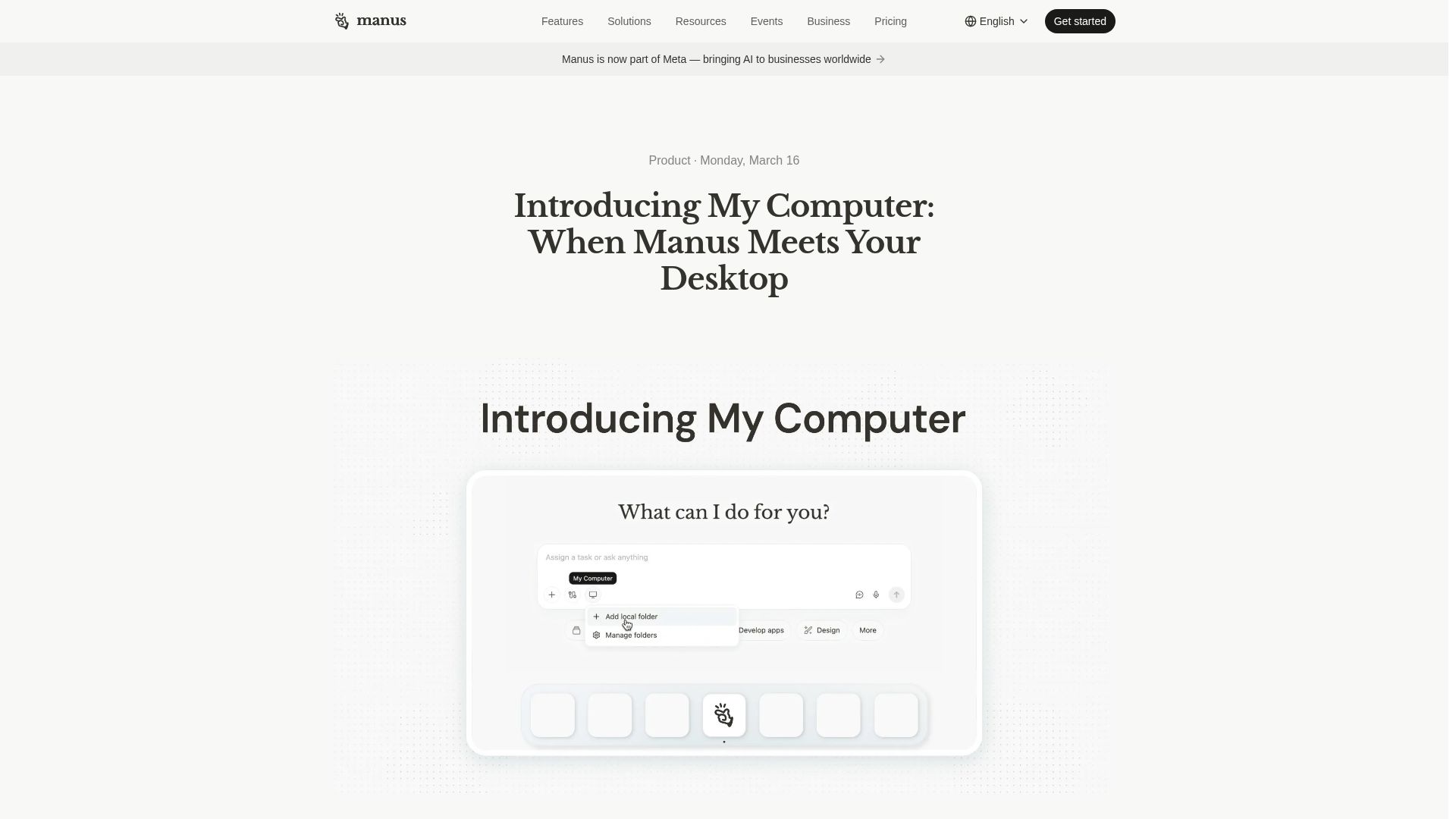
My Computer is a desktop feature of the Manus AI agent that allows the AI to work directly with files, apps, and folders on your local macOS or Windows machine — no cloud file upload required before the agent can act.
Is My Computer by Manus AI free?
Yes. Manus Desktop is free to download and includes My Computer. The platform uses a credit-based system — new users receive free credits at signup, with daily credits replenished automatically. Paid plans provide faster processing and additional credit pools.
Who made My Computer by Manus AI?
My Computer was built by Manus AI, an autonomous agent company that Meta acquired in December 2025. The My Computer feature launched on Product Hunt on March 17, 2026, reaching #1 that day with over 513 upvotes.
How does My Computer by Manus AI compare to OpenClaw?
OpenClaw is fully open-source and runs entirely offline. My Computer by Manus AI requires a Manus account but offers a more polished interface and tighter integration with Manus Projects and Scheduled Tasks.
Where can I try My Computer by Manus AI?
Download Manus Desktop free at manus.im/desktop (macOS and Windows). Sign in, connect a folder, and assign your first task.
View My Computer by Manus AI on Product Hunt →
Looking for automation that works at the business level — not just the desktop? Watch the Automated Sales Machine demo to see how SMBs automate lead capture, follow-up, and appointment booking without the manual overhead.