
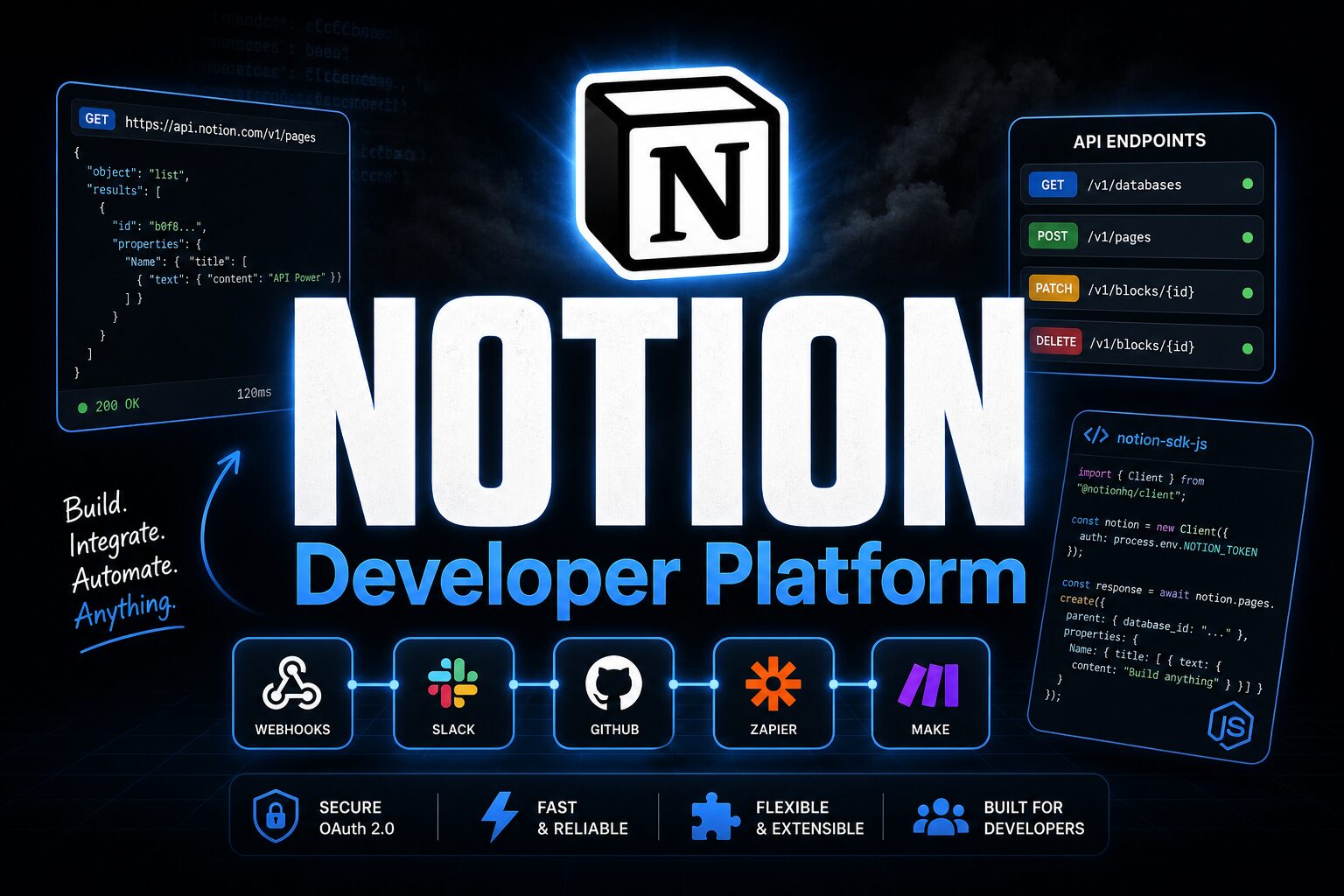

Notion Developer Platform — Build on Notion, not just inside it. #6 Product of the Day.
Notion is a powerful workspace, but its real potential unlocks when developers can build on top of it. Notion’s official Developer Platform lets teams extend Notion with custom integrations, automations, and internal apps—without leaving the ecosystem. For small business operators running operations on Notion or managing client workspaces, the developer platform opens doors to custom workflows that proprietary no-code tools can’t touch.
Key Features
| REST API | Full Database & Block Control |
| Official SDKs | JavaScript & Python |
| Webhooks | Real-Time Event Triggers |
The Notion API is comprehensive. You can read and write database content, create new pages programmatically, query data with filters, and subscribe to real-time changes via webhooks. Official SDKs for JavaScript and Python remove boilerplate. The app marketplace lets you publish integrations for other Notion users to install. This creates flexibility: build internal automation for your own workspace or create shareable apps for a market of Notion users.
How It Works
Create a Notion integration (essentially an OAuth app), authenticate your workspace, and start building. Write code against the REST API or use the official SDK to interact with your Notion databases. For event-driven workflows, set up webhooks to trigger when databases change. Deploy your code anywhere (Lambda, a server, a cron job) and automate Notion operations. If you want to share your integration, publish to the app marketplace and let other Notion users install it.
Who It’s For
Teams using Notion as their operational hub (project management, client tracking, content calendar) benefit from integrations that sync Notion with CRMs, marketing tools, or analytics platforms. Notion power users with basic coding skills can automate repetitive setup, archival, or data migration tasks. Indie developers and agencies building tools for clients find the marketplace a distribution channel. If your business lives in Notion, the developer platform unlocks significant efficiency gains.
Competitors and Alternatives
- Airtable API — More mature API with richer query capabilities and a larger third-party ecosystem. Airtable’s API is arguably more powerful but less intuitive.
- Zapier — No-code automation between Notion and 6000+ apps. Easier for non-developers but less customizable than code-based integrations.
- Monday.com API — Similar marketplace model but less developer-friendly documentation. Notion’s docs and community support are stronger.
Pricing
The Notion API is free to build on. Your workspace and usage are covered by your Notion subscription. If you publish to the marketplace, you can monetize directly through Notion or offer free integrations. This removes a significant barrier to indie developers and small teams building Notion tools.
The Verdict
The Notion Developer Platform is an excellent investment for teams already embedded in Notion. It fills genuine gaps: custom automations, external system syncs, and specialized workflows that Notion’s native features don’t cover. Limitations: the API documentation, while improving, still lags Airtable’s maturity. Rate limits can bite high-volume integrations. And your integration’s success depends on Notion’s reliability and API stability. For Notion-first teams, the platform is powerful and cost-free. For teams still evaluating workspace platforms, factor in integration needs early.
Do I need to pay extra to use the Notion API?
No. The API is free for any Notion workspace. You only need a Notion subscription for the workspace itself. Commercial use and marketplace distribution don’t trigger additional API costs.
What are the rate limits on the Notion API?
Notion enforces rate limits to prevent abuse—typically around 3 requests per second per integration. High-volume operations require pagination and batching, which is manageable but requires planning.
Can I build a client-facing app on the Notion API?
Yes. You can publish apps to the marketplace and set your own pricing, or build internal apps for your own clients. Just respect Notion’s terms of service and avoid violating data privacy.
Check out Notion Developer Platform on Product Hunt or visit the official Notion Developer Platform website to learn more.