


Last updated September 15, 2026
This guide compares top AI email assistant solutions, evaluating tools based on their ability to automate drafting, triage, and lead generation. We have analyzed information from across the industry to help you move from a fragmented inbox to a unified AI operating system.
1. Automated Sales Machine unifies email with a full AI Operating System.
Automated Sales Machine (ASM) solves the fragmentation of modern business by offering a complete AI Operating System for a flat rate of $150/mo with unlimited contacts and users. Most businesses drown in a duct-taped tech stack where the inbox doesn’t talk to the CRM. We built ASM to integrate your email, SMS, and WhatsApp into a single stream. You manage leads through a visual drag-and-drop Kanban board that triggers automated workflows the moment a message arrives.
The standout feature is our Booking Studio. Most assistants just help you write; our AI agents proactively schedule appointments and manage calendar conflicts 24/7. This turns your inbox from a passive list of chores into an active revenue driver. If you’re running complex sales funnels, having your AI assistant natively tied to your CRM prevents the lead leakage that happens when you rely on brittle middleware like automated workflow connections.
Source: Automated Sales Machine
2. Shortwave leverages a native AI-first architecture for advanced inbox history search.
Shortwave provides an intelligent search experience by using a Large Language Model (LLM) to index and understand every interaction in your inbox history. It serves as a high-speed replacement for the standard Gmail interface, focusing heavily on deep archival intelligence. It uses Retrieval-Augmented Generation (RAG) to scan years of historical data. You can ask specific questions like "When did I last discuss contract terms with the legal team?" or "Find my flight confirmation from three years ago."

The tool also features AI Smart Summaries, which condense sprawling email threads into manageable bullet points. When you need to reply, it drafts responses that maintain the conversational tone of previous interactions. While it offers a sleek experience for individuals, it lacks the integrated CRM and pipeline management found in a full AI Operating System. You still have to manually bridge the gap between your conversations and your sales data.
Source: Shortwave search features
3. Proton Scribe focuses on privacy-first AI drafting for sensitive communications.
Proton Scribe ensures data sovereignty by guaranteeing that your email content never trains public models, making it ideal for regulated industries. The AI processing happens either locally on your device or on secure, encrypted servers. This is a departure from tools that send every keystroke to third-party providers. It provides a specialized environment where you can draft and refine messages without compromising client confidentiality.
The interface includes specialized tools to proofread or shorten drafts instantly. However, because it is built within a locked-down encrypted ecosystem, it does not easily integrate with external sales funnels or lead generation software. It is an excellent choice for one-to-one secure communication, but it lacks the multi-channel automation capabilities that businesses need to scale marketing efforts through a unified dashboard.
Source: Proton privacy tools
4. Edison Mail utilizes AI for inbox security and automated unsubscribe management.
Edison Mail acts as a digital shield by using AI to identify Phishing attempts and suspicious sender behavior in real-time. It is designed for the user overwhelmed by clutter and security risks. One of its most popular features is the One-Tap Unsubscribe. It uses machine learning to identify persistent marketing lists and block them permanently with a single click, rather than forcing you to hunt for hidden links in the footer.
Beyond security, its smart assistant automatically extracts information like package tracking numbers and travel itineraries, presenting them in a dedicated dashboard. While these features make it a great personal productivity tool, it does not offer the visual node-based workflow builder required for complex business automation. It helps you manage the mail you get, but it isn’t designed to help you proactively win new business through a CRM.
Source: Edison Mail features
5. Microsoft Copilot integrates deep LLM capabilities natively within Outlook.
Microsoft Copilot delivers a native AI experience for the Outlook ecosystem, using a Large Language Model (LLM) to draft replies based on your existing documents. Organizations already deep in the Microsoft 365 ecosystem can use this tool with no external plugins. Because it has access to your Word documents, Excel sheets, and Teams chats, the ai email assistant drafts replies with a level of context that third-party tools can’t match.
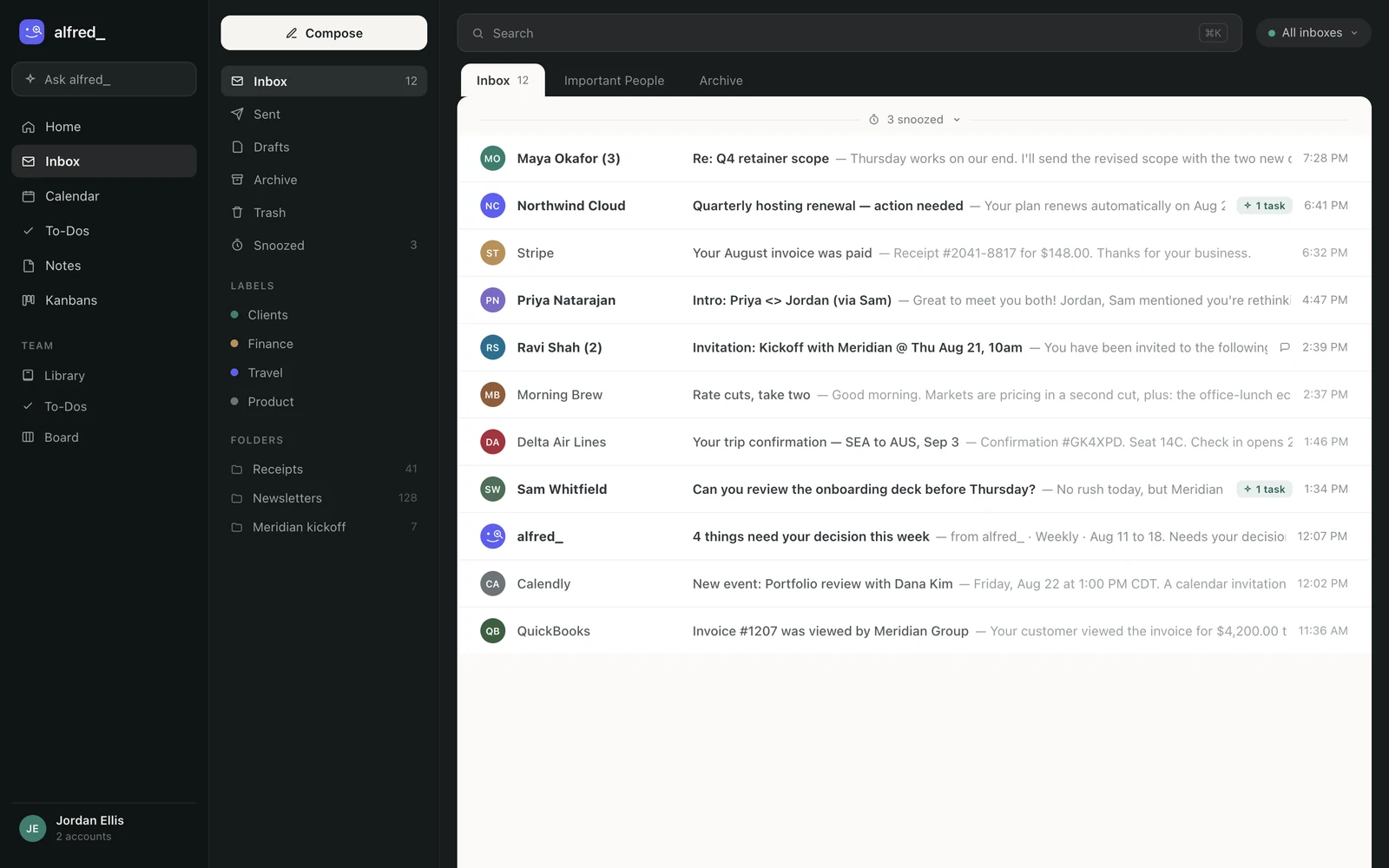
Image source: Get-alfred
Deep integration is its greatest strength. It is a natural fit for enterprise users. However, for small businesses, the "per-seat" pricing model can become prohibitively expensive as the team grows. While it excels at internal document-heavy workflows, it doesn’t provide the unified inbox for social media and SMS that a more comprehensive AI Operating System like ASM provides to prevent lead leakage across platforms.
Source: Microsoft AI features
6. SaneBox uses AI to intelligently filter and route incoming mail.
SaneBox automates the triage process by analyzing your past behavior to determine which emails are important and which can wait. Non-urgent messages are automatically routed to a "SaneLater" folder, ensuring that your primary inbox only contains items that require immediate attention. It works across all major providers (including Gmail and Outlook) without needing a dedicated app, making it one of the most flexible filtering tools available.
The "Deep Clean" feature is particularly useful for those with thousands of unread messages, as it uses AI patterns to mass-delete old, unimportant mail. While SaneBox is excellent for cleaning up a messy inbox, it doesn’t help you write better emails or manage a sales pipeline. It is a utility for organization, not a platform for growth. You would still need a separate CRM and marketing automation tool to handle your actual business operations.
Source: SaneBox filtering
7. Grammarly Business applies AI to ensure cross-team communication consistency.
Grammarly Business standardizes brand voice by offering sophisticated tone detection and real-time feedback for Gmail and other enterprise software users. Managers can set specific communication goals, such as maintaining a confident or empathetic tone, and the tool provides real-time feedback to employees as they type. This is particularly valuable for support and sales teams where consistency is key to maintaining customer trust.
The platform provides "snippets" that the AI can insert for common responses. Even automated or templated replies maintain a high professional standard. Because it works as a browser extension, it integrates directly with web-based email clients. While it is excellent for refining the quality of individual messages, it lacks the deep CRM integration found in a dedicated AI Operating System. It cannot automatically update lead statuses or trigger follow-up sequences.
Source: Grammarly for Business
8. Superhuman AI enhances speed with rapid summarization and drafting.
Superhuman AI targets power users by using an LLM to turn rough bullet points into full email drafts instantly while offering "Inbox Zero" navigation. The AI features allow users to significantly reduce the cognitive load of drafting. One of its most praised features is "Auto-Summarize," which provides a concise one-line preview of every email in the inbox. You can triage messages at a glance without opening every thread.
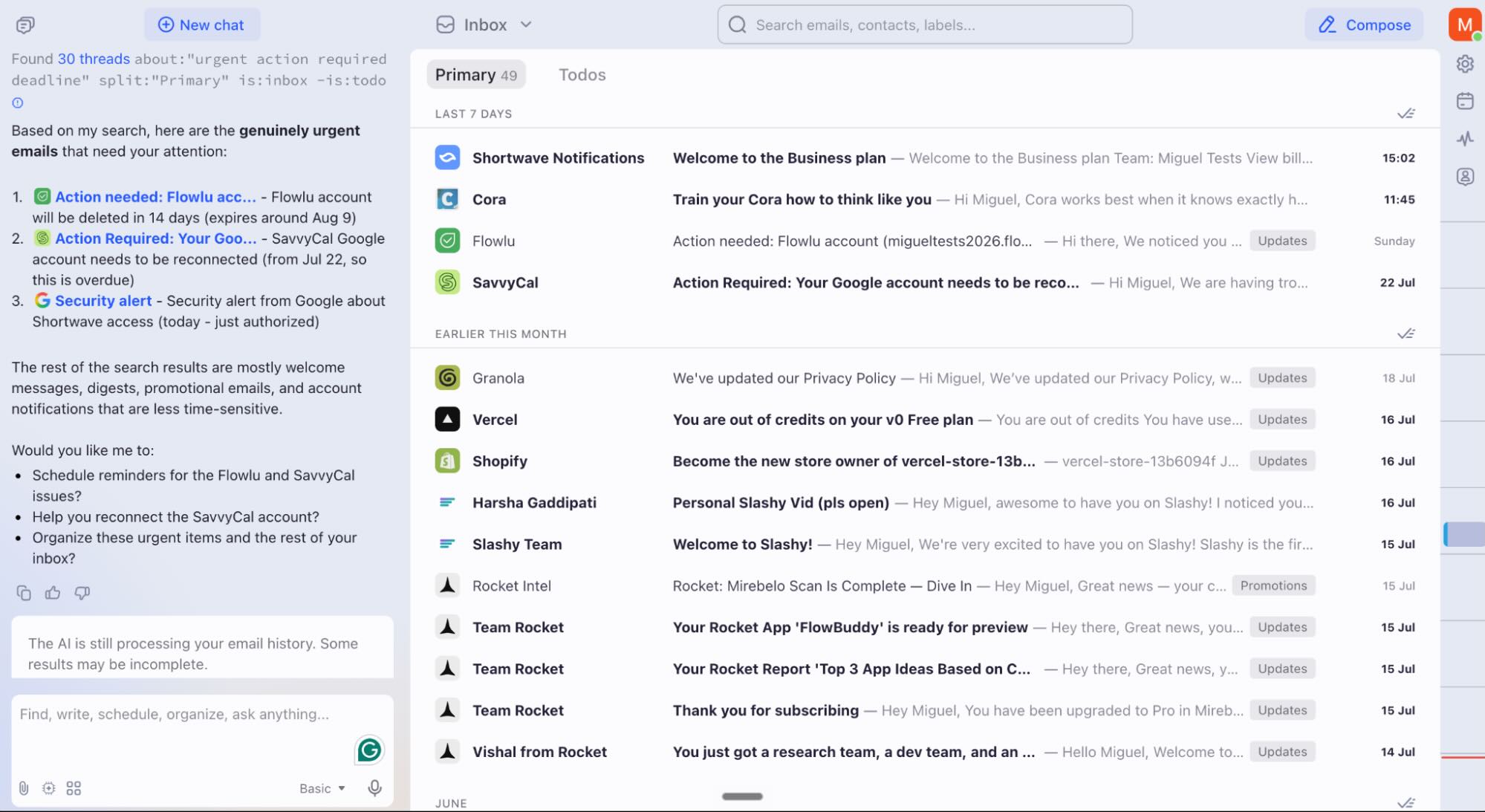
Image source: Superhuman email interface
Speed is the main selling point. Superhuman is widely considered the fastest email client for individual productivity. However, we see it as a "duct-taped" solution when used for business growth. It doesn’t offer a unified stream for social media messages or the visual Kanban boards needed to manage a complex sales pipeline. This may lead to fragmented data across different communication channels. For more on similar tools, read about the Shadow Mac AI Assistant functionality.
Source: Superhuman AI tools
9. Jasper for Business automates high-volume marketing email creation.
Jasper for Business focuses on conversion-optimized copy, using OpenAI models and custom brand training to generate high-volume marketing campaigns. It uses AI agents trained on specific brand voices to ensure every marketing message sounds authentic. Unlike standard assistants that focus on one-to-one replies, Jasper integrates with existing workflows to trigger high-quality copy based on customer lifecycle stages. It is a powerful tool for lead nurturing.
The focus here is on content creation rather than functional communication. It excels at taking a marketing brief and turning it into a multi-stage email sequence. However, Jasper is primarily a content creation tool. It does not function as a primary inbox or a scheduling assistant. For businesses looking to bridge the gap between content creation and lead management, a holistic solution that combines these capabilities with a CRM is often more cost-effective.
Source: Jasper marketing AI
application submission email
An application submission email is a formal message sent to a hiring manager or admissions officer to deliver a resume, portfolio, or form. To send a professional version, include the job ID, attach files as PDFs, and mention 2 specific company achievements to show research.
| Feature | Requirement |
|---|---|
| Subject Line | Name – Job Title – Application |
| File Format | PDF (not .docx or .pages) |
| Personalization | Name at least 1 specific project |
email submitting application
Sending an email submitting an application requires a clear structure to pass through automated filters. Start with a direct subject line, state the position you are seeking in the first 10 words, and provide a 3-sentence summary of your relevant experience before closing with a call to interview.
| Element | Best Practice |
|---|---|
| Opening | Dear [Name] or Hiring Team |
| Body | 3 bullet points of results |
| Closing | Professional sign-off (Sincerely) |
send application email
To send an application email effectively, you must ensure all attachments are named correctly (e.g., Firstname_Lastname_Resume.pdf). Proofread for tone using an AI tool, then send the message during peak business hours (Tuesday–Thursday, 9 AM to 11 AM) to increase the likelihood of a rapid human response.
| Step | Action |
|---|---|
| Review | Check for typos in the recipient name |
| Test | Verify all links and attachments work |
| Timing | Schedule for mid-week mornings |
Moving from Duct-Taped Plugins to a Unified AI Operating System

Most businesses currently "duct-tape" their tech stack by paying for separate plugins to handle drafting, lead tracking, and scheduling. This fragmented approach is not only expensive but often leads to data silos where information in your email client doesn’t match your CRM. For example, a salesperson might spend hours manually logging notes from a Gmail thread into a separate database. This increases the risk of human error and lead leakage across different platforms.
A unified AI Operating System, such as the solution from Automated Sales Machine, consolidates these disparate costs into a $150/mo flat-rate model that includes unlimited contacts and users. We eliminate the "per-seat" tax that makes tools like Microsoft Copilot expensive for growing teams. By bringing Facebook, Instagram, and email into one Unified Inbox stream, businesses can ensure that no lead is missed. You can also explore how Meta Launches Muse AI Agent to understand how cross-app automation is evolving.
Automation is significantly more reliable when AI agents have direct access to your internal data without relying on third-party connectors. Instead of using external tools to link tasks, the system provides a visual drag-and-drop Kanban board directly tied to automated workflows. This allows the AI to move a lead through the sales stages automatically as soon as a specific intent is detected in an email. It creates a smooth transition from initial contact to a closed deal. High-quality imagery for these campaigns can be enhanced using professional headshots from Lightz Out Studios to build immediate trust with new leads.
Measuring ROI: How to Calculate Time Saved with AI Agents

To justify the investment in an ai email assistant, businesses must track the average time spent on manual triage versus AI-automated routing. If an employee spends two hours a day simply sorting through their inbox, an AI agent that summarizes threads and flags urgent tasks can reclaim over 40 hours of productivity per month. You can further evaluate efficiency by measuring how much the AI reduces drafting time. Ideally, it should handle the bulk of the initial writing before a human provides a final review.
Beyond internal efficiency, monitor appointment booking rates as a key performance indicator. Tools like the ASM Booking Studio qualify leads and schedule meetings 24/7, managing calendar conflicts without human intervention. This 24-hour availability often leads to higher conversion rates because leads are engaged the moment they show interest. For those recording these interactions, the Spellar 3.0 meeting assistant can help summarize the subsequent voice calls.
Finally, use your integrated analytics to compare the performance of AI-generated outreach against traditional manual emails. By reviewing metrics like open rates, you can see the direct impact of using Retrieval-Augmented Generation (RAG) to insert specific, relevant facts into your messages. High-quality production values are also essential for engagement. Consider how professional video assets can be integrated into these automated sequences to further boost your brand’s authority and click-through rates.
Frequently asked questions
What is an AI email assistant?
An AI email assistant is a software tool or agent that uses Large Language Models (LLMs) to read, summarize, draft, and organize email communications. These tools act as an intelligent layer over your inbox, capable of identifying urgent tasks and automating repetitive replies to increase daily productivity.
Will using an AI email assistant make my emails land in spam?
No, as long as the AI generates high-quality, relevant content that avoids common spam trigger words and adheres to sending limits. Using a professional AI Operating System ensures your technical settings are correctly configured for high deliverability, keeping your messages in the primary inbox.
Is my data used to train the AI models used by these assistants?
It depends on the provider; privacy-focused tools like Proton Scribe do not use your data for training public models. Always check the specific terms of service, especially for tools utilizing OpenAI or native enterprise integrations, to ensure your sensitive business data remains confidential.
How do I send an application submission email that doesn’t sound robotic?
Start by using the AI to draft the core structure, then spend 2 minutes personalizing the opening and closing sentences to reflect your specific interest. Ensure the AI uses Retrieval-Augmented Generation (RAG) to reference specific facts about the recipient or company to increase authenticity.
Stop struggling with a fragmented inbox and start scaling your business with a unified AI Operating System. Get started with Automated Sales Machine today to automate your lead generation and appointment booking on a flat-rate model built for growth.