
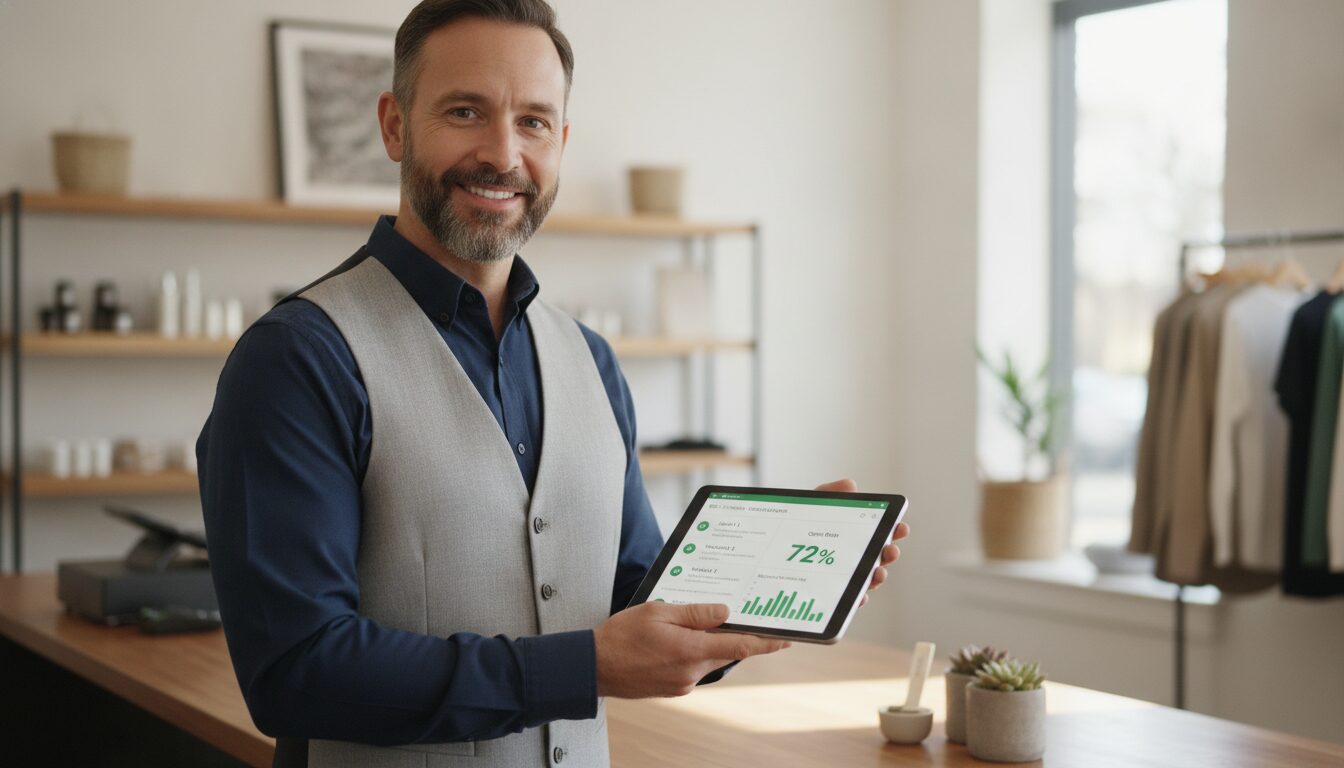

Local business email marketing starts with one asset: the customer’s email address. Local businesses that collect customer email addresses and store them in a CRM have a direct line to repeat revenue — no ad spend required. When a customer buys, that transaction ends. When a business captures their email and stores it in a CRM, a relationship begins. Local business email marketing turns every transaction into a channel — one that the business owns outright and no algorithm can throttle. Every email address collected is a future sale waiting to happen.
Start collecting customer emails and building your CRM today →
The Customer Who Left Without Their Email Is Revenue You Will Never See Again
When a customer walks out the door without leaving their email address, the ability to bring them back disappears with them. That visit becomes a one-time transaction instead of the start of a lasting customer relationship. Local businesses that collect emails at the point of sale — through a loyalty sign-up, a receipt opt-in, or a QR code on the counter — convert single buyers into a returnable, owned audience that no algorithm can throttle.
The economics of local business email marketing are clear. According to Campaign Monitor, email marketing delivers an average return of $42 for every $1 spent — a ratio that no paid social or search channel consistently matches at the local level. For a neighborhood restaurant, boutique, or service business operating on thin margins, that difference between owned email and rented ad audiences is the difference between a profitable slow Tuesday and an empty dining room.
The businesses winning at local marketing are not spending more on ads. They are running local business email marketing the right way — owning their customer data instead of renting attention from platforms. A growing email list means a growing base of people who already trust the brand, already spent money there, and are more likely to come back than any cold audience ever will be.
A CRM Turns an Email List From a Spreadsheet Into a Revenue Engine
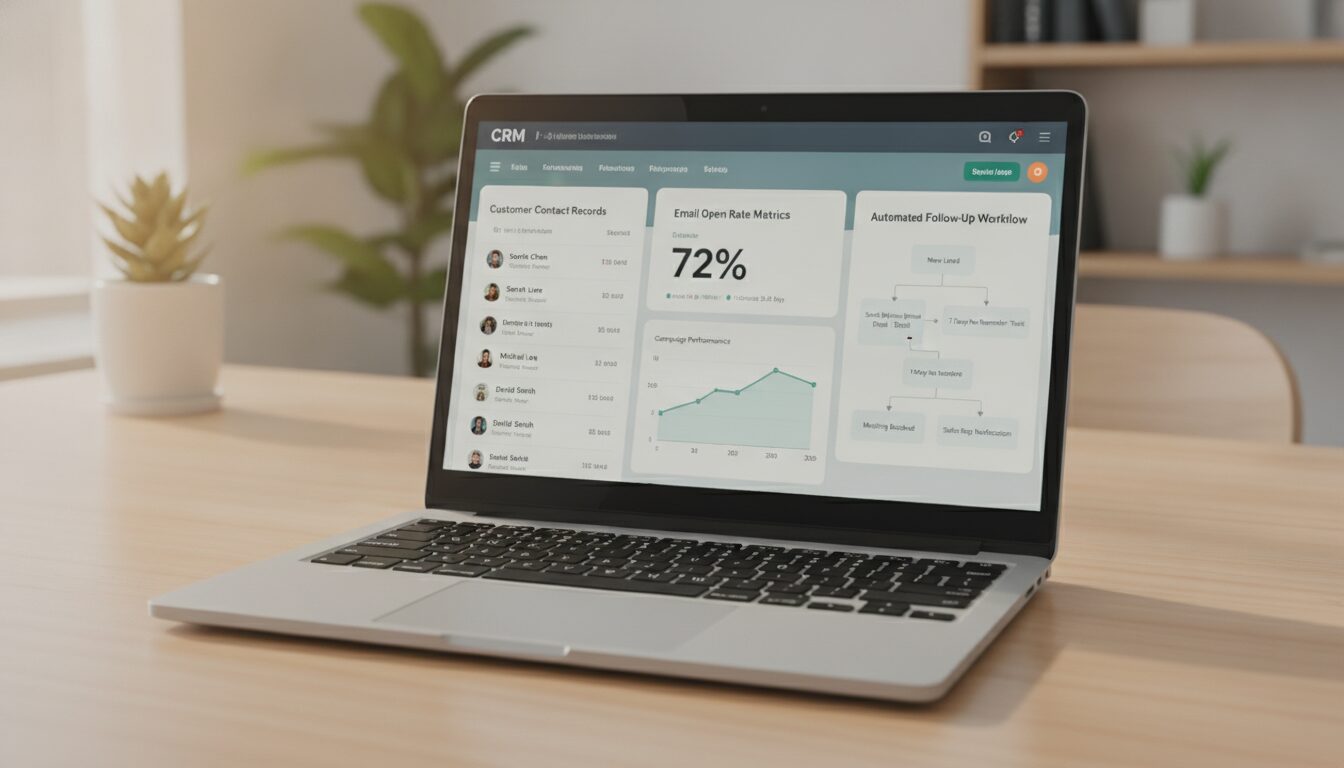
Collecting emails in a notebook or a shared Google Sheet is better than nothing. But effective local business email marketing requires more than a list — it requires a system. Storing customer emails in a CRM is an entirely different category of business capability. A CRM organizes every customer contact, purchase history, and interaction into a single record — and connects that data to automated follow-up sequences that run while the business owner is on the floor serving customers.
The difference shows up immediately in the results:
- A local restaurant that stores customer emails in a CRM triggers an automated “We miss you” message after 30 days of no visit — and gets a percentage of those customers back without a single phone call.
- A retail boutique segments customers by purchase category and sends targeted promotions for new arrivals they are statistically most likely to buy.
- A fitness studio automates renewal reminders before memberships lapse — recovering revenue that would otherwise churn silently.
- A dental practice follows up with patients due for a cleaning and fills appointment slots that would otherwise go empty.
The CRM replaces guesswork with a system. It turns passive customer data into active revenue triggers.
Coupons and Promotions Sent to Past Customers Drive Measurable Foot Traffic
Slow Tuesdays, off-peak January slumps, and mid-month revenue gaps are predictable. Local businesses with a CRM and an email list have a predictable solution: send a promotion directly to the people most likely to respond — past customers who already know the brand and have already spent money there.
A 10% off coupon sent to 500 past customers on a slow Wednesday costs nothing beyond the cost of the email platform. A single-location retailer running a weekend clearance generates immediate foot traffic without paying for Facebook ads, mailers, or billboard placements. The math compounds fast.
According to the Data & Marketing Association, segmented email campaigns generate up to 760% more revenue than non-segmented campaigns. The reason is simple: a past customer receiving a relevant offer is not a cold lead being interrupted. They are a warm relationship being activated. Local businesses that understand this distinction stop competing for attention in crowded ad feeds and start monetizing the audience they already own through local business email marketing.
Effective coupon and promotional email triggers for local businesses include:
- Anniversary offers: Automated emails sent on the one-year mark of a customer’s first purchase
- Slow-day fills: Manual sends triggered by the business owner on low-revenue days
- Seasonal promotions: Holiday, back-to-school, or end-of-season campaigns to past buyers
- Win-back sequences: Automated campaigns targeting customers who haven’t visited in 60 or 90 days
- Loyalty milestones: Triggered rewards when a customer reaches a purchase threshold
Automated Review Requests Build Local SEO Authority on Autopilot
Google reviews are the primary driver of local search rankings. Businesses that consistently earn new reviews appear higher in Google Maps results, earn more clicks, and convert more walk-in customers into paying ones. The challenge is that satisfied customers rarely think to leave a review without a direct, timely ask.
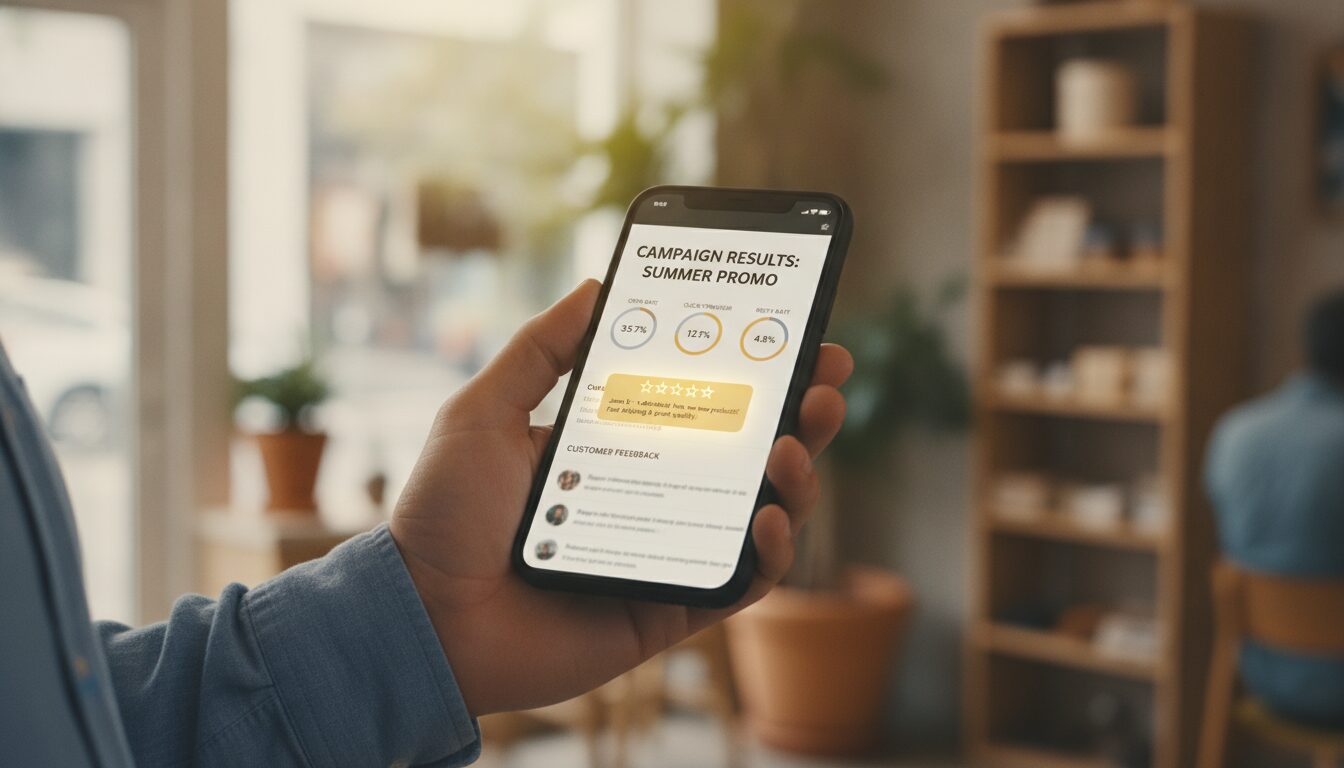
An automated post-purchase review request — sent by email two to three days after a visit — catches customers at peak satisfaction. According to BrightLocal, 76% of consumers who are asked to leave a review do so. That number represents a massive opportunity that most local businesses leave on the table because they rely on hoping customers remember, rather than building a system that asks automatically.
Businesses that automate review requests through a CRM generate a steady, compounding stream of new Google reviews without any manual follow-up. Over twelve months, a business receiving even five new reviews per week builds a profile that dominates local search results for its category — pushing down competitors who are not running this system.
An Email List Lets Business Owners Control Their Own Slow Days
No other local business email marketing tool gives a business owner the ability to say “I need 40 customers in here this Thursday” and take direct action to make it happen. Social media posts reach whoever the algorithm decides to show them to. Paid ads run on a budget clock that stops the moment the spend stops. An email list sits ready — owned, segmented, and deployable at any moment without paying a platform for access to it.
A hair salon that tracks appointment history in a CRM identifies clients who haven’t booked in 60 days and sends a “Book this week, save 15%” message on a Monday morning. A gym with a slow mid-week attendance problem sends a “Double XP Wednesday” promotion to members who haven’t checked in that week. A home services company fills a cancellation slot by emailing past customers in the same zip code with a discounted same-week booking offer.
These are not complex marketing campaigns. They are simple messages sent to the right people at the right time — and they work because the list exists. The businesses that build this list early have a compounding advantage: every new customer added to the CRM increases the power of every future campaign.
How to Start a Local Business Email Marketing Strategy
Local business email marketing begins with a single, repeatable act: collecting the customer’s email address at the point of sale. The businesses that grow the fastest treat email collection as a standard part of every transaction — not an afterthought.
Effective collection methods for local businesses:
- Point-of-sale sign-up: A tablet, QR code, or opt-in prompt at checkout offering a discount or loyalty reward in exchange for an email address
- WiFi gate: Require an email address to access in-store WiFi — common in cafes, salons, and retail
- Digital receipt opt-in: Add an email capture field to digital receipts through POS systems like Square or Toast
- Event and class registration: Collect emails at in-store events, tastings, fitness classes, or workshops
- Loyalty program enrollment: Frame the email capture as the entry point to a rewards or loyalty program — customers perceive it as a benefit, not a data request
Every email collected goes directly into the CRM — tagged by source, purchase type, and visit frequency — and immediately becomes eligible for automated campaigns. The list starts working from day one.
Frequently Asked Questions
How many subscribers does a local business need before email marketing pays off?
Local business email marketing shows results starting with as few as 100 subscribers. A targeted list of 500 past customers outperforms a cold ad audience of 50,000 because the trust is already established. Start collecting on day one and build from there — the compounding value increases with every contact added.
What is the difference between an email list and a CRM for a local business?
An email list is a contact database. A CRM connects that contact data to purchase history, visit frequency, behavior triggers, and automated campaign sequences — making the list actionable rather than static. An email list collects data. A CRM uses it.
How often should a local business send emails to its customer list?
Once or twice per week is the standard for most local businesses. More than that risks unsubscribes. Less than that risks being forgotten. A CRM lets businesses automate a consistent sending cadence without any manual effort — the schedule runs in the background while the owner runs the business.
Are automated review request emails compliant with Google’s guidelines?
Yes. Asking a customer for an honest review via email is legal and fully compliant with Google’s terms of service. Businesses cannot offer incentives in exchange for positive reviews — that violates Google’s policies — but requesting an honest review from a verified past customer is standard, encouraged, and effective.
What platform handles email collection, CRM, review requests, and coupon campaigns in one place?
Automated Sales Machine combines CRM, email marketing, automated review request workflows, and promotional campaign tools in a single platform built for local and service businesses. No third-party integrations, no disconnected data, no subscription stack — everything runs from one dashboard.
Build the Asset That Compounds With Every Customer
Local businesses that invest in local business email marketing stop leaving money on the table with every transaction. They fill slow days on demand. They earn Google reviews on autopilot. They turn one-time buyers into loyal customers who spend more, return more often, and refer their networks. The businesses that build this system now own a marketing asset that grows in value with every door that opens and every sale that closes.
Every customer who walks in and leaves without giving their email is a future campaign that never happens. Every customer who opts in is a relationship that compounds.
Book a free demo and see how Automated Sales Machine builds and activates your customer email list →