
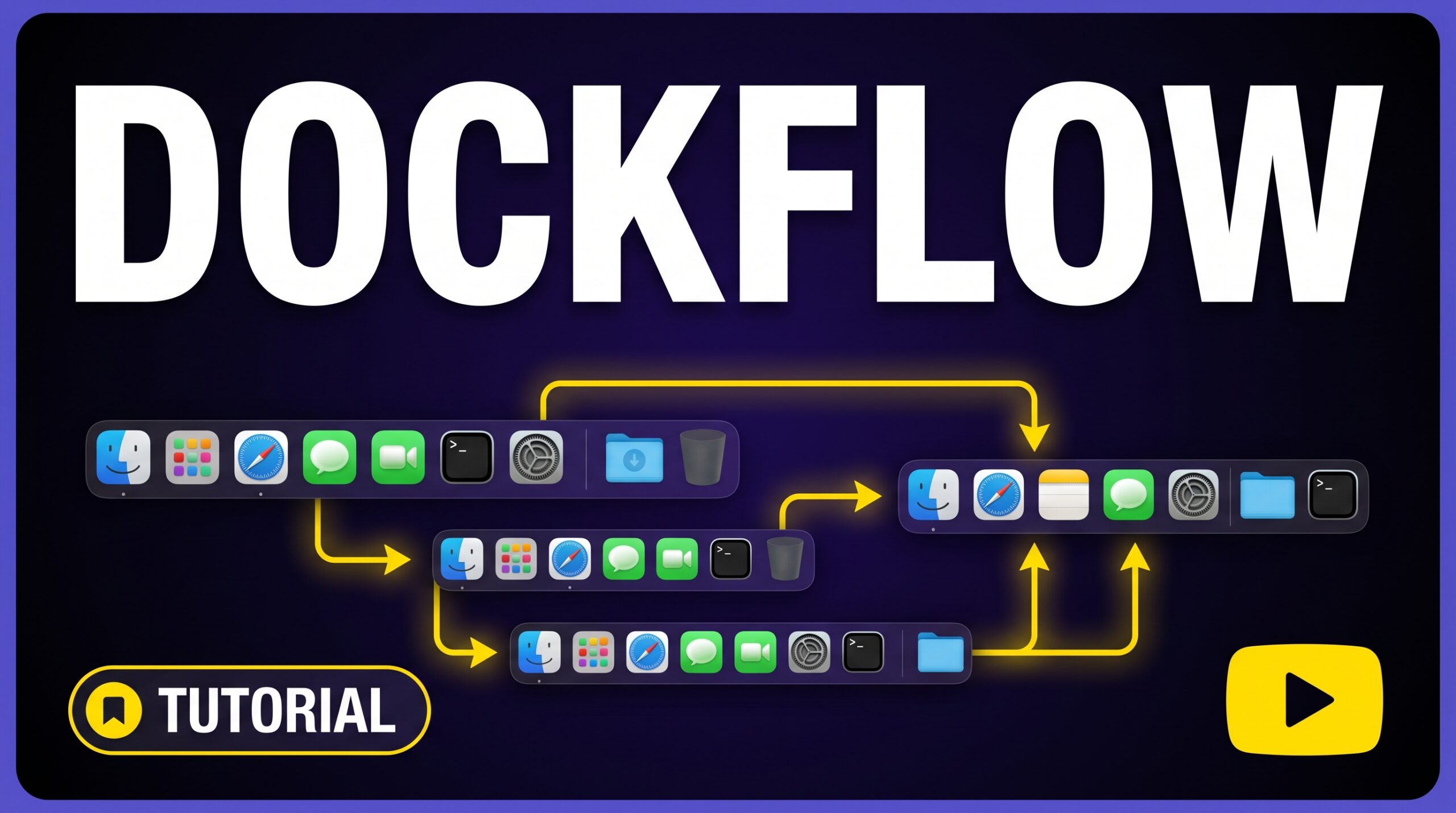


DockFlow — Save, switch, and automate Dock layouts for every workflow It addresses a genuine daily friction point for Mac users who work across multiple contexts. Managing macos dock layout presets manually is the kind of small friction that compounds significantly over a year of work sessions.
129 upvotes · #8 Product of the Day — View on Product Hunt
Most Mac users have done it without thinking: opened the laptop, switched mental gears from yesterday’s project, and spent the first few minutes dragging app icons in and out of the Dock before actual work could begin. It is a small friction, but repeated across hundreds of mornings it adds up. DockFlow was built to eliminate exactly that problem by letting users save and instantly recall Dock presets for every workflow they run.
Topics: Productivity, Tech
The app ranked 8th on Product Hunt on May 24, 2026, collecting 129 upvotes in its launch window — a signal that the problem it solves resonates well beyond its creator’s own desk. After a year on the market and roughly 70 iterative updates, it now counts more than 1,000 active users.
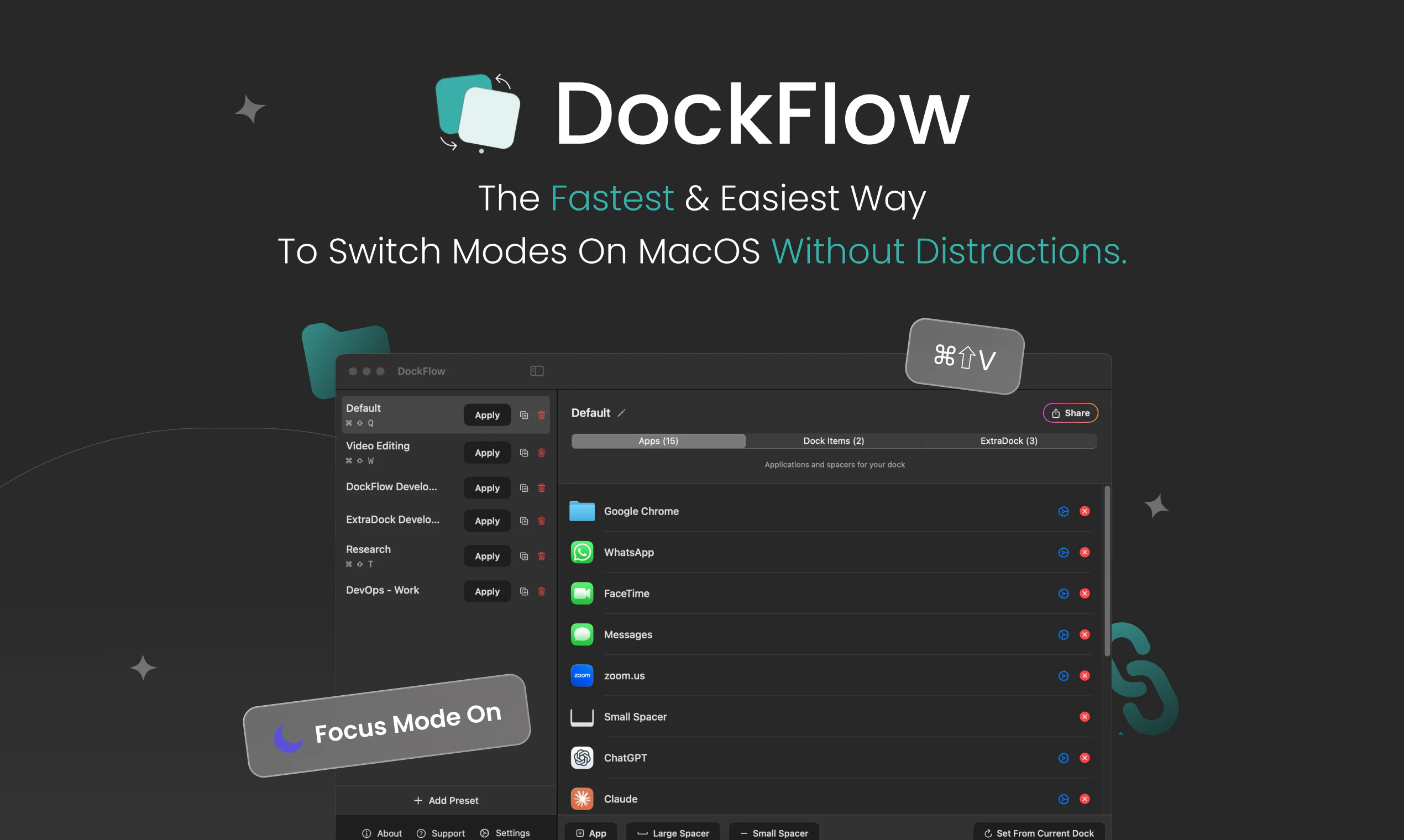
macOS Dock Layout Presets: How DockFlow Works
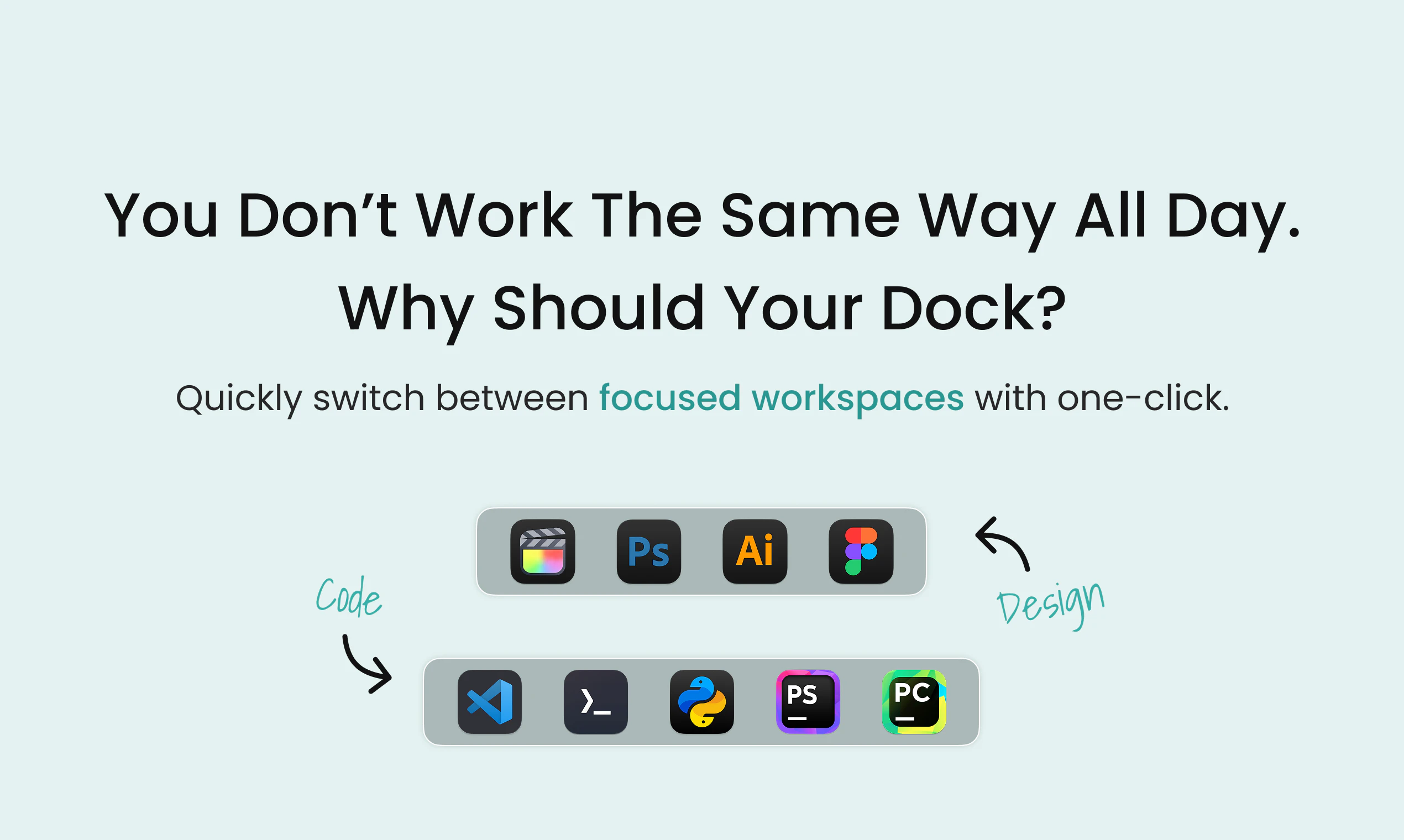
The core mechanic is straightforward. A user configures their Dock the way they want it for a specific context — say, a design session with Figma, Sketch, and Preview front and center — then saves that arrangement as a named preset. When switching to a coding session, they select the coding preset and DockFlow swaps out the icons, closes the apps that belong to the previous context, and opens the ones assigned to the new one. The entire transition happens in a single click.
This is not merely icon rearrangement. The auto-open and auto-close behavior is what separates DockFlow from simply dragging icons around manually. Memory freed, screen real estate reclaimed, and cognitive load reduced — the Dock reflects exactly where the user is headed rather than where they have been. That is the design insight behind these macos dock layout presets: context should follow intent, not accumulate history.


Best Use Cases
DockFlow earns its place most clearly for users who shift between distinct work modes throughout the day. A few profiles stand out.
Freelancers juggling multiple clients or disciplines. A freelancer who writes copy in the morning, handles client invoicing at midday, and does light video editing in the afternoon is living inside three different toolsets. Maintaining separate saved layouts for each role means the Dock always matches the task.
Developers who context-switch between projects. A developer working across a web project and a mobile project may run different editors, simulators, and terminal profiles. Swapping macos dock layout presets eliminates the micro-interruptions that break flow at the start of each session.
Small business owners who wear many hats. The owner who answers support tickets, manages bookkeeping, and runs marketing campaigns is essentially three different workers sharing one Mac. DockFlow gives each role its own clean workspace.
Pricing
DockFlow’s pricing was not confirmed in the Product Hunt listing data available at the time of writing. Based on its positioning as a polished, actively maintained Mac utility with a year of updates behind it, a paid Mac App Store model — either a one-time purchase or a modest subscription — is the most likely structure. Prospective buyers should verify current pricing directly through the developer’s official channels before purchasing.
How It Compares
The macOS Dock management app space has several relevant alternatives worth examining.
- Dockify offers Dock preset switching at a $9.99 lifetime price. It is the most directly comparable product. The choice between Dockify and DockFlow likely comes down to interface preference and whether DockFlow’s auto open/close behavior justifies any price difference.
- DockProfiles is free, local-only, and built in SwiftUI. For users who want Dock preset switching without spending anything and are comfortable with a leaner feature set, it is a credible starting point. It lacks the app-launch automation that DockFlow emphasizes.
- HiDock targets multi-monitor Mac setups and is available as free donationware. If the primary pain point is Dock behavior across multiple displays rather than workflow context-switching, HiDock may be the better fit.
Pros and Cons
- Pro: Solves a genuine, repeated friction point for multi-role Mac users
- Pro: One-click switching with automatic app open/close — not just icon rearrangement
- Pro: Over 70 updates in one year signals active, committed development
- Pro: Works within the native macOS Dock rather than replacing it
- Con: Pricing is not publicly confirmed, making direct cost comparison difficult before purchase
- Con: Free alternatives like DockProfiles exist for users who do not need app-launch automation
- Con: User base of 1,000, while growing, is still small — long-term developer commitment is an open question
Verdict
DockFlow is a well-scoped answer to a real problem. It does not try to reinvent the macOS Dock or layer on features that dilute its purpose. If you regularly switch between distinct work contexts on a Mac and find yourself spending time reorganizing before you can start, Dock presets managed through DockFlow represent a sensible investment. The auto-open/close behavior and the year of iterative refinement make DockFlow worth evaluating seriously. Confirm pricing through the developer’s official page, test it against your actual workflow, and measure whether the recovered minutes justify the cost.
Frequently Asked Questions
Does DockFlow work with the native macOS Dock, or does it replace it?
DockFlow works with the native macOS Dock. It saves and restores named Dock configurations — controlling which apps appear and automating their open/close state — without replacing the Dock itself. Users who prefer the standard macOS Dock experience retain it fully.
How many Dock presets can a user save in DockFlow?
The exact preset limit was not specified in the available product data. Based on the product’s positioning for multi-role workflows, it is designed to support multiple saved configurations. Check the developer’s documentation for the current limit and any tier-based restrictions.
Is DockFlow compatible with the latest version of macOS?
DockFlow has received approximately 70 updates over its first year of release, which suggests active maintenance and compatibility work. macOS compatibility specifics should be verified through the Mac App Store listing or the developer’s official support page before purchasing, particularly if you are running a recently updated system.
Check out DockFlow on Product Hunt or visit the official DockFlow website to learn more.