
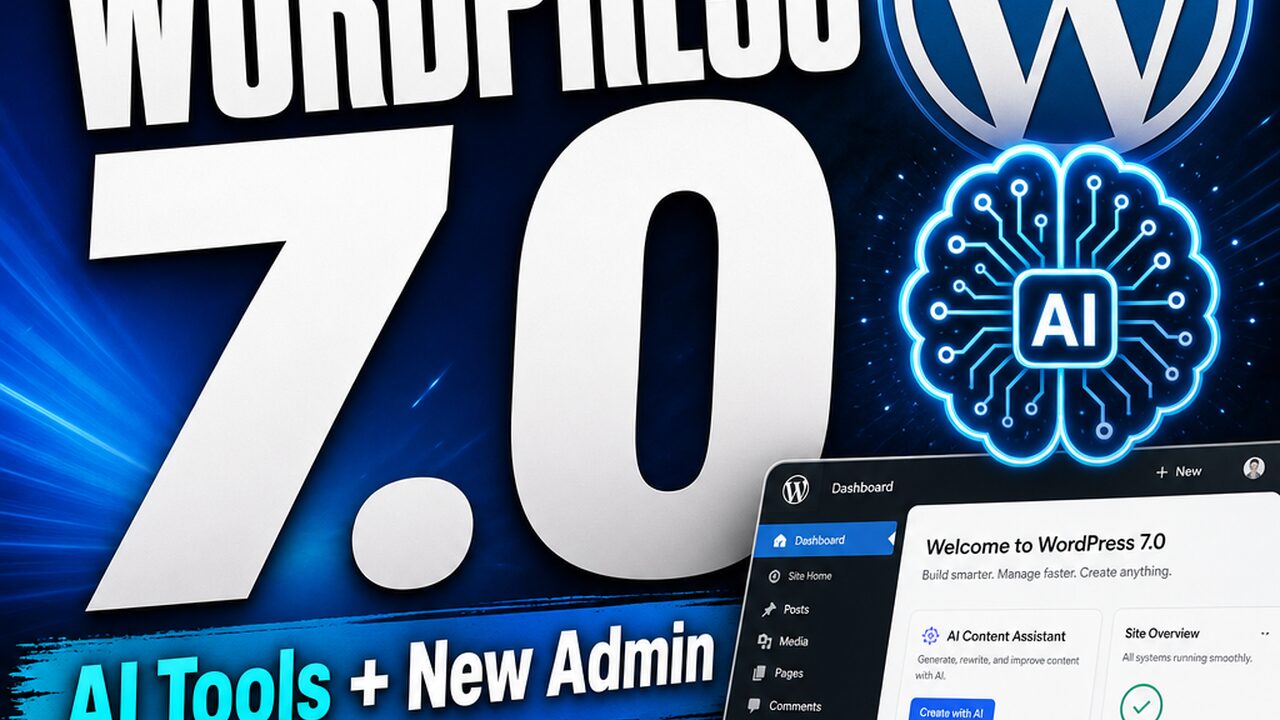


WordPress 7.0 — Introducing AI tools, new admin experience & design controls
244 upvotes · #4 Product of the Day — View on Product Hunt
WordPress 7.0 arrived on May 20, 2026, marking a significant reset for the world’s most-used content management system. The release introduces AI integration at the platform level, a modernized admin dashboard, and expanded design controls—features that address long-standing friction points for creators, small business owners, and developers. With WordPress 7.0 features spanning AI connectors, responsive design tools, and a redesigned editor experience, the platform signals its intention to compete directly with modern no-code and low-code builders while maintaining its open-source core.
Topics: WordPress
What’s New in WordPress 7.0: Foundation for an AI-Enabled CMS
WordPress 7.0 does not position itself as a finished AI product. Instead, it establishes foundational infrastructure: a centralized AI Connector Screen, a standardized WP AI Client, and an Abilities API that allow themes and plugins to tap into OpenAI, Google Gemini, and Anthropic Claude without duplicating authentication logic. Rather than embedding proprietary AI features, WordPress 7.0 creates a plumbing layer that third-party developers can build upon.
The practical implication is straightforward: site administrators input their API keys once in a dedicated admin panel. Plugins and themes automatically draw from that connection, reducing setup friction and centralizing control. For teams managing multiple sites, this approach reduces credential sprawl significantly.
The admin dashboard received its first meaningful visual refresh since 2013. The new “Modern” color scheme is subtle but pervasive, and more importantly, the core interface architecture shifted. DataViews, a React-based content management interface, replaces the legacy server-rendered list tables. A new Command Palette—accessible via keyboard shortcut in the admin bar—lets you jump to tools from anywhere in the dashboard without clicking through menus.
6 Core Features That Define WordPress 7.0
1. Centralized AI Connector
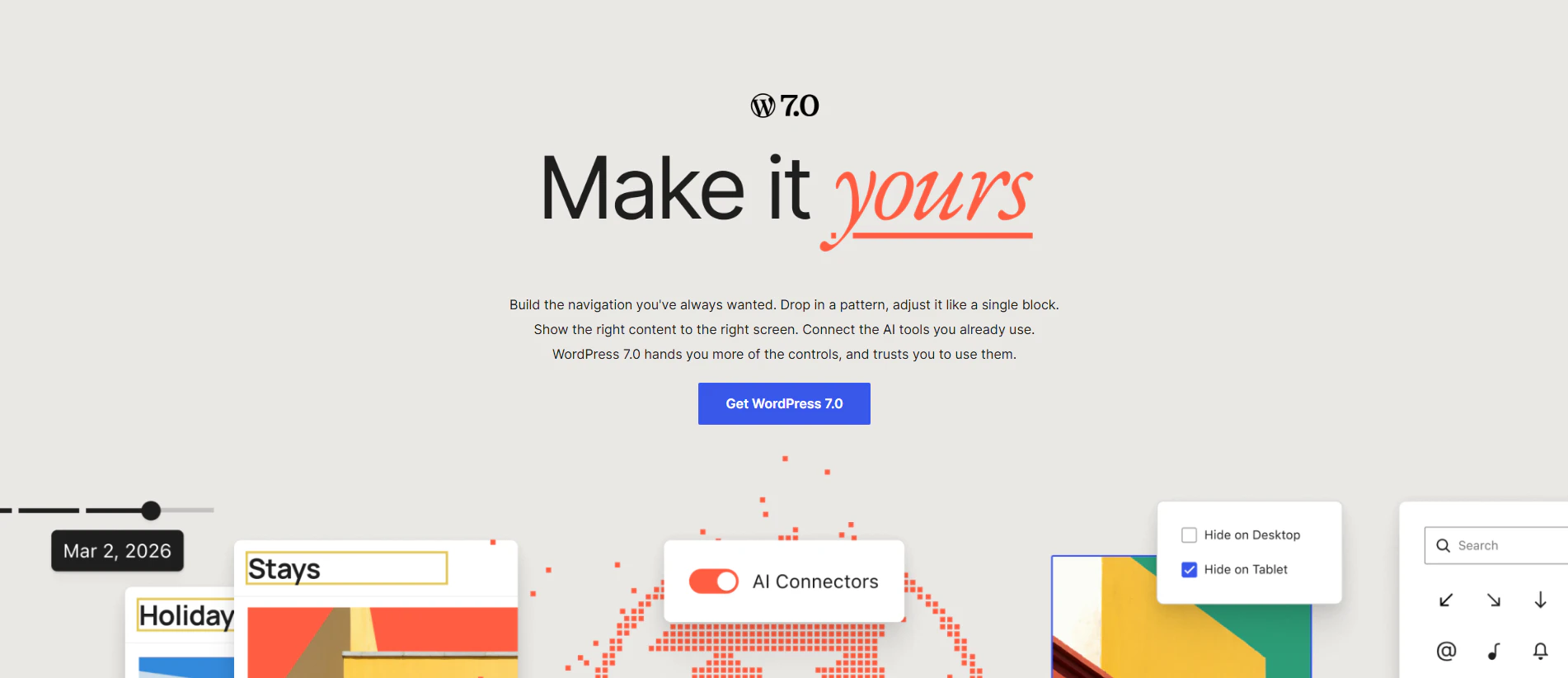
A dedicated dashboard panel for managing API credentials across OpenAI, Anthropic, and Google Gemini. All compatible plugins and themes use the same credentials, eliminating redundant API key management and providing administrators a single point of control.
2. Responsive Block Visibility
Editors can now show or hide specific blocks based on device type directly from the block toolbar. No custom CSS or breakpoint plugins required—a feature that reduces friction for teams building mobile-first designs without hiring a developer.
3. Block-Level Notes and @Mentions
Editors can leave contextual feedback directly on blocks, with @mention notifications to flag reviewers. This addresses a long-standing gap in collaborative editing workflows—feedback no longer strands in email or Slack threads disconnected from the actual content.
4. Visual Revisions
A slider-based interface lets editors compare two post revisions side-by-side in the editor itself, providing visual insight into what changed. Useful for auditing and recovery without opening external diff tools.
5. Custom CSS Per Block
Granular CSS control now applies to individual blocks, giving designers the ability to tweak specific elements without modifying the stylesheet. This bridges the gap between no-code convenience and code-level control.
6. Enhanced Navigation Overlay Customization
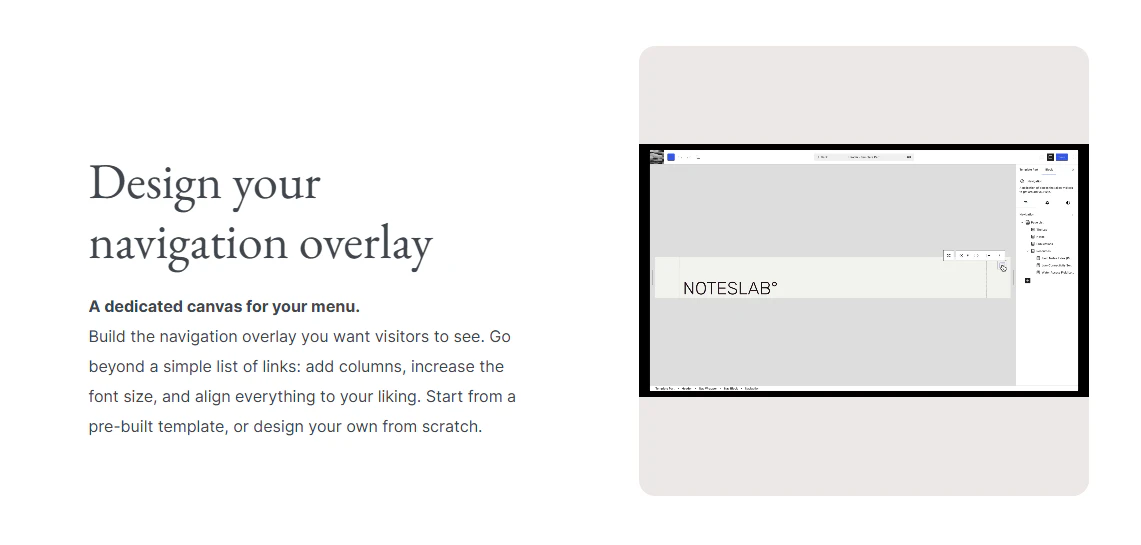
Mobile menu overlays in the Navigation block are no longer experimental. Site owners can configure how menus appear on mobile devices without plugins or custom code.
Who Benefits Most From WordPress 7.0
Small Business Owners and Content Creators
The responsive design controls, block-level notes, and streamlined admin experience lower the barrier to building and managing sites without hiring a developer. For businesses using WordPress to power their landing pages and content marketing, these improvements reduce time spent on design iteration and feedback cycles.
Developers and Agencies
The WP AI Client and Abilities API provide a standardized foundation for building AI-augmented plugins. Rather than rolling custom authentication for each AI provider, developers now inherit a platform-level abstraction. The command palette and improved list tables also reduce context switching during site administration.
Teams Running Sales and Marketing Operations
For organizations using WordPress as part of a broader sales funnel software stack, the collaborative editing features and responsive design controls simplify content deployment across devices without requiring specialized tools for each stage of the funnel.
WordPress 7.0 vs. Competitors: How It Stacks Up
| Feature | WordPress 7.0 | Squarespace | Webflow | Ghost |
|---|---|---|---|---|
| AI Integration | Connector API (extensible) | Limited, template-based | Limited, experimental | None |
| Open Source | Yes | No | No | Yes (core) |
| Customization | High | Medium | Very High | Medium |
| Collaborative Editing | Block-level notes (new) | Basic comments only | Basic team roles | Roles only |
| Hosting Flexibility | Self-hosted or managed | Hosted only | Hosted only | Both options |
WordPress 7.0 occupies a unique position. It’s not trying to out-design Webflow or out-simplify Squarespace. Instead, it’s doubling down on being a platform—a foundation upon which developers and agencies build. The AI connector is deliberately extensible; it doesn’t bake in specific capabilities, but instead lets developers build on top of a standardized layer.
What’s Missing: Limitations Worth Noting
WordPress 7.0 does not include built-in image optimization, SEO tools, or security scanning—features that competitors bundle natively. These remain plugin territory, fragmenting the decision-making process. The AI integration, while architecturally sound, still requires API credentials and ongoing costs, meaning small teams will face expense trade-offs. Additionally, the design tools, while improved, still don’t match Webflow’s visual fidelity for pixel-perfect layouts.
Pros and Cons
Pros:
- First meaningful admin refresh since 2013; faster navigation via Command Palette
- Standardized AI connector reduces third-party dependency and API key sprawl
- Block-level notes and visual revisions improve collaborative workflows
- Responsive design controls eliminate need for many mobile-specific plugins
- Open-source model ensures long-term community support
- Backward compatible; existing themes and plugins continue to function
Cons:
- AI features require separate API credentials and ongoing costs
- Design tools still lag Webflow and Framer for pixel-perfect work
- No bundled image optimization, SEO, or security scanning
- Steep learning curve for non-technical users despite UI improvements
- Hosting, security, and performance remain the user’s responsibility
Verdict: A Thoughtful Platform Update, Not a Reinvention
WordPress 7.0 is neither revolutionary nor incremental—it’s a thoughtful platform update that addresses real pain points without overreaching. The AI foundation is pragmatic, the admin experience is genuinely improved, and the design controls are practical. For agencies and teams already invested in the WordPress ecosystem, this release justifies an upgrade.
Whether WordPress 7.0 becomes the default choice for new projects depends less on these features and more on what the ecosystem builds on top of them. For now, it’s a solid release that removes friction and opens new possibilities. Visit Automated Sales Machine for more insights on modern web platforms and business tools that complement WordPress deployments.
Check out WordPress 7.0 on Product Hunt or visit the official WordPress 7.0 website to learn more.