

Google Antigravity 2.0: 5 Powerful Multi-Agent Features
Google Antigravity 2.0 landed on Product Hunt on May 21, 2026, ranking #4 Product of the Day with 272 upvotes and 18 comments. The product positions itself as a desktop-native solution for developers who need to coordinate multiple AI agents simultaneously — a workflow pattern that has become increasingly common as production AI applications grow in complexity. This review examines what the tool actually does, who it serves, and where it falls short.
What Google Antigravity 2.0 Does
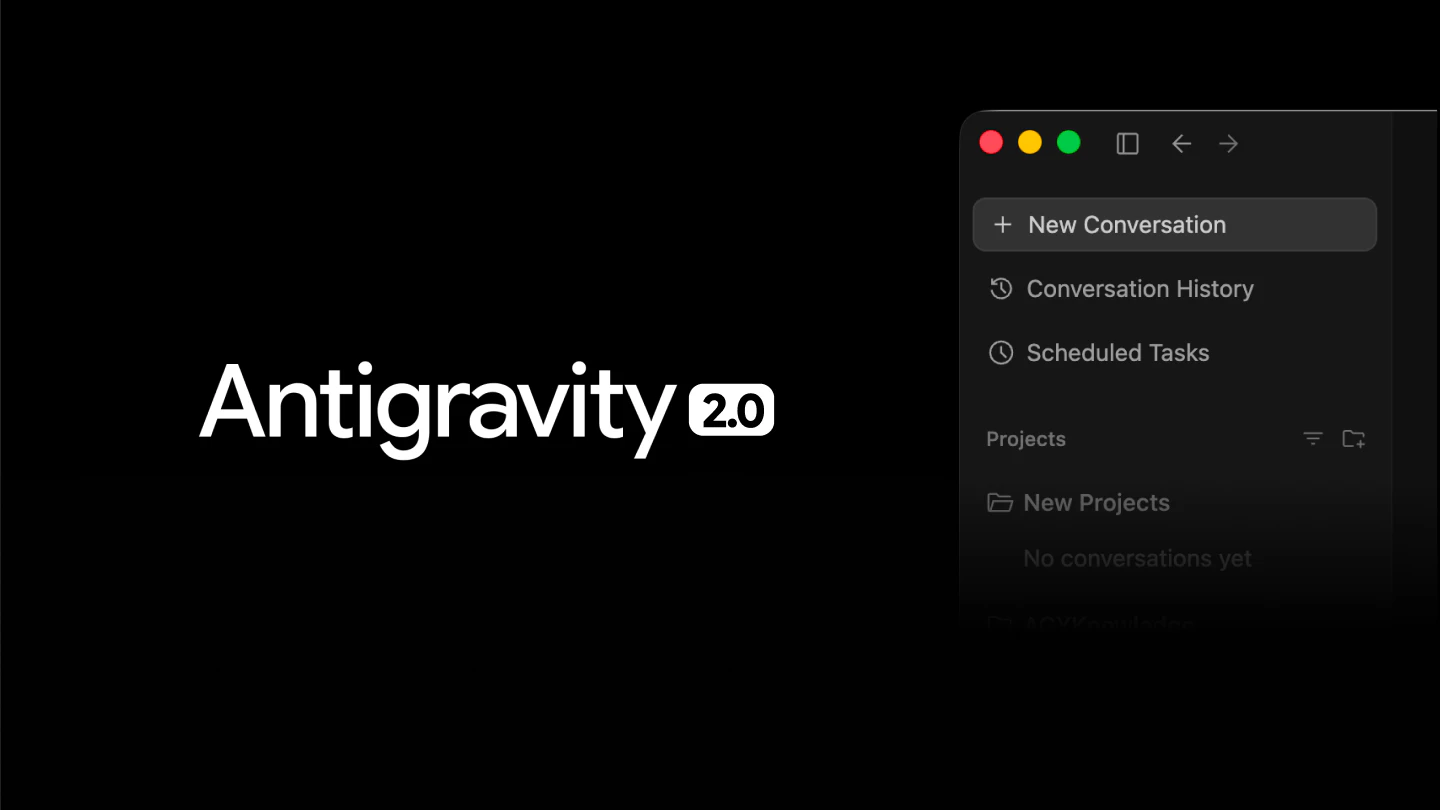
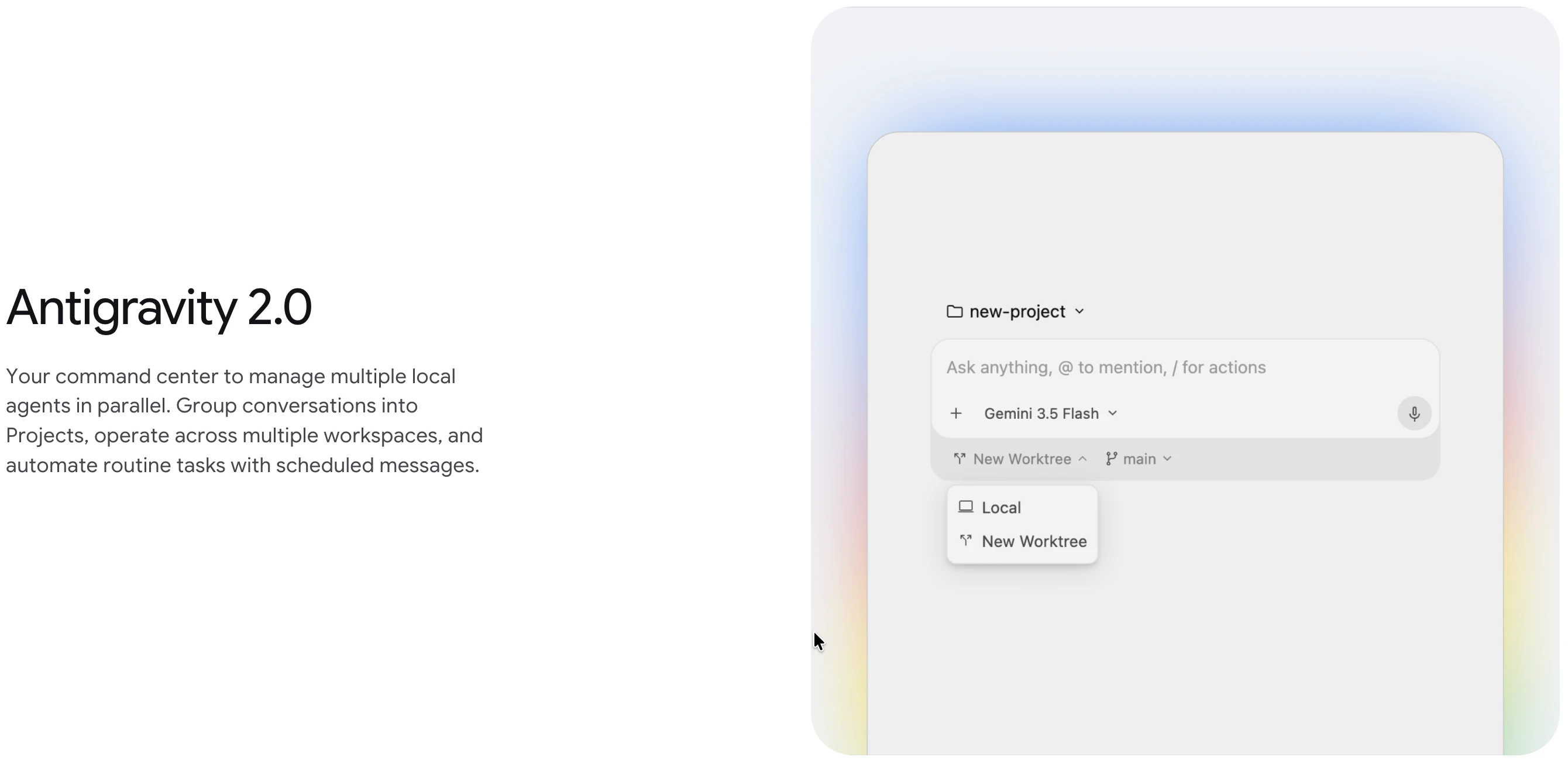
At its core, Google Antigravity 2.0 is a standalone desktop application designed to orchestrate multi-agent AI workflows. Rather than running a single model against a single task, it allows developers to define pipelines where multiple AI agents operate in parallel or in sequence, passing context and outputs between them. The app handles scheduling, subagent coordination, and integration with Google’s own ecosystem — specifically AI Studio, Firebase, and Android development toolchains.
The standalone desktop architecture is a deliberate design choice. By running locally rather than through a browser extension or cloud dashboard, Antigravity 2.0 can maintain persistent background tasks without requiring an open browser tab or a continuously active cloud session. This matters for long-running workflows where intermittent connectivity or tab management would otherwise interrupt execution.
Key Features
- Parallel agent execution: Multiple agents can be dispatched simultaneously, with the orchestrator managing context windows, output routing, and inter-agent communication. This reduces wall-clock time on tasks that can be decomposed into independent subtasks.
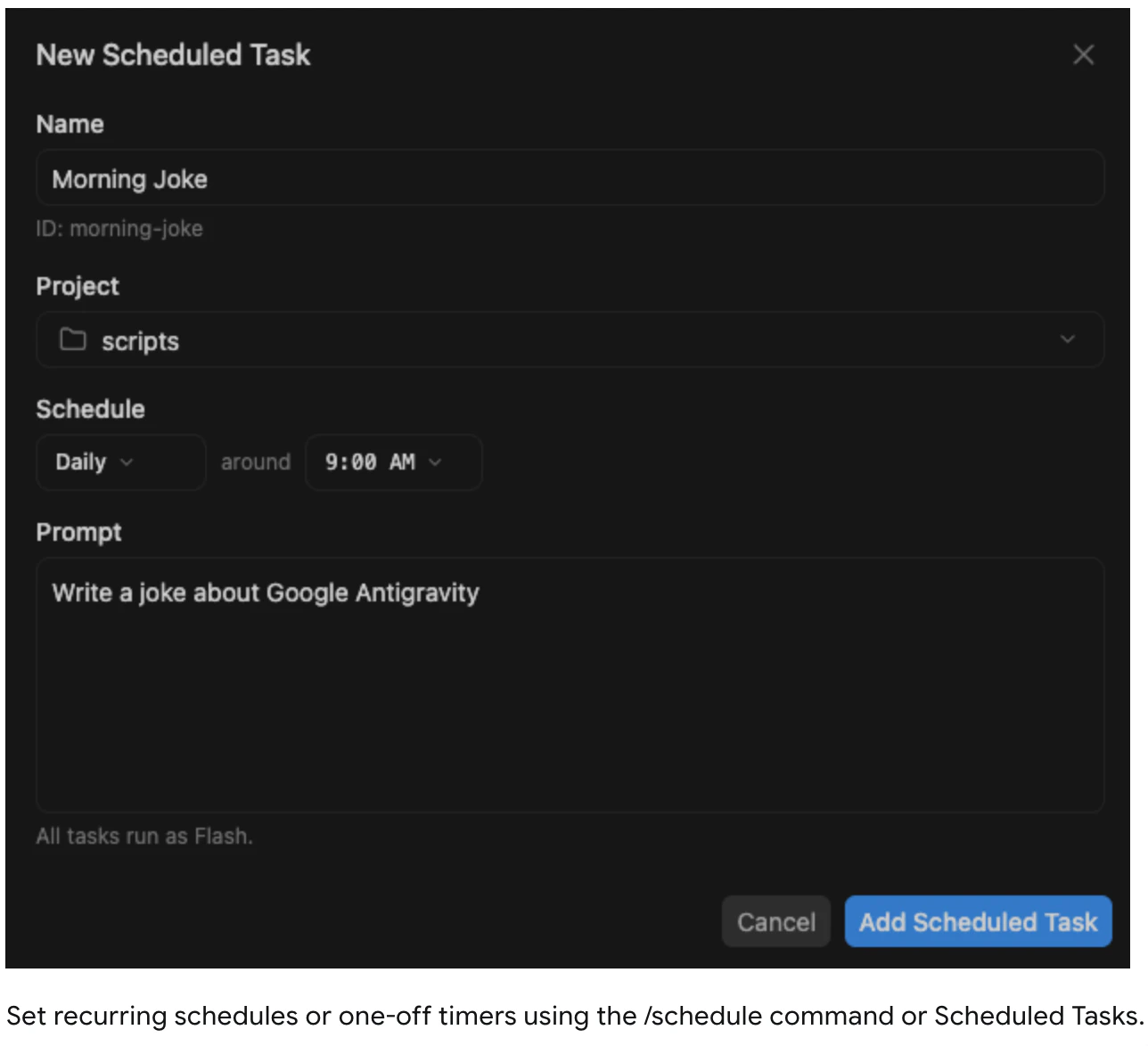
- Scheduled background tasks: Developers can configure agents to run on a schedule without manual triggering. This is useful for monitoring tasks, automated code review pipelines, or data processing jobs that need to run overnight or at defined intervals.
- Subagent workflows: A parent agent can spawn subagents dynamically, delegating portions of a task and aggregating results. The workflow designer exposes this as a visual graph, though the underlying configuration is code-first.
- Native Google integrations: Tight coupling with AI Studio means developers can reference and test models directly within the workflow. Firebase integration allows agents to read from and write to Firestore or Realtime Database as part of a pipeline. Android integration is scoped to build and test automation workflows.
- Desktop persistence: Background tasks continue running even when the main window is minimized, which distinguishes it from browser-based tools that lose state on tab close.
Who It Is For
The product is explicitly built for developers shipping production applications, not for casual AI experimentation. The ideal user is someone already embedded in the Google ecosystem — using Gemini models via AI Studio, deploying backends on Firebase, or building Android apps — who now needs to automate complex, multi-step workflows that involve AI at multiple stages.
It is less suited for teams working primarily in non-Google clouds, or for users whose AI workflows are simple enough to run as single-agent scripts. The desktop-only delivery also limits adoption in environments where developers work primarily through remote servers or cloud IDEs.
For teams evaluating whether to build automation tooling in-house or adopt a product like this, Automated Sales Machine covers a range of AI productivity tools that may complement or overlap with what Antigravity 2.0 offers.
Pricing and Access
As of the Product Hunt launch, Google has not published a standalone pricing page for Antigravity 2.0 separate from its broader developer tooling. Access appears to be tied to existing Google developer accounts, with the app available through the Google developer ecosystem. Whether this remains free, moves to a usage-based model, or becomes part of a paid tier has not been confirmed at launch.
Alternatives to Consider
Claude Code offers agentic coding assistance from the terminal without requiring a desktop app install. It handles multi-step coding tasks and can run subagents, but it does not provide the same visual workflow orchestration or Google-specific integrations. It is a stronger fit for teams not tied to the Google stack.
Cursor is an AI-augmented code editor that handles in-editor agent tasks well. Its agent mode can execute multi-step coding workflows, but it is fundamentally editor-scoped rather than a general workflow orchestrator. It does not natively schedule background tasks or integrate with Firebase.
VS Code with agent extensions offers flexibility through an open extension ecosystem, but assembling a comparable multi-agent orchestration setup requires significantly more configuration. Antigravity 2.0 provides this out of the box at the cost of vendor lock-in.
Pros and Cons
- Pro: Parallel agent execution reduces completion time for decomposable tasks.
- Pro: Native Firebase and AI Studio integrations remove significant boilerplate for Google-stack developers.
- Pro: Desktop persistence means background tasks are not interrupted by browser or session management.
- Pro: Visual workflow graph lowers the barrier to understanding complex agent pipelines.
- Con: Desktop-only delivery excludes remote and cloud-IDE workflows.
- Con: Deep Google ecosystem dependency limits portability to other clouds or model providers.
- Con: Pricing and long-term availability are not yet clearly defined at launch.
- Con: Teams outside the Google stack will find limited value in the native integrations.
Verdict
Google Antigravity 2.0 is a coherent tool for a specific audience: developers building production applications within the Google ecosystem who need to automate multi-agent workflows without writing custom orchestration infrastructure from scratch. The parallel execution, scheduled tasks, and native integrations are genuine time-savers for that use case. However, the desktop-only format, Google stack dependency, and unclear pricing model are meaningful constraints that will rule it out for a substantial portion of developers. It is worth evaluating if you are already invested in Firebase and AI Studio; it is not a general-purpose alternative to editor-based agentic tools.