


Vivaldi 8.0 landed on Product Hunt on May 21, 2026, ranking #7 Product of the Day with 144 upvotes. The update introduces what the team calls a Unified interface — a sweeping visual and structural overhaul that consolidates every toolbar onto a single continuous surface. For a browser that has spent thirteen years carving out space in a market dominated by Chrome (roughly 65% share) and Safari (around 19%), this release represents a deliberate doubling-down on the power-user audience that has always been Vivaldi’s core.
Topics: Productivity, Privacy
What Changed in Vivaldi 8.0: The Unified UI
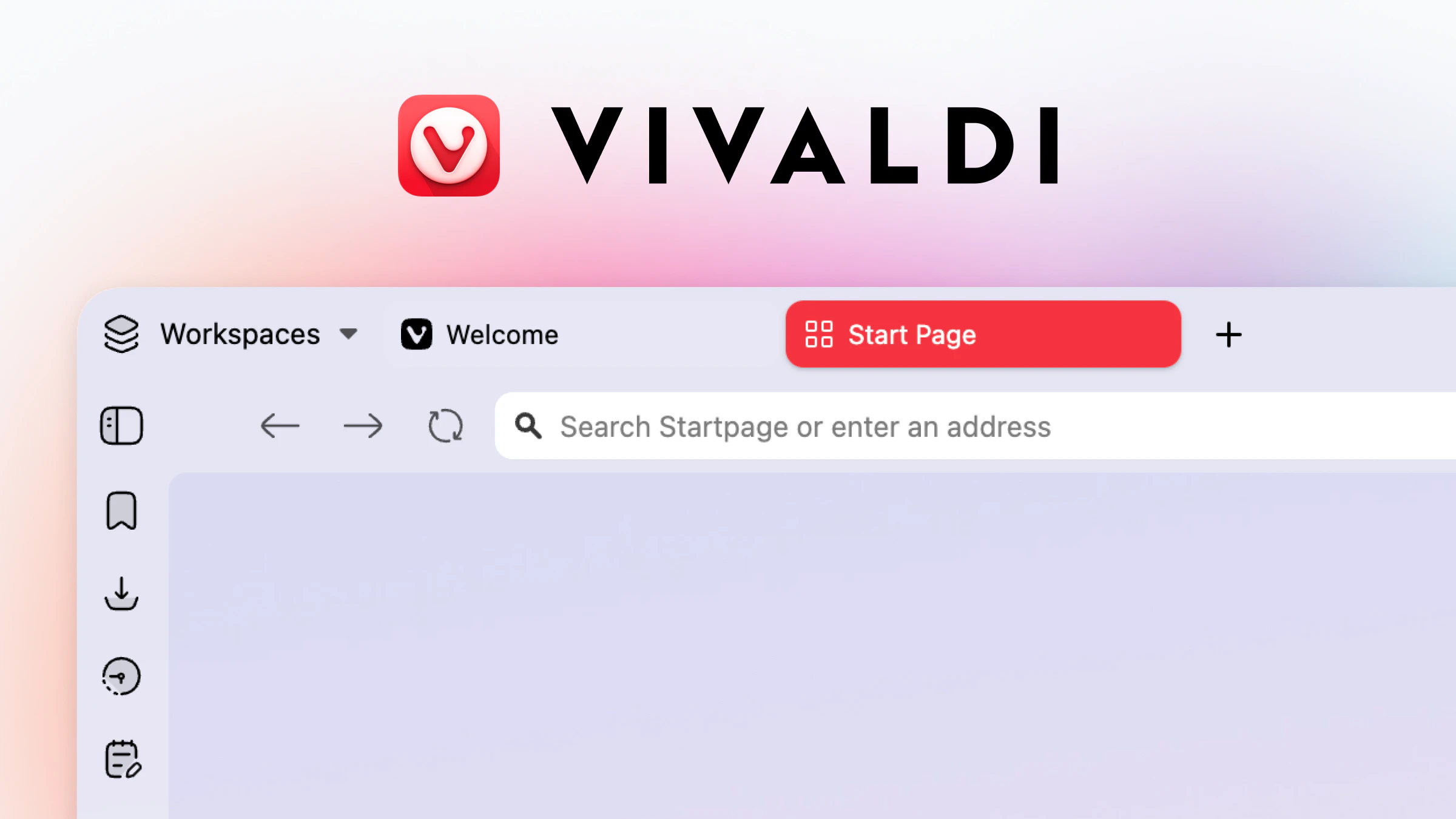
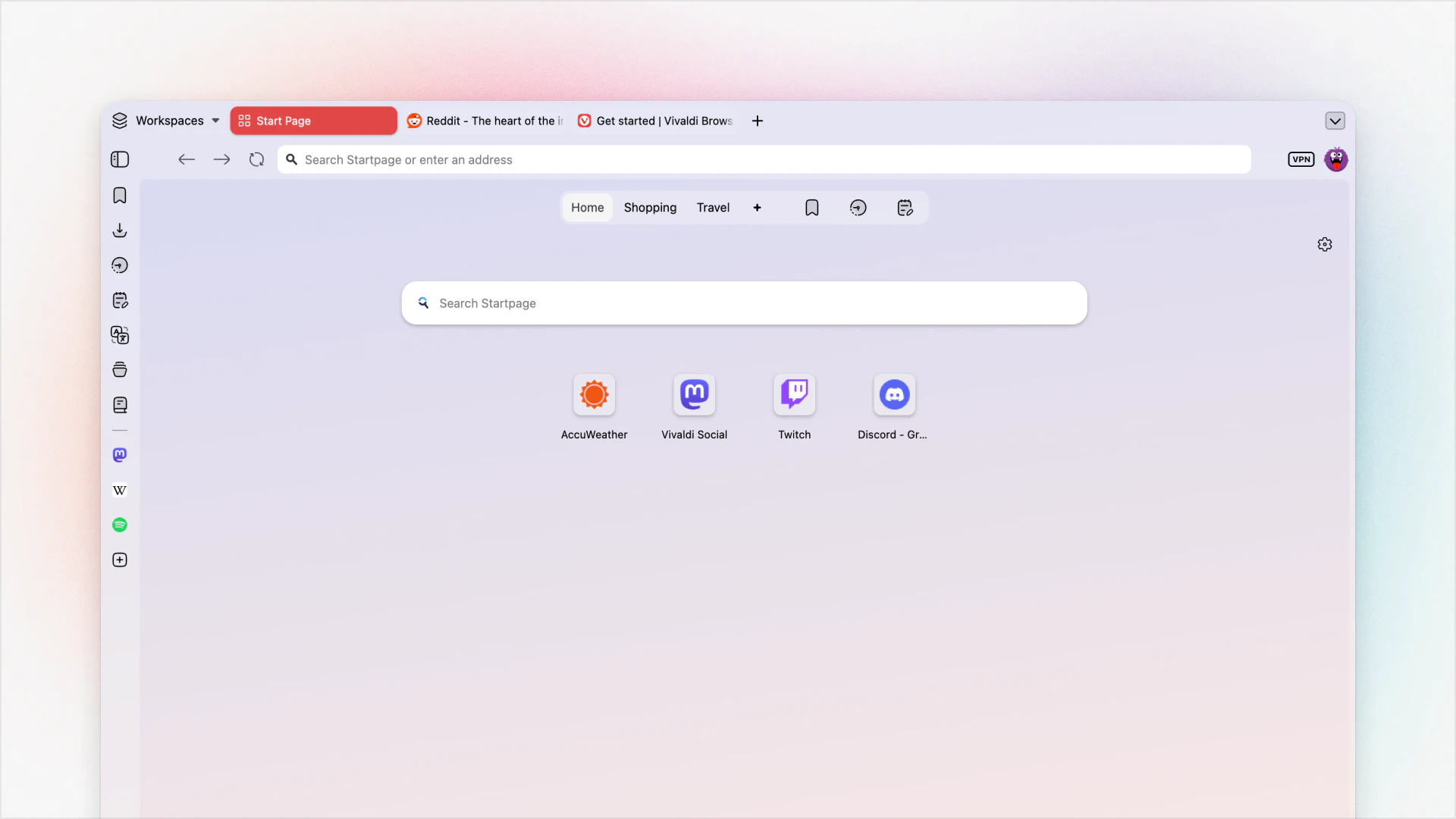
The headline change in Vivaldi 8.0 is architectural. Previously, the toolbars — address bar, tab strip, bookmarks bar, status bar — existed as visually distinct horizontal bands. In 8.0, those bands are merged onto one continuous surface that stretches edge to edge across the entire browser window. The result is a cleaner, more intentional visual hierarchy that removes the layered, slightly disjointed feel of earlier versions.
This is not merely cosmetic. The unified surface is the foundation for deeper per-pixel customization. Because every toolbar now lives on the same plane, color themes, gradients, and background images propagate consistently across the whole interface rather than stopping at invisible boundaries. The browser begins to feel less like a collection of components bolted together and more like a coherent tool designed from a single blueprint.
For existing Vivaldi users, the transition will feel immediately significant. For newcomers evaluating alternatives to mainstream browsers, the Unified UI makes the browser’s famously complex settings feel less overwhelming — the surface is cleaner, even if the depth remains the same.
The 6 Layouts: Where Customization Begins
Vivaldi 8.0 ships with six starting layouts. These are not themes in the decorative sense — they are structural presets that define the position and density of toolbars, tabs, and panels before a user begins their own modifications. Think of them as the frame before the painting.
The six layouts span a range of use cases: compact configurations suited to smaller screens or distraction-free browsing, expanded layouts for users who want persistent access to bookmarks and panels, and hybrid arrangements that balance screen real estate against navigational convenience. Each layout can be further modified after selection, meaning the six options are entry points rather than constraints.
This approach is analytically sound. Most browser customization tools fail because the blank-slate model is paralyzing — too many options, no starting point. The layout system gives users a functional configuration immediately, with the invitation to go further if they want. It lowers the cost of entry while preserving the depth that distinguishes Vivaldi from simpler alternatives.
Customization Depth: Every Color, Every Toolbar, Every Pixel
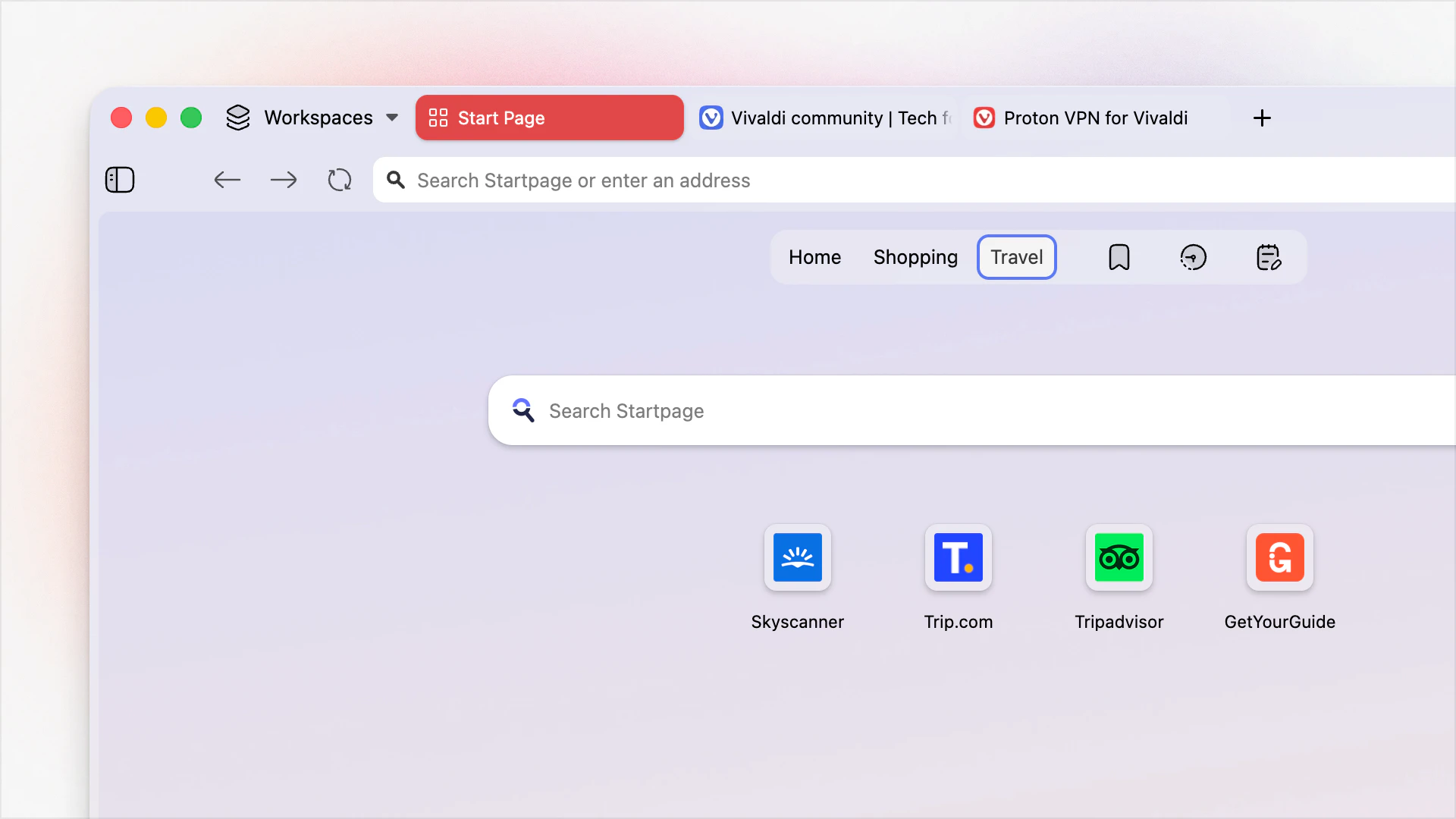
Vivaldi has always positioned customization as its primary differentiator, and 8.0 extends that commitment rather than retreating from it. With the Unified surface in place, color theming now works across the entire window simultaneously. Users can apply solid colors, gradients, or image-based backgrounds that fill the full browser chrome — not just the active tab or the address bar region.
Beyond color, individual toolbars remain repositionable. The address bar can sit at the bottom. Tabs can run vertically along the left or right edge. The bookmarks bar can be hidden, shown, or pinned. For productivity-focused users, this matters in practical terms. Whether that means tabs on the left for a developer working across dozens of sessions, or a minimal single-toolbar layout for a writer who wants nothing between them and the page — Vivaldi 8.0 supports both without compromise. You can read more about tools built around deep user control at Automated Sales Machine.
Privacy Features
Vivaldi’s privacy posture has been consistent across its thirteen-year history: no telemetry sent to its servers, a built-in tracker and ad blocker, and a business model that does not depend on behavioral advertising. Version 8.0 does not introduce new privacy mechanisms, but the existing architecture remains meaningfully differentiated from Chrome, which is built by a company whose primary revenue source is advertising.
Alternatives: Arc, Chrome, Firefox, Brave
Arc targets a similar power-user demographic with a vertically-oriented, visually opinionated interface. Arc’s customization is curated rather than comprehensive — users get a polished experience with limited structural modification. Its approach is the inverse: less opinionated by default, far more modifiable.
Chrome dominates by inertia and ecosystem integration. Its customization is limited to themes and a handful of layout toggles. For users who need deep configuration, Chrome is not a serious competitor here — it simply was not built for that use case.
Firefox offers meaningful customization through userChrome.css and extensions, but that path requires technical knowledge and ongoing maintenance. This browser surfaces comparable depth through a GUI, making it accessible to a broader range of power users.
Brave competes most directly on privacy, sharing its tracker-blocking and no-telemetry positioning. Brave’s customization is more limited, but its Chromium base makes extension compatibility seamless.
Who Is Vivaldi 8.0 For
Vivaldi 8.0 is for users who think about their browser as a tool to be configured rather than a utility to be accepted. That population is real but not large — the browser’s market share reflects this. If a user’s primary criterion is “works with everything without setup,” Chrome or Safari will serve them better. If a user’s criteria include “looks and behaves exactly as I want, respects my data, and doesn’t slow me down with defaults I didn’t choose,” Vivaldi 8.0 is among the strongest options available.
Pros and Cons
- Pro: Unified surface makes the browser feel architecturally coherent for the first time.
- Pro: Six starting layouts lower the entry cost for new users without reducing depth for veterans.
- Pro: Privacy-first by design — no telemetry, built-in tracker blocking.
- Pro: Thirteen years of active development signals stability and long-term commitment.
- Con: Market share remains very small — some enterprise web applications may not test against Vivaldi.
- Con: The breadth of settings can still be overwhelming for users not already invested in customization.
- Con: The Unified UI is a visual refresh; users expecting new functional capabilities may find the release incremental.
Verdict
Vivaldi 8.0 is a well-executed update to a browser that has always known its audience. The Unified UI is not a reinvention — it is a maturation. The browser now looks as intentional as it has always been configurable. For power users already in the browser’s orbit, the upgrade is straightforward. For users evaluating alternatives to mainstream browsers for the first time, 8.0 is the most approachable version of Vivaldi yet.