

MiroMiro v2 — Inspect, edit, and export any website’s design. #8 Product of the Day. 175 upvotes. View on Product Hunt.
MiroMiro v2 is redefining how designers and developers inspect, edit, and export website design systems. The Chrome extension launched on Product Hunt as the #8 product of the day on May 11, 2026, capturing 175 votes and 16 comments—a testament to the market demand for faster design extraction workflows. Built by solo front-end developer Soraia Lima Cid, MiroMiro has grown to over 10,000 installs on the Chrome Web Store and earned a 5.0-star rating, positioning itself as a serious alternative to traditional DevTools-dependent workflows.
What MiroMiro v2 Actually Does
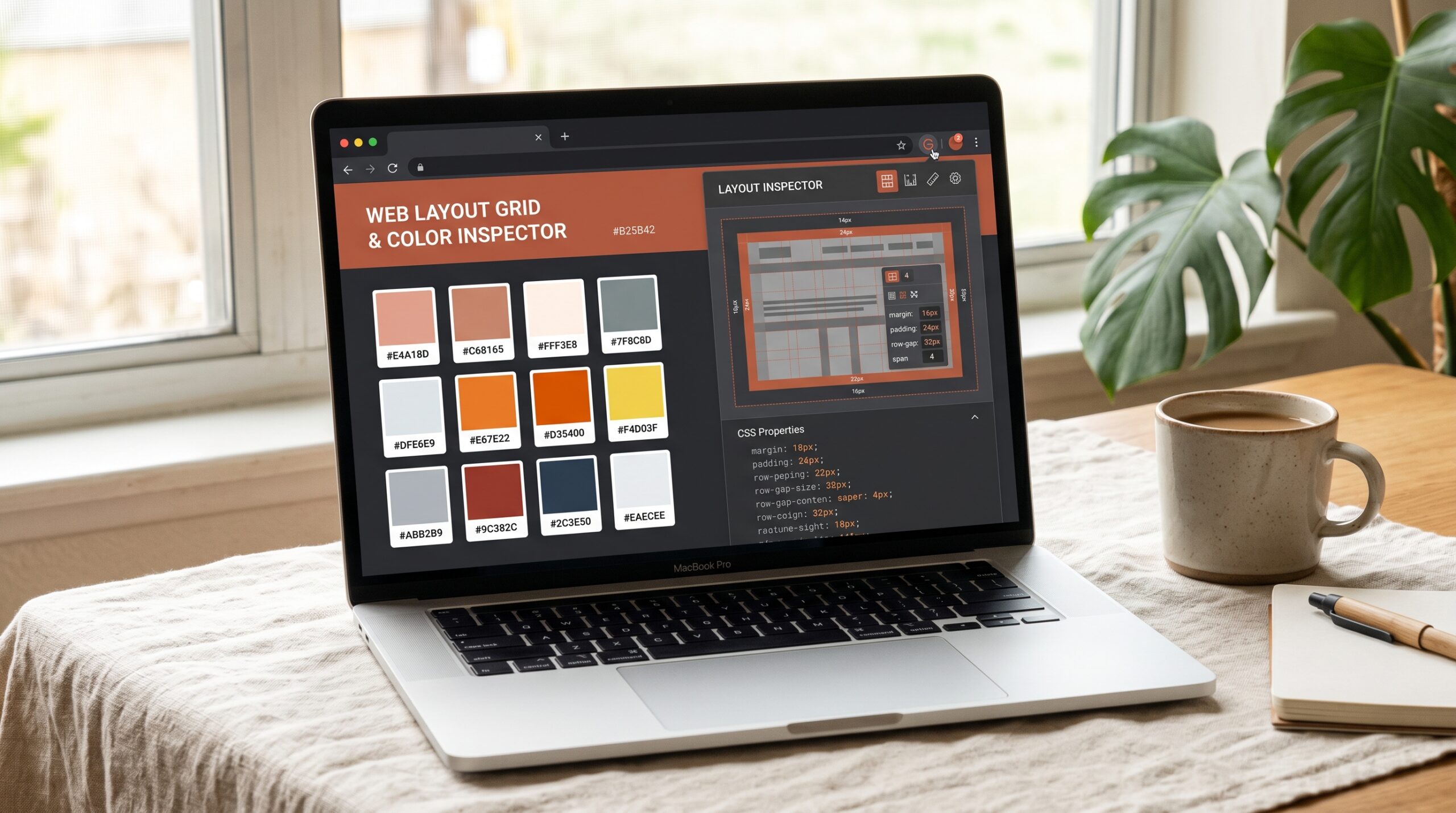
the platform v2 transforms the way teams extract design intelligence from the web. Rather than hunting through browser DevTools or manually copying CSS line by line, users hover over any element on a live website, see its complete style breakdown in real time, and export production-ready code in seconds. The extension reads the rendered DOM and outputs clean, framework-agnostic HTML, CSS, and Tailwind—no screenshot-to-code AI guessing required.
- Live CSS Inspection & Editing. Hover any element to view its computed styles (colors, fonts, spacing, shadows, borders, opacity) and edit values directly. Changes render on the live page instantly, mirroring Figma’s workflow without requiring design software or DevTools expertise.
- Section-to-Code Export. Select any UI section—a hero banner, pricing card, or navigation bar—and export as clean HTML with Tailwind classes derived from actual rendered styles. Result: production-ready code in one click instead of hours spent reconstructing layouts.
- Complete Design System Extraction. MiroMiro pulls the full visual language of any website: colors (organized by usage frequency), typography (fonts, weights, sizes, line heights), spacing scales, border radii, shadow tiers, and detected tech stack. Export as Tailwind config, CSS variables, or JSON.
Beyond code extraction, the tool v2 captures all visual assets. Users bulk-download images and videos, extract inline SVGs and sprite icons in clean vector format, download Lottie animations as JSON, and check WCAG contrast ratios on any text element. The extension’s personal library saves every extraction across projects, building reusable design reference collections.


What Makes MiroMiro Different
this tool competes in a crowded space of design extraction tools—CSS Scan, CSS Peeper, Hoverify, ExtractCSS, and browser DevTools all offer CSS copying. What separates the service is its uncompromising focus on the entire design system, not just individual CSS properties. Most competitors excel at single tasks: CSS Scan captures pseudo-states; ColorZilla extracts color values; SVG Gobbler optimizes vectors. MiroMiro consolidates those workflows into one extension, eliminating tool-switching friction.
The design token extraction system is particularly powerful. Unlike tools that copy raw hex values, the app analyzes frequency, generates organized color scales, and exports directly to Tailwind, CSS variables, or Figma-consumable JSON. This bridges the gap between design inspiration and code implementation—critical for teams building design systems or migrating existing ones. The WCAG contrast checker built into the Inspector tab also raises accessibility awareness directly during extraction, not as an afterthought.
the extension’s pricing model—free for 3 days with full Pro access, then free tier for basic inspection—removes friction for trial adoption. The Pro plan (€19/month or lifetime purchase) unlocks section-to-code export, Lottie extraction, and design tokens, positioning the tool as valuable enough to justify enterprise spend while remaining accessible to freelancers and small agencies.
How It Works Under the Hood
the platform operates entirely in the browser, reading the rendered DOM directly without requiring API calls or external servers. When users hover over an element, the extension computes its full style tree—including inherited rules and media queries—and surfaces human-readable output. Edit a color or font size, and the extension updates the DOM mutation without refreshing the page. For asset extraction, the tool recursively parses the page’s image and SVG nodes, captures their source URLs at original resolution, and provides bulk-download functionality.
The Tailwind conversion engine deserves particular attention. Rather than guessing classes from screenshots, this tool maps actual computed CSS values to Tailwind’s design token scale. A color #3B82F6 becomes blue-500; padding 0.5rem becomes px-2. When a value falls between Tailwind’s predefined scales, the extension can export as CSS variables or custom Tailwind classes, ensuring no design information is lost. This approach makes the service’s exports genuinely usable in production Tailwind projects, not approximations requiring manual adjustment.
Who Built It
Built by Soraia Lima Cid, Solo Founder, Front-End Developer.
Soraia Lima Cid, a front-end developer based in Allariz, Spain, built the app to solve a personal pain point: the repetitive workflow of hunting through DevTools to extract design assets. In her own words published on Dev.to, she describes spending “way too much time on repetitive inspection tasks that DevTools makes unnecessarily painful.” Rather than accepting this friction, she designed the extension as the tool she wanted every time she thought “I just want to grab that asset.”
The project grew organically from zero marketing spend. the platform hit #2 on Product Hunt, earned the Chrome Web Store Featured badge, and reached 6,000+ installs through word-of-mouth—a rare achievement in an increasingly saturated extension marketplace. Soraia’s approach to solo indie development—shipping a complete product, iterating based on user feedback, publishing transparent competitor comparisons on her website—demonstrates thoughtful product leadership. She maintains a public presence on X (@SoraiaDev), provides extensive documentation and use-case guides on the tool.app, and offers a 30-day money-back guarantee on lifetime Pro purchases, signaling confidence in her product.
5 Alternatives Worth Knowing
The Verdict
Frequently Asked Questions
Check out MiroMiro on Product Hunt or visit the official MiroMiro website to learn more.